 Get Halloween 15% for Limited Time on Lifetime & Bundle Deal

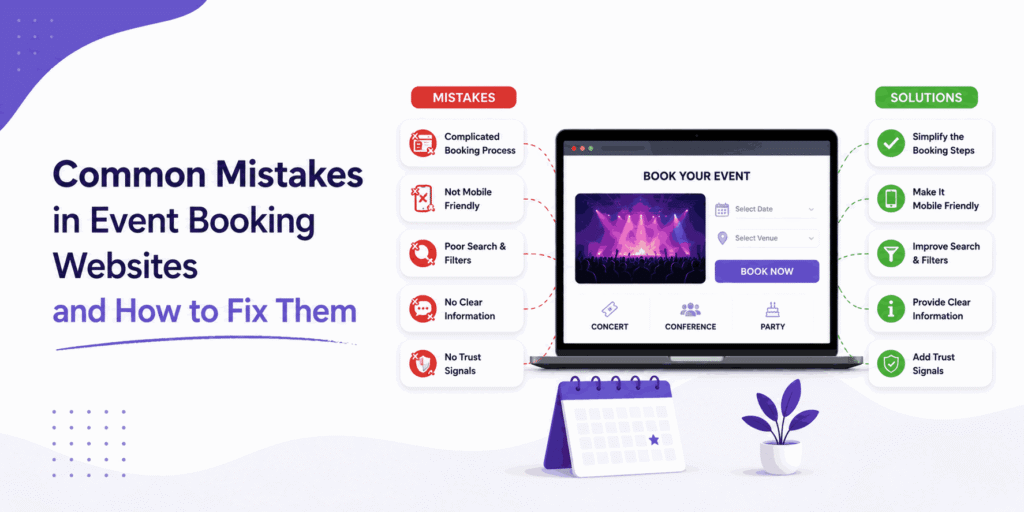
Most event booking websites do not lose sales because the event is bad. They lose sales because the booking journey leaks. A slow phone layout, a form that asks for too much, a sold-out page still showing “Book Now” – each one quietly costs you registrations. This guide walks through nine common mistakes in event booking websites and how to fix them, with practical checks you can run this week.
Every fix below follows the same three-part format: the mistake, the quick fix, and the tooling that handles it if you would rather not build it yourself. We use a WooCommerce-based event booking setup, WpEvently, as the running example, but the diagnosis applies to any ticketing stack.
If you are still choosing software rather than fixing it, start with our comparison of the best WordPress event booking plugins instead – this article assumes the plugin decision is already made.
- Why These Mistakes Cost More Than They Look
- 1. Ignoring Mobile Optimization
- 2. Overly Complicated Registration or Checkout
- 3. Flat Pricing With Zero Urgency
- 4. No Real-Time Capacity Limits
- 5. Skimpy Communication and Automation
- 6. Hiding Key Event Details
- 7. Zero Analytics
- 8. Weak Security and Fraud Exposure
- 9. Poor On-Site and Post-Event Flow
- Quick Fix Checklist by Priority
- How to Avoid These Mistakes Before Launch
- Sending the Right Search Traffic to the Right Page
- Frequently Asked Questions
- Final Thoughts
Why These Mistakes Cost More Than They Look
Three numbers explain why small booking flaws have outsized consequences.
- Cart abandonment sits around 70% across ecommerce, and event ticketing is no exception. Most of it happens for reasons organizers control: forced account creation, surprise fees, long checkouts.
- Mobile drives the majority of ticketing traffic, and mobile abandonment runs noticeably higher than desktop. A layout that only works on a laptop taxes your biggest traffic source.
- Recovered checkouts are cheap revenue. Reminder emails and retargeting recover a meaningful slice of abandoned carts – far less effort than finding new buyers.
None of those fixes require a redesign. They require removing friction, which is what the nine mistakes below are.
1. Ignoring Mobile Optimization
The mistake: The desktop event page looks polished, but on a phone the ticket table scrolls sideways, the date/time block collapses, and the checkout button sits below three screens of content. Attendees browsing on a commute bounce before they ever reach “Buy Tickets.”
The fix: Design for the smallest screen first. Test the real flow on an actual phone – not a browser resized to 375px – and check that tapping a ticket type, selecting a quantity and paying all happen without pinch-zooming. Run Google’s Mobile-Friendly Test on the event page and the checkout page separately, because they often behave differently.
What handles it: A booking plugin built responsively saves you from patching a theme later. Ticket pop-ups, attendee forms and checkout should inherit the layout automatically rather than relying on extra CSS.
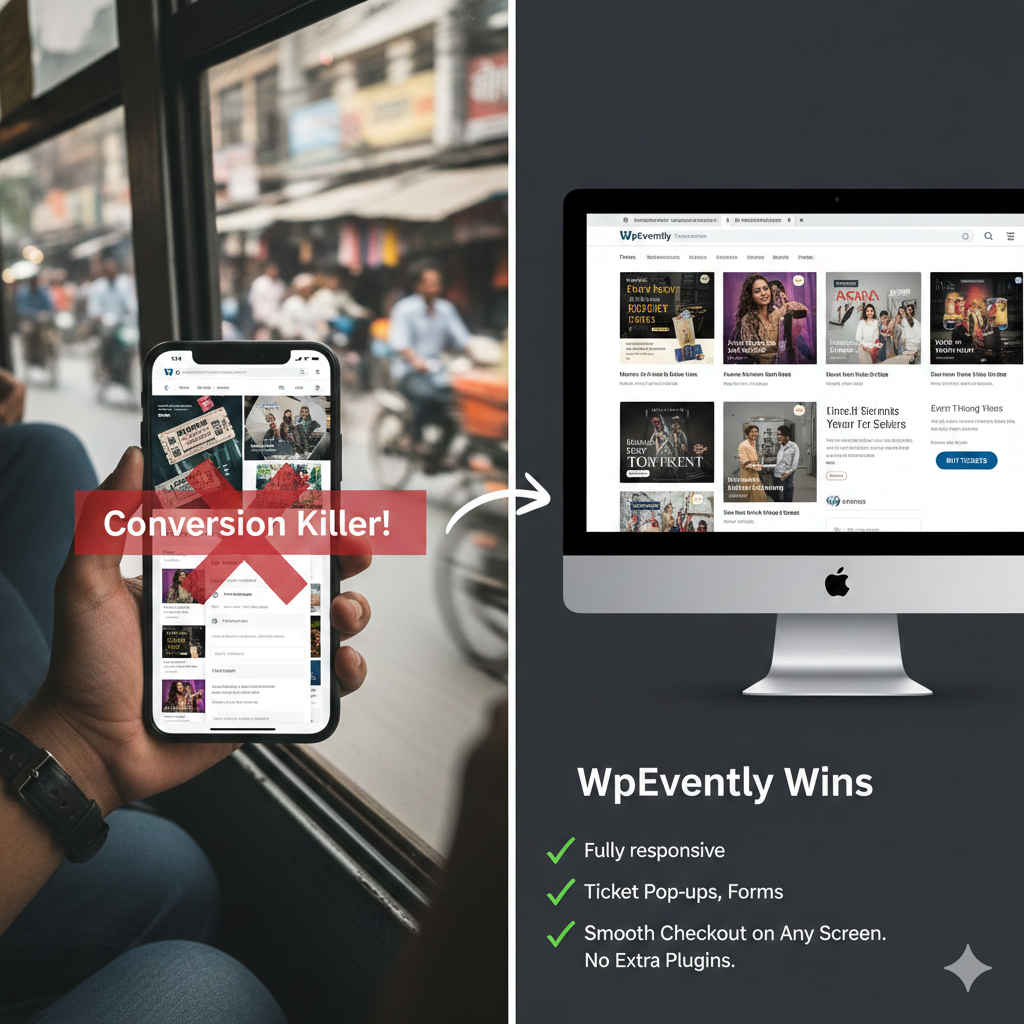
If responsiveness keeps causing trouble across your templates, see our breakdown of why responsive design matters in event management plugins.
2. Overly Complicated Registration or Checkout
The mistake: Eleven required fields before payment. No guest checkout. A separate account creation step after the billing form. Every added field shaves completion rate, and none of that data gets used for anything.
The fix: Ask for the minimum needed to issue a ticket – name and email. Collect everything else after the sale, when the attendee already has a reason to comply. Offer guest checkout or social login, and show progress clearly if the flow genuinely needs more than one step.
What handles it: Custom attendee forms with conditional logic, so an extra question only appears when it is relevant – a meal preference on a dinner ticket, not on a livestream ticket.

3. Flat Pricing With Zero Urgency
The mistake: One price, no tiers, no deadline, no sense that anything is limited. You leave money on the table from buyers who would have paid more, and you give fence-sitters no reason to act today.
The fix: Create tiers that map to real differences in value – early bird, standard, VIP. Give each tier a quantity cap so scarcity is honest rather than theatrical. Add a visible countdown or remaining-seats indicator on tiers that are genuinely close to selling out.
What handles it: Multiple ticket types with their own prices, stock limits and descriptions, plus a coupon or early-bird discount layer. Global quantity limits keep the total across tiers under control so a popular tier cannot push you past venue capacity.

For the mechanics, see our step-by-step guide to adding an early bird discount to your event.
4. No Real-Time Capacity Limits
The mistake: Ticket counts live in a spreadsheet. A session sells out but the page still accepts bookings, or two organizers sell the same seats simultaneously. The result is refund requests, angry emails and a venue that is over capacity.
The fix: Let the booking system own the inventory. Stock should decrement at the moment of purchase across every ticket type and channel – front end, admin panel, and any partner selling on your behalf.
What handles it: Built-in stock management plus a waitlist so interested buyers are captured when a session sells out instead of being lost to a dead-end page.
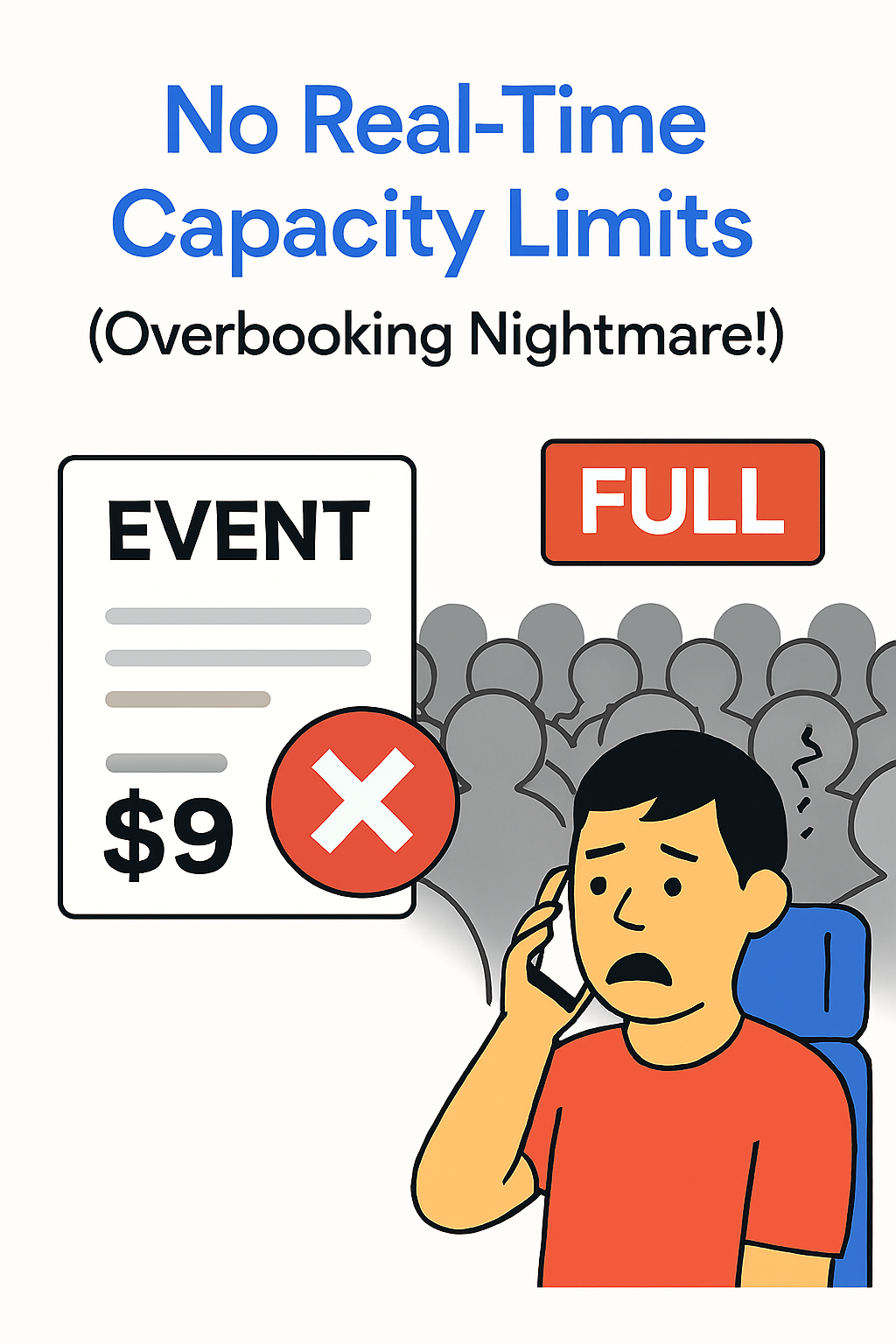
If sold-out sessions are a recurring pattern, adding a waitlist to your WordPress event site turns that dead end into a second sales channel.
5. Skimpy Communication and Automation
The mistake: The confirmation email is the platform default with no venue, no time zone and no calendar attachment. No reminder goes out. Attendees forget, miss the session, or show up at the wrong hour.
The fix: Automate the sequence rather than writing emails by hand. Confirmation immediately, a practical reminder 24 hours out, and a same-day message with directions or a joining link. Include a calendar file so the event lands in the attendee’s own calendar.
What handles it: Customizable confirmations, a reminder email add-on, PDF tickets and calendar sync. For anything the plugin does not cover natively – pushing attendees into a mailing list, a spreadsheet or a Slack channel – an automation connector closes the gap.
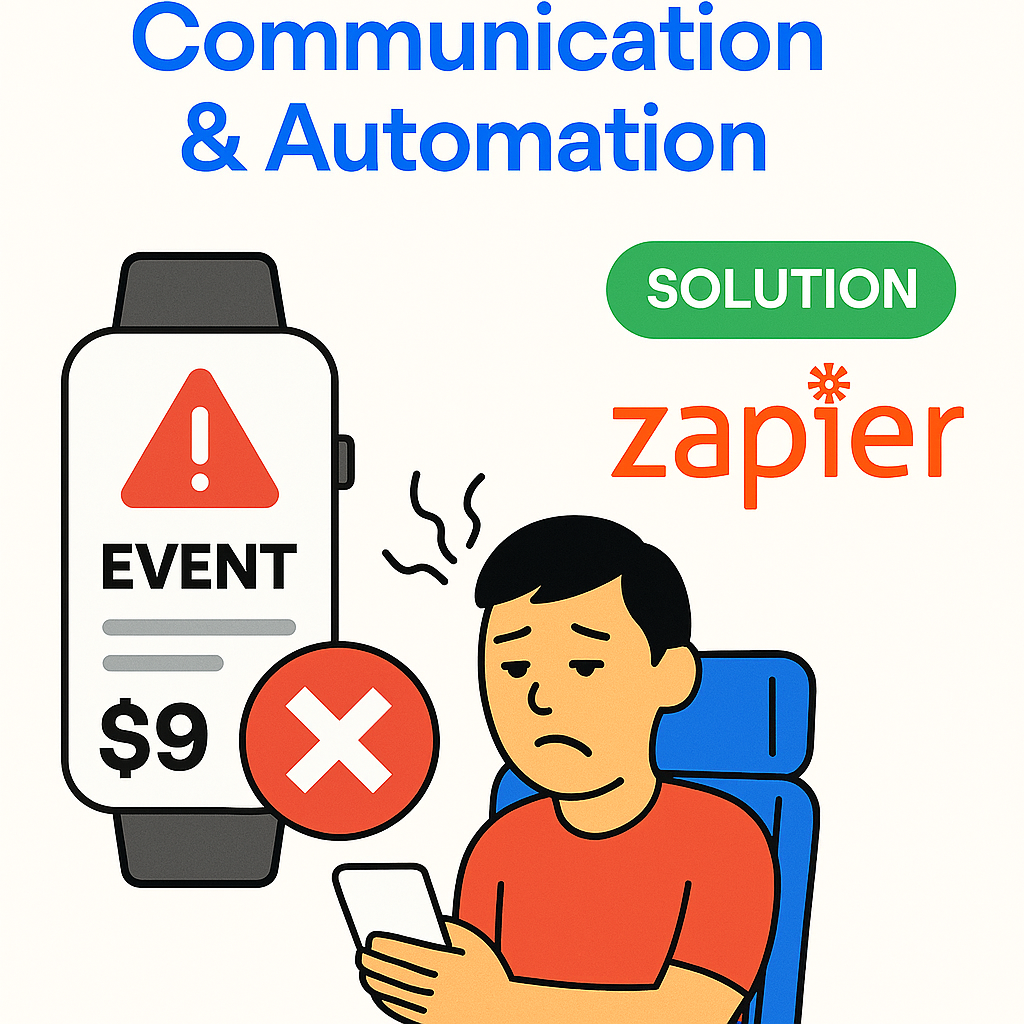
Our guide to connecting Zapier to your event management website covers the no-code automation route.
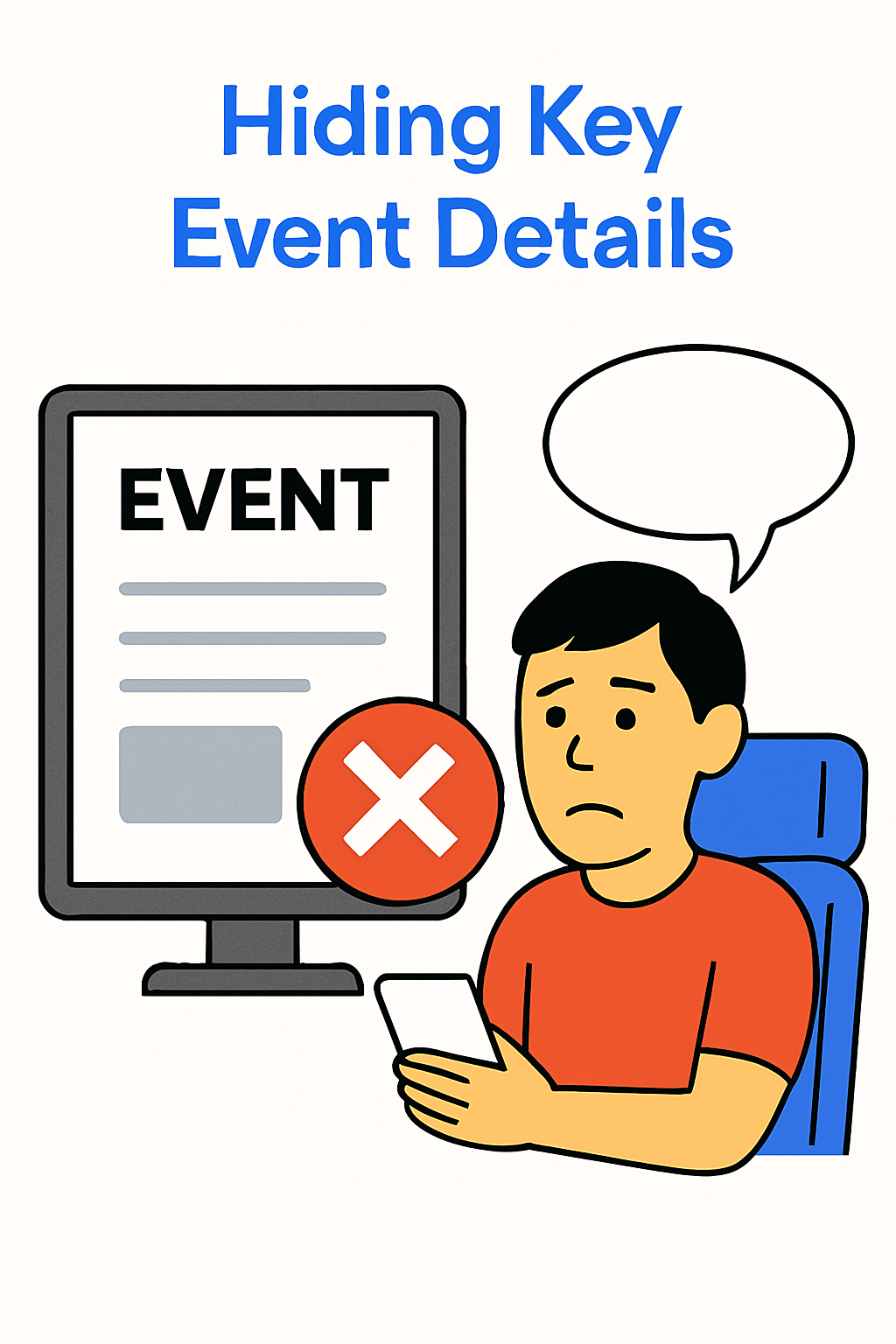
6. Hiding Key Event Details
The mistake: The date, venue and what is included are scattered across the page, or buried under three paragraphs of promotional copy. Visitors cannot confirm basic facts, so they leave to check somewhere else and often do not come back.
The fix: A fixed information block near the top containing date, start and end time, time zone, venue with a map, and exactly what the ticket includes. One unmistakable primary action button. Everything else is supporting detail below it.
What handles it: Structured event fields and a reusable listing layout, so dates and venues render consistently across every event rather than being typed by hand into body copy each time.
If you are planning a multi-session event, our walkthrough on building a seminar booking system in WordPress shows how the details block scales across sessions.
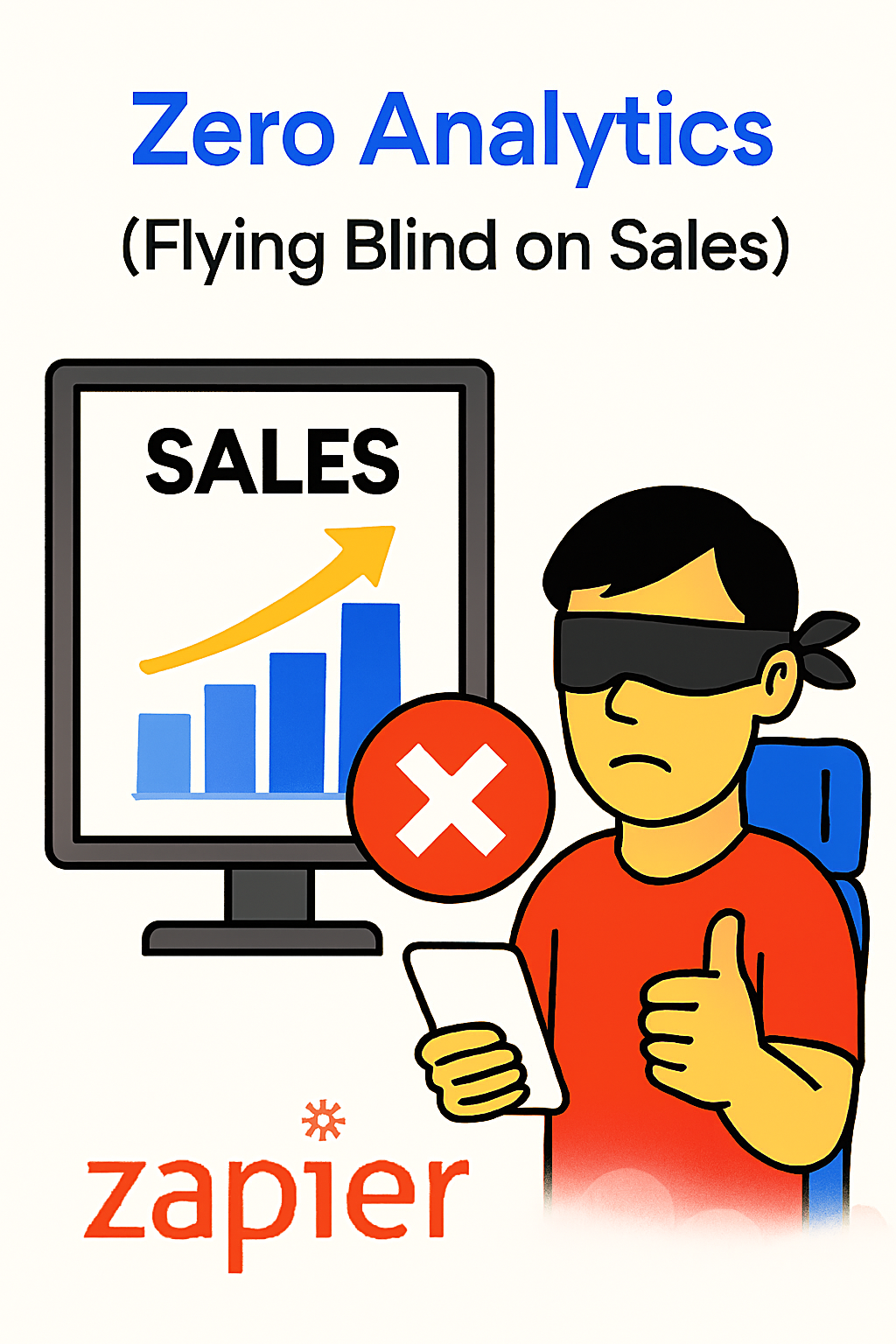
7. Zero Analytics
The mistake: You know how many tickets sold but not where buyers came from, which tier converts, or where in the flow people drop off. Without that, every “improvement” is a guess.
The fix: Track four things consistently: traffic source per event page, conversion rate by ticket tier, drop-off point in checkout, and repeat attendance. A short weekly review beats a bloated dashboard nobody opens.
What handles it: Reporting that shows revenue, tickets sold and sortable attendee lists with CSV export, so the data leaves the plugin when you need to do real analysis.
Once you have the numbers, our guide to optimizing your event ticket sales funnel shows where the fixes usually pay off fastest.
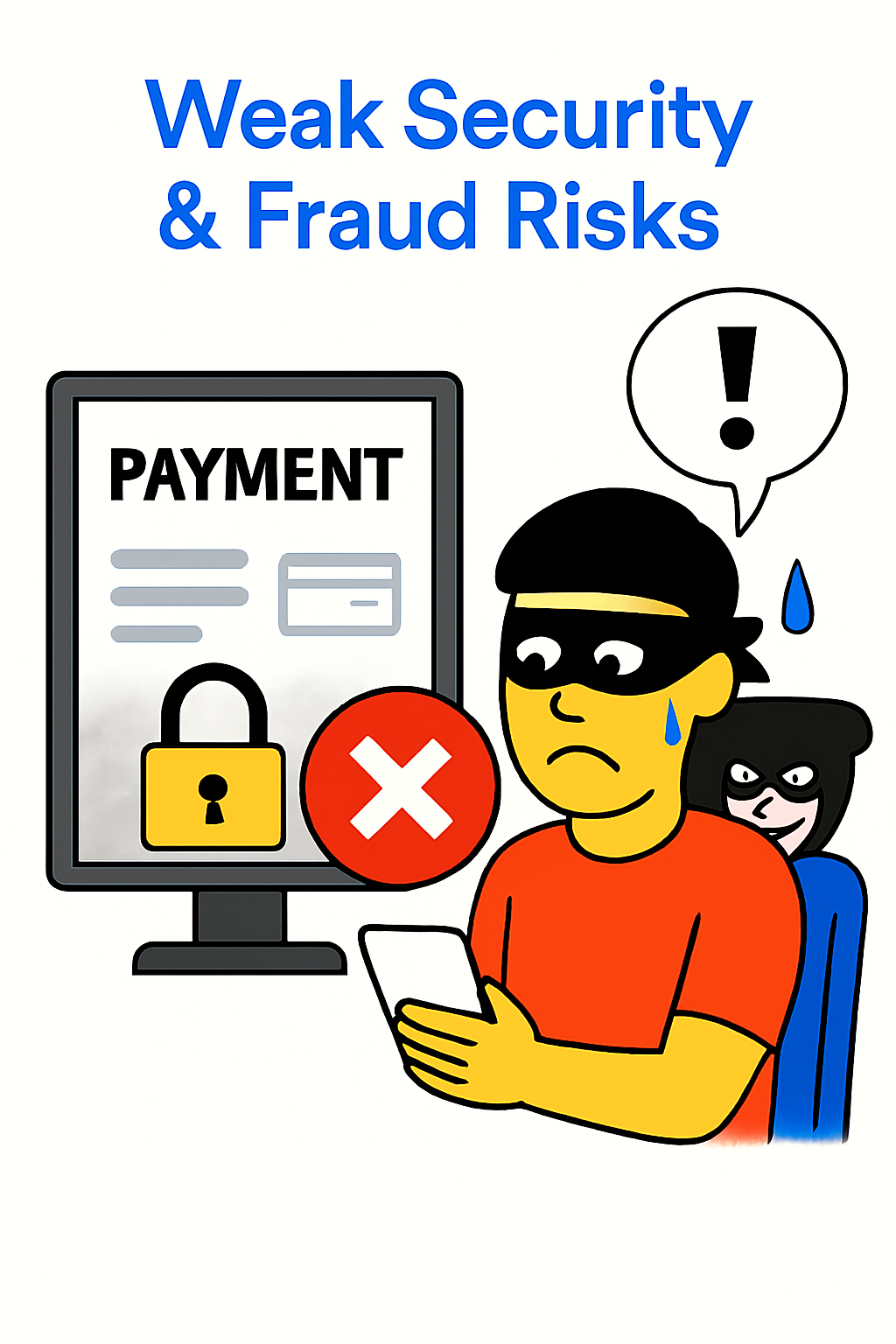
8. Weak Security and Fraud Exposure
The mistake: Tickets are simple reference numbers that can be copied or forwarded. No unique check-in. Payment pages run over unverified connections. Fraudulent bookings get honoured, and chargebacks land on you.
The fix: Unique, scannable codes that validate once at the door. HTTPS everywhere, current payment gateway software, and a card gateway that handles verification rather than passing raw card data through your site.
What handles it: A QR code add-on that generates one scannable ticket per attendee, plus a checkout layer that manages secure payment processing and lets you add local gateways where needed.
Setup is straightforward – see how to set up a QR code addon for an event.
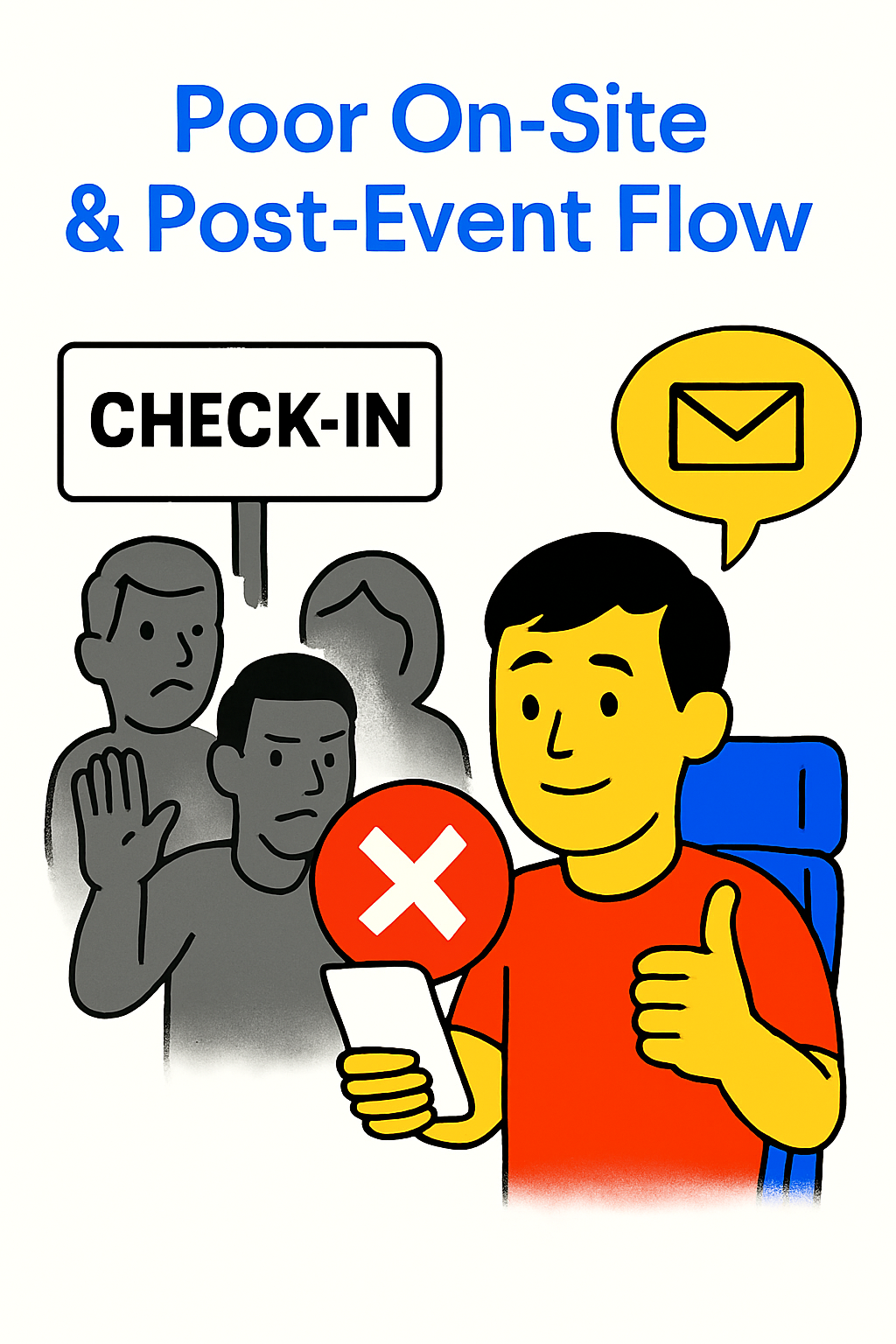
9. Poor On-Site and Post-Event Flow
The mistake: Check-in is a paper list. Attendees cannot find their own ticket. The event page still says “Buy Tickets” three weeks after the event ended, and every visitor who finds it leaves with a stale impression.
The fix: Give attendees self-service access to their tickets and calendar files. Support bulk rescheduling when dates move. After the event, switch the page to a recap with highlights and photos, and point visitors to the next event instead of a dead sales form.
What handles it: Attendee accounts for self-service downloads and calendar adds, bulk rescheduling tools, and an event page you can reuse for the next edition rather than rebuilding from scratch.
Scheduling needs its own attention – our guide to adding a calendar to a WooCommerce event website covers recurring dates, and our tips on automating event confirmation emails handle the follow-up side.
Quick Fix Checklist by Priority
If you can only fix a few things this month, work in this order. The first four tend to move conversion the fastest.
- Checkout friction: remove every non-essential field, enable guest checkout.
- Mobile flow: test the full purchase on a real phone, not a resized browser.
- Capacity accuracy: make sure stock decrements live across every ticket type.
- Communication: automated confirmation plus a 24-hour reminder with a calendar file.
- Pricing tiers: add honest scarcity with quantity caps.
- Event details block: date, time zone, venue and inclusions above the fold.
- Analytics: weekly review of source, tier conversion and drop-off.
- Security: unique scannable tickets and verified payment pages.
- Post-event: flip the page to a recap and archive the sales form.
How to Avoid These Mistakes Before Launch
Most of the nine problems above are cheaper to prevent than to repair. A short pre-launch routine catches nearly all of them:
- Complete one purchase end to end on a phone, as a guest, using a real payment method – then refund yourself.
- Buy the last ticket in a capped tier and confirm the tier closes automatically.
- Forward a ticket email to a colleague and confirm the QR code cannot be checked in twice.
- Check the confirmation email on a different email client than the one you built it in.
- Set a calendar reminder to review the event page one week after the event ends.
Run that list once per event and you will catch the majority of booking-flow defects before they cost you registrations.
Sending the Right Search Traffic to the Right Page
One booking mistake sits outside the site itself: the event page and the ticket page target the same query and split each other’s rankings. Keep one page per event as the canonical destination for branded searches, and let supporting content handle broader informational queries. Technical setup and on-page fixes are covered in our guide to SEO for event websites.
Frequently Asked Questions
What is the single most common mistake on event booking websites?
A checkout that asks for more than it needs. Forced account creation and unnecessary form fields are the most frequent cause of abandoned registrations, and they are also the fastest fix.
How long should a ticket checkout take?
Long enough to enter payment details and nothing more. If a returning buyer cannot complete a booking in under a minute on a phone, cut steps until they can.
Do I need live inventory if I only run small events?
Yes. Overbooking a 40-seat workshop is just as damaging as overbooking a 4,000-seat arena, and manual counts fail the moment two people buy at once.
How often should I review booking analytics?
Weekly while tickets are on sale. Check traffic source, conversion by tier, and the step where checkouts stall – those three tell you where to act.
What should happen to an event page after the event ends?
Switch it from a sales page to a recap with photos and highlights, remove the active purchase form, and link to the next event. Leaving a live “Buy Tickets” button on a past event confuses visitors and search engines alike.
Final Thoughts
The nine mistakes above share a common root: the booking journey was designed for the organizer’s convenience rather than the attendee’s. Mobile layouts, short checkouts, honest scarcity, live capacity, clear communication and real analytics all pull in the same direction – fewer steps, more certainty, more completed bookings.
Start with the checklist, fix the top four items first, and measure the change before moving on. Most organizers see the difference within one event cycle. If you would rather not patch a theme into shape, the WpEvently event booking manager handles the structural fixes out of the box.
