
News
How to Add Deposits in WooCommerce Bookings: Easy Method in 2026
Are you using WooCommerce for your online store? You want to stay risk-free and need an advanced deposit from your customer. But, how to add
 Get BlackFriday 25% for Limited Time on Lifetime & 35% for Bundle Deal

Are you using WooCommerce for your online store? You want to stay risk-free and need an advanced deposit from your customer. But, how to add
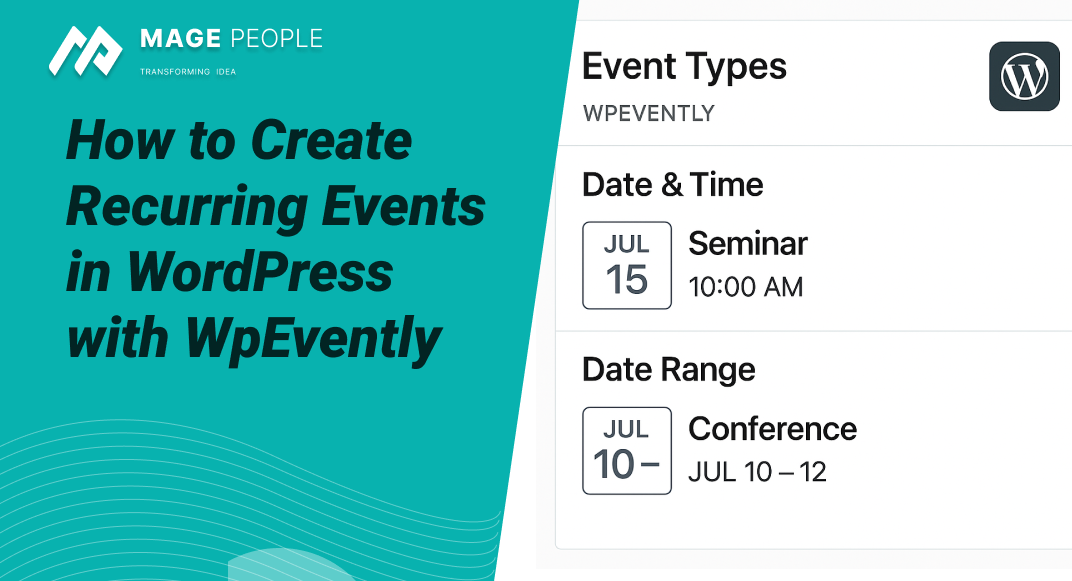
Learn how to create recurring events in WordPress with WpEvently: step-by-step setup, date range options, custom schedules, ticket testing and fixes for common issues.
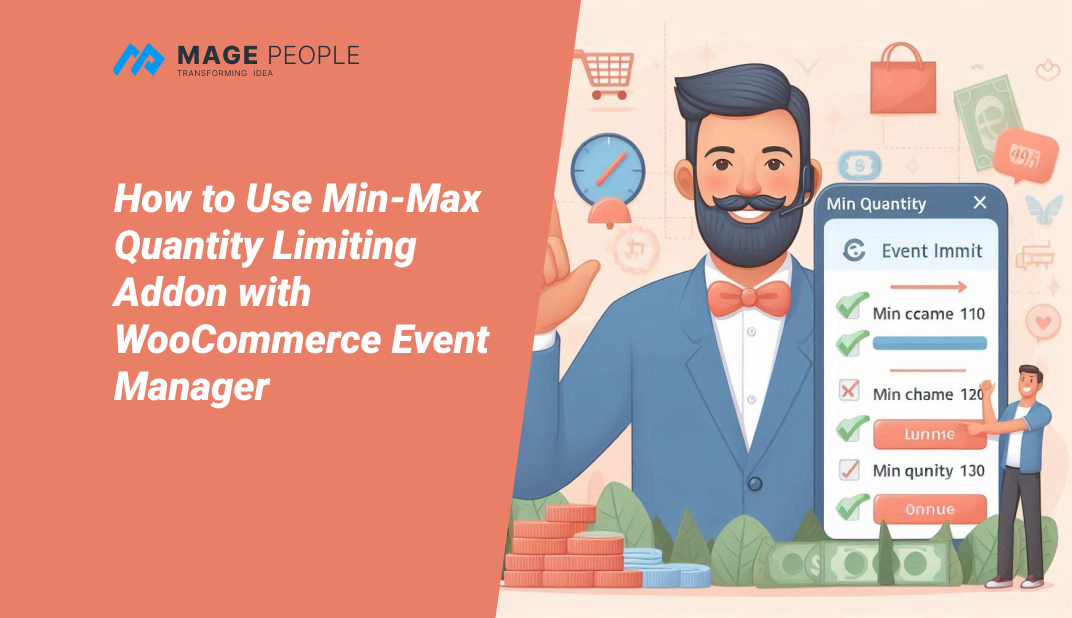
Learn how to use the Min-Max Quantity Limiting Addon with WooCommerce Event Manager: install it, set per-ticket and global ticket limits, and test checkout.

Are You Ready for the 2026 Travel Boom? The global online travel market has evolved rapidly. In 2025, the market was valued at $622.6 billion,

Do you run a bus or coach company and want to know how to create bus booking website? Hey, guess what? The global online bus
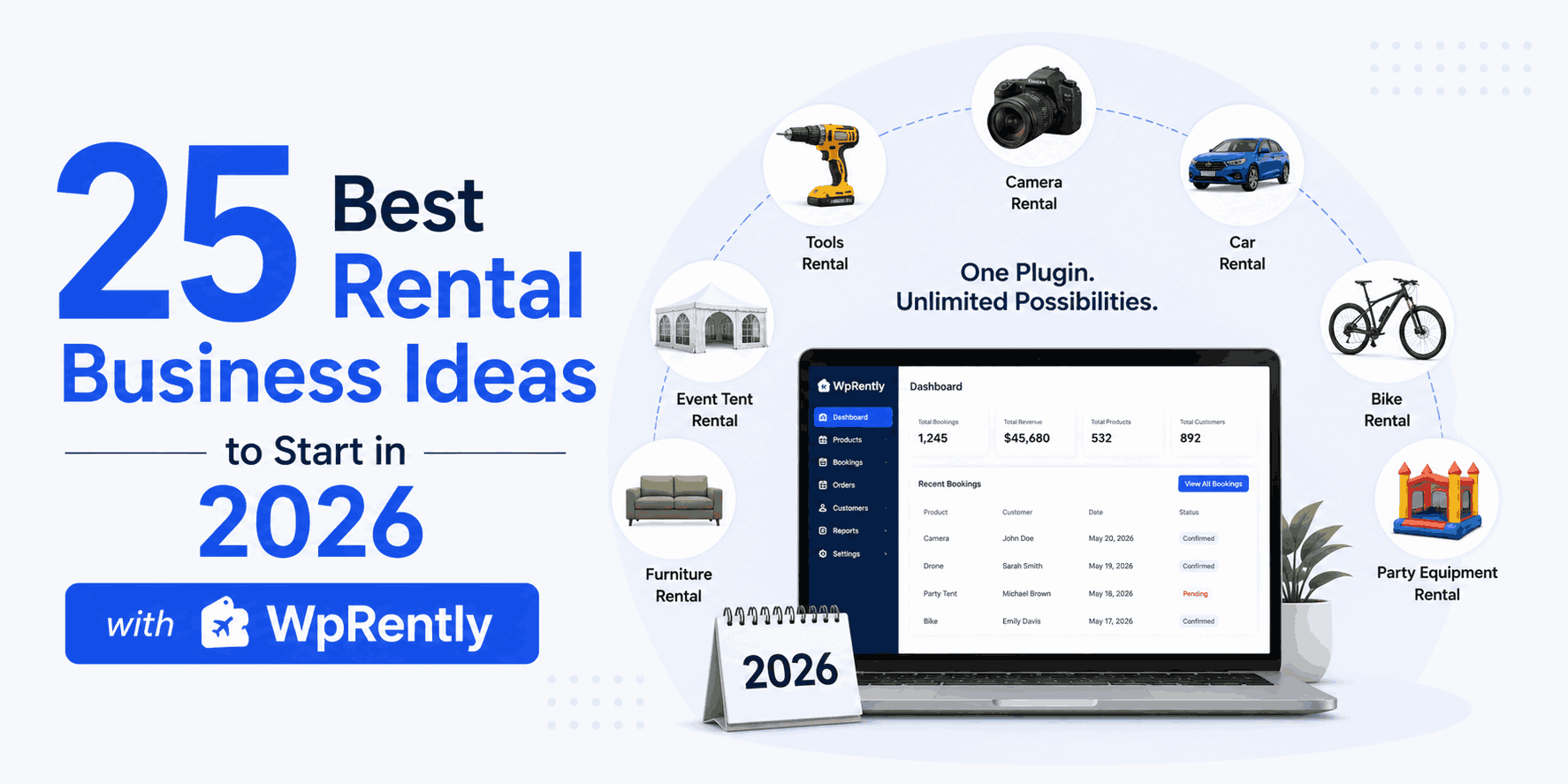
25 best rental business ideas to start in 2026, ranked by startup cost, space and online demand, plus a WpRently comparison table and setup checklist.

Learn how to create cleaning service booking using a WordPress plugin: set recurring slots, add-ons, and WooCommerce payments in a step-by-step WpBookingly guide.
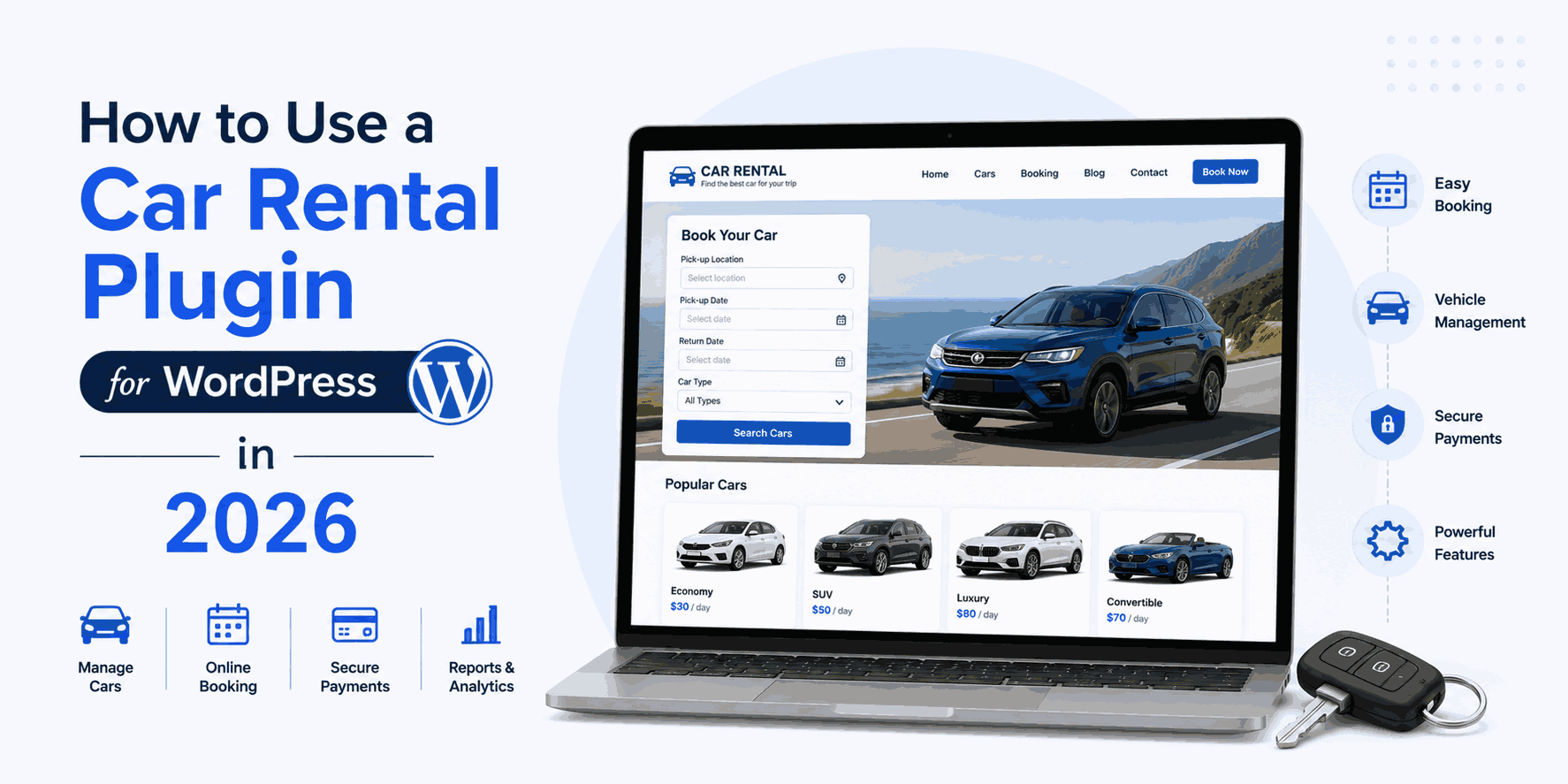
Learn how to use a car rental plugin for WordPress in 2026: install WpCarRently, configure car types, pricing, locations and FAQs, then take a test booking.

Learn how to add early bird discount using WpEvently: install the addon, set discount dates and prices, test the checkout, then promote your ticket tiers.

Ever noticed how much easier it is to say “yes” to a $200 deposit than a $1,000 upfront bill? If you’ve ever filled your online
Step-by-step guide to setting up Single Operation Areas and Fixed Zone Pricing in eCab Taxi, with the four area rules, shortcodes, tables and troubleshooting tips.

Learn how to create an online theatre booking and reservation system in WordPress: install plugins, add showtimes, build seat plans and sell tickets.

How to choose a travel booking plugin for your WordPress site: 7 decision steps covering inventory, payments, UX, support, security, integrations and budget.