 Get Halloween 15% for Limited Time on Lifetime & Bundle Deal

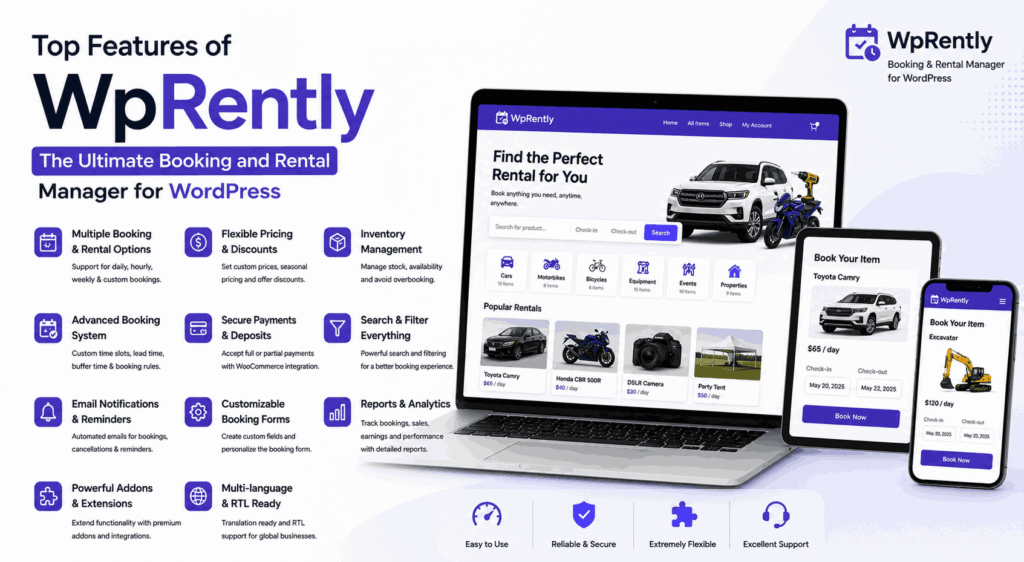
WpRently is a free WordPress booking and rental manager that runs on top of WooCommerce. Its top features are flexible hourly, daily and weekly pricing, real-time availability that prevents double bookings, prep-time buffers, optional addon rules for minimum and maximum rental days and seasonal rates, and proportional or fixed deposits taken through WooCommerce payment gateways. This guide walks through each core feature, the addons that extend it, what the Pro edition adds, and how to launch in about 30 minutes.
Rental customers expect three things: to see what is actually available, to know the real price including extras, and to be able to pay without a phone call. WpRently handles all three inside WordPress, using a checkout your visitors already understand because it is WooCommerce.
An honest note before we start: WpRently is our own plugin. We build it, we support it, and we will point out plainly where it is not the right fit later in this article. Everything below is either part of the free plugin on WordPress.org or a paid addon you can inspect on its product page. Where a current price matters, we tell you to check the product page rather than quoting a figure that may have changed.
- Who WpRently Is Built For
- Core Features: Rental Booking Made Easy
- Pricing Rules That Protect Your Margin
- Premium Addons: Power Up Your Rentals
- Deposit and Payment Perks: Secure Your Revenue
- Cool Extras: Professional Touches & Insight
- Compatibility and Technical Requirements
- Free vs. Pro: Which Version Fits Your Rental Business?
- Where WpRently Is Not the Right Fit
- How WpRently Drives Business Growth
- Launch Your Rental Business in 30 Minutes
- Frequently Asked Questions
- Conclusion
Who WpRently Is Built For
WpRently is designed for businesses that rent out a physical item, a space, or a block of time, and want bookings to flow through a normal WordPress store. Typical users include:
- Equipment hire — tools, cameras, party gear, mobility aids, construction equipment.
- Vehicle and bike rental — small fleets where pickup and drop-off matter.
- Accommodation and venue rental — apartments, cottages, studios, event spaces.
- Parking and lock-up space — bays, garages, storage units rented by day or month.
- Appointment-style services — repair slots, consultations and rentals priced by the hour.
If you sell one-off products with no return date, a standard WooCommerce store already does the job and WpRently adds little. The plugin earns its place when the same asset is rented out again and again.
Core Features: Rental Booking Made Easy
The free plugin covers the mechanics that make repeat rentals possible. These are the features most owners use every day:
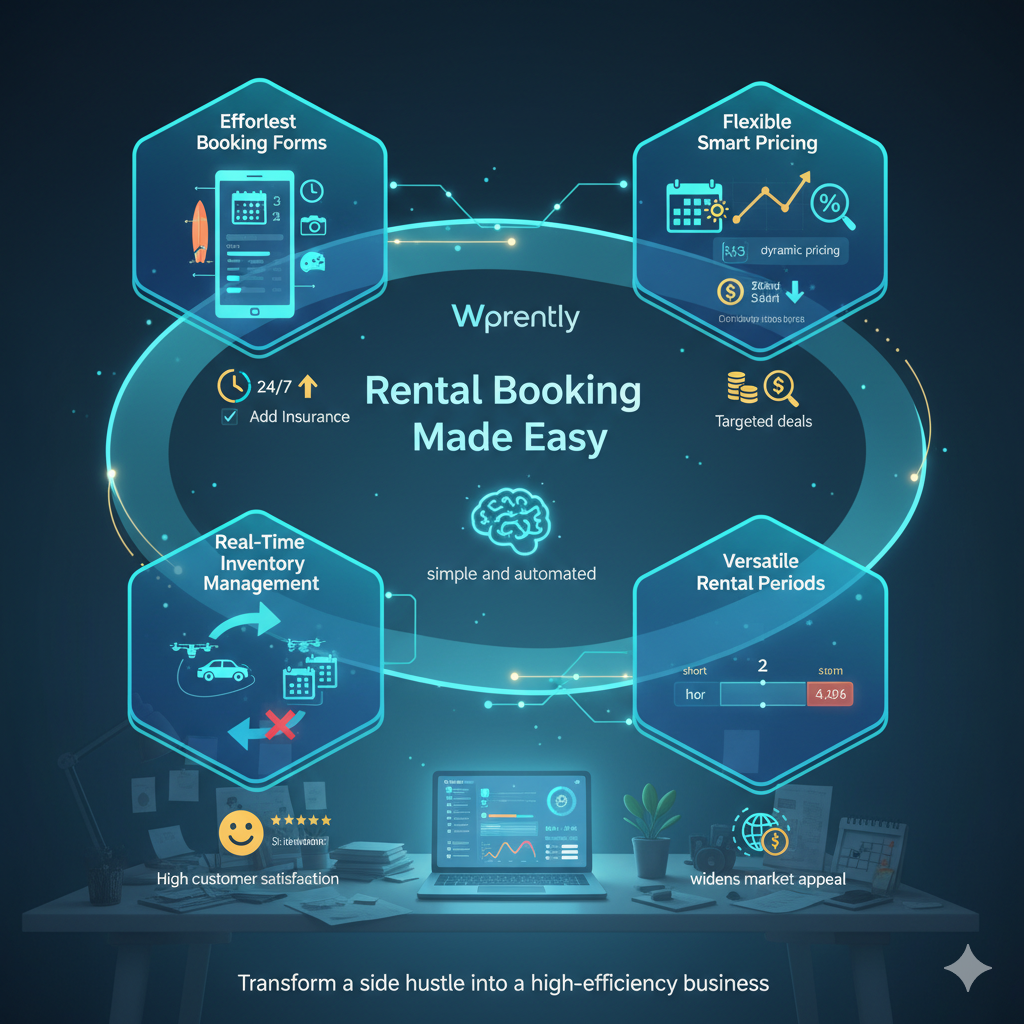
- Date and time aware booking forms. Customers pick a start and end date, choose quantity, and add product options such as size or colour on the product page. The cart price reflects the chosen period automatically, so there is no manual quote step.
- Hourly, daily and weekly pricing. You choose the unit that matches the item. A projector can be priced per day, a bike per hour plus per day, and a holiday cottage per week if that is how your market buys.
- Real-time availability. Booked dates are blocked as soon as an order is placed, which removes the double-booking problem that spreadsheets inevitably create once you have more than one of anything.
- Prep-time buffers. Add a cleaning or inspection window after each rental so a returned item cannot be booked back-to-back before it is checked. This single setting prevents most “it arrived dirty or damaged” disputes.
- Pickup and drop-off options. Where collection and return matter, the booking form captures them as part of the order rather than in a separate email thread.
- Unlimited rental items. Because each rental is a WooCommerce product, you can list as many items as you want and organise them with normal product categories.
All of this happens inside the WooCommerce cart and checkout, which means taxes, coupons, order emails and payment gateways work the same way they do on any other store.
Pricing Rules That Protect Your Margin
Flat daily pricing is easy to set up and easy to lose money on. WpRently gives you a few pricing levers inside the core plugin before you need any paid extension:
- Rate by unit of time — hour, day, week or month, per product.
- Automatic cost calculation — the total is computed from the selected dates and any quantity, not typed by the customer.
- Seasonal variation — the free plugin supports price variations across the year, so you are not stuck at one rate for twelve months.
What the free core does not do is enforce business rules around duration — for example “nobody books this for a single day” or “holiday weeks cost more than the standard rate”. That is what the addons below are for.
Premium Addons: Power Up Your Rentals
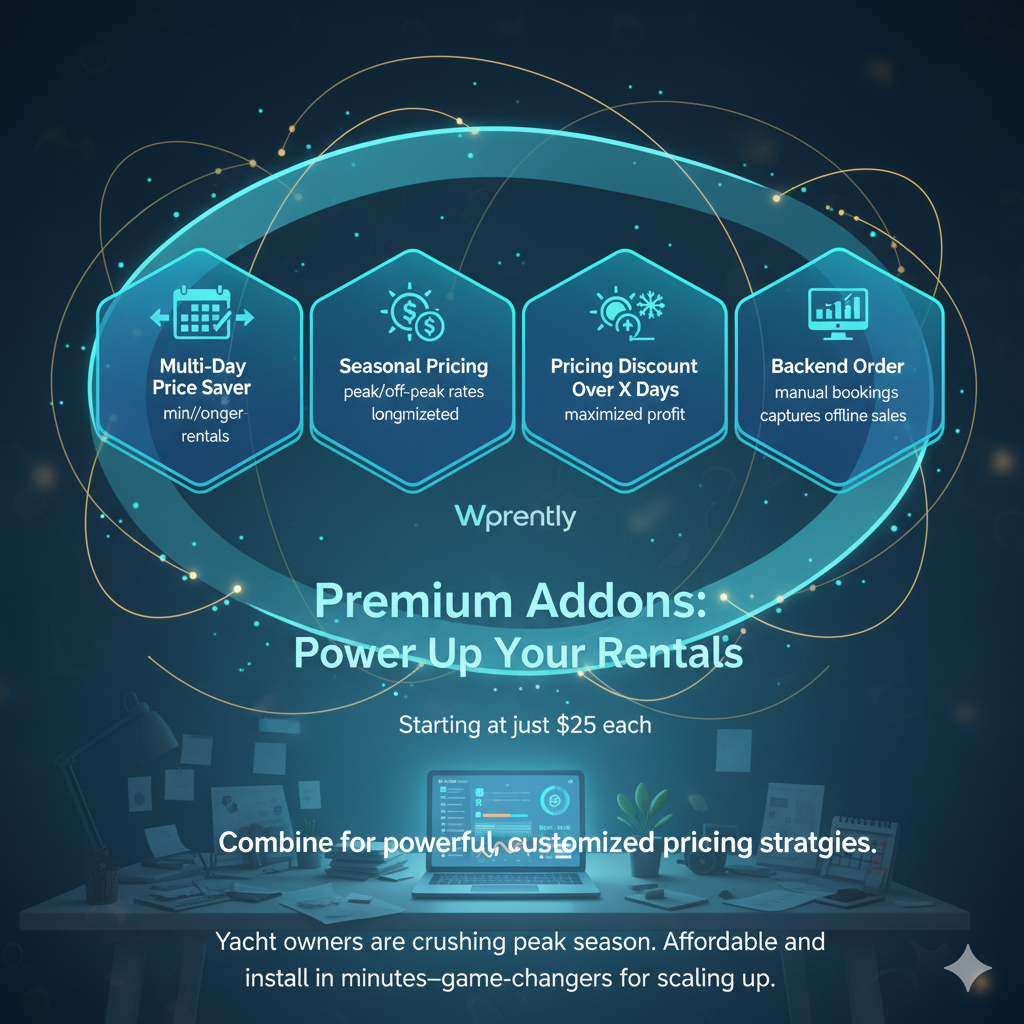
Addons are separate plugins that bolt specific rules onto the base rental manager. They install like any other WordPress plugin and can be enabled or disabled individually, so you do not carry features you never use. Prices change; check each product page for current pricing.
| Addon | What it does | Best for |
|---|---|---|
| Min and Max Booking Day | Sets a minimum and maximum rental length per item | Stopping unprofitable one-day hires of expensive equipment |
| Seasonal Pricing | Applies different rates for defined date ranges | Peak season surcharges and off-season discounts |
| Multi-Day Price Saver | Tiers the rate so longer bookings get cheaper per day | Pushing multi-day hires instead of single days |
| Pricing Discount Over X Days | Triggers a discount automatically once the rental passes a set number of days | Weekly and monthly hires of tools or equipment |
| Backend Order | Lets staff create a booking from the WordPress dashboard | Phone bookings, walk-ins and repeat customers |
A practical combination is Min and Max Booking Day plus Multi-Day Price Saver: the first sets a floor on how short a rental can be, the second rewards customers for going past it. Together they shift your booking mix toward the longer, more profitable rentals without you quoting each one by hand. For a wider look at how third-party extensions change a booking system, see our breakdown of how addons extend your WordPress booking system.
Deposit and Payment Perks: Secure Your Revenue
Rental cash flow breaks in two places: customers who cannot afford the full upfront amount, and customers who leave you with damaged equipment. WpRently addresses both through native WooCommerce payments.
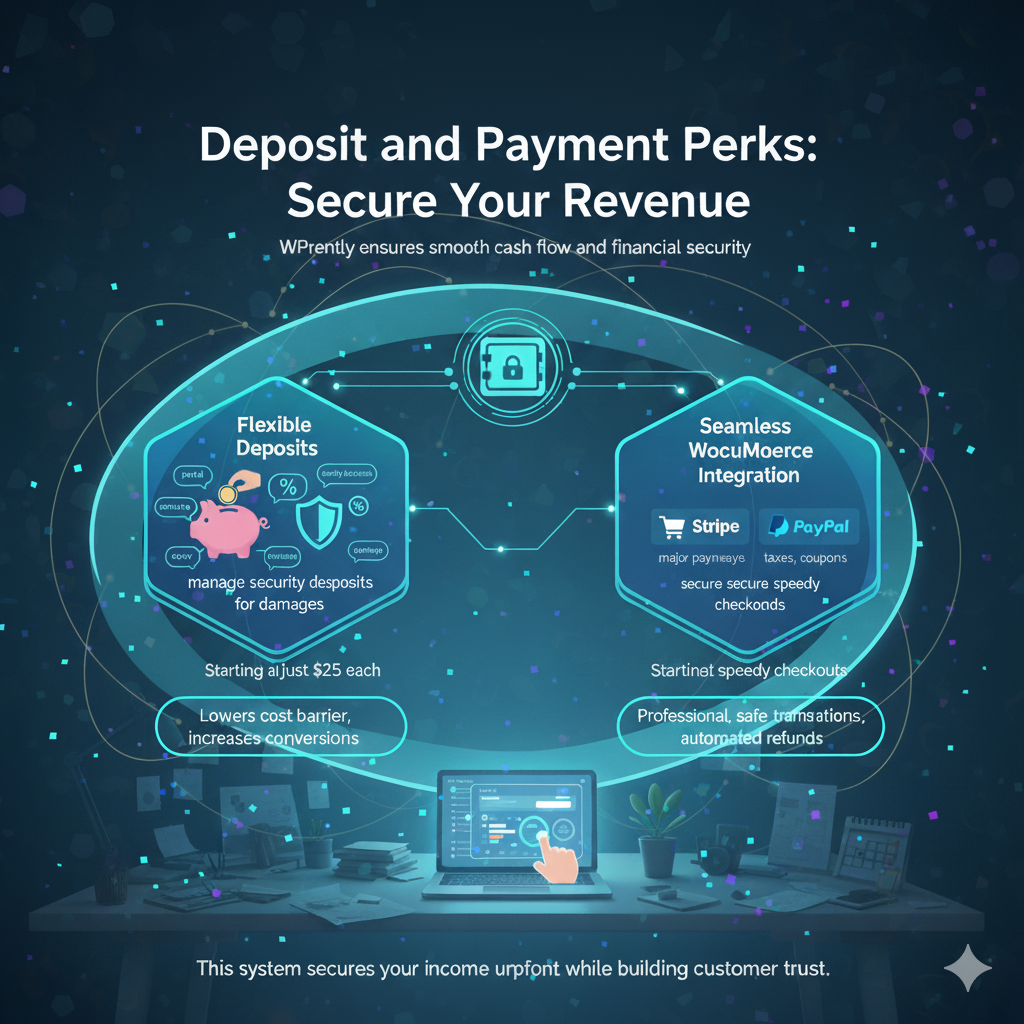
- Partial deposits. Take a percentage or a fixed amount at the time of booking, with the balance collected later. On higher-priced rentals this typically improves conversion because the first commitment is smaller.
- Security deposits. Where your business needs a refundable hold against damage, the plugin supports a security deposit as a separate line from the rental fee, with documentation covering the setup steps.
- Standard WooCommerce checkout. Any gateway you already have configured — Stripe, PayPal, bank transfer or an offline method — is available without extra work. Taxes, coupons, order notes and refunds all behave normally.
- Order records you can audit. Because every booking is a WooCommerce order, you get a permanent record of what was paid, when, and by which method.
For the technical side of keeping customer and payment data safe, our WordPress rental plugin security checklist covers the hosting, certificate and access settings worth reviewing before you go live.
Cool Extras: Professional Touches & Insight
Beyond the booking mechanics, a handful of features make a small rental operation look established and reduce the time spent on admin.
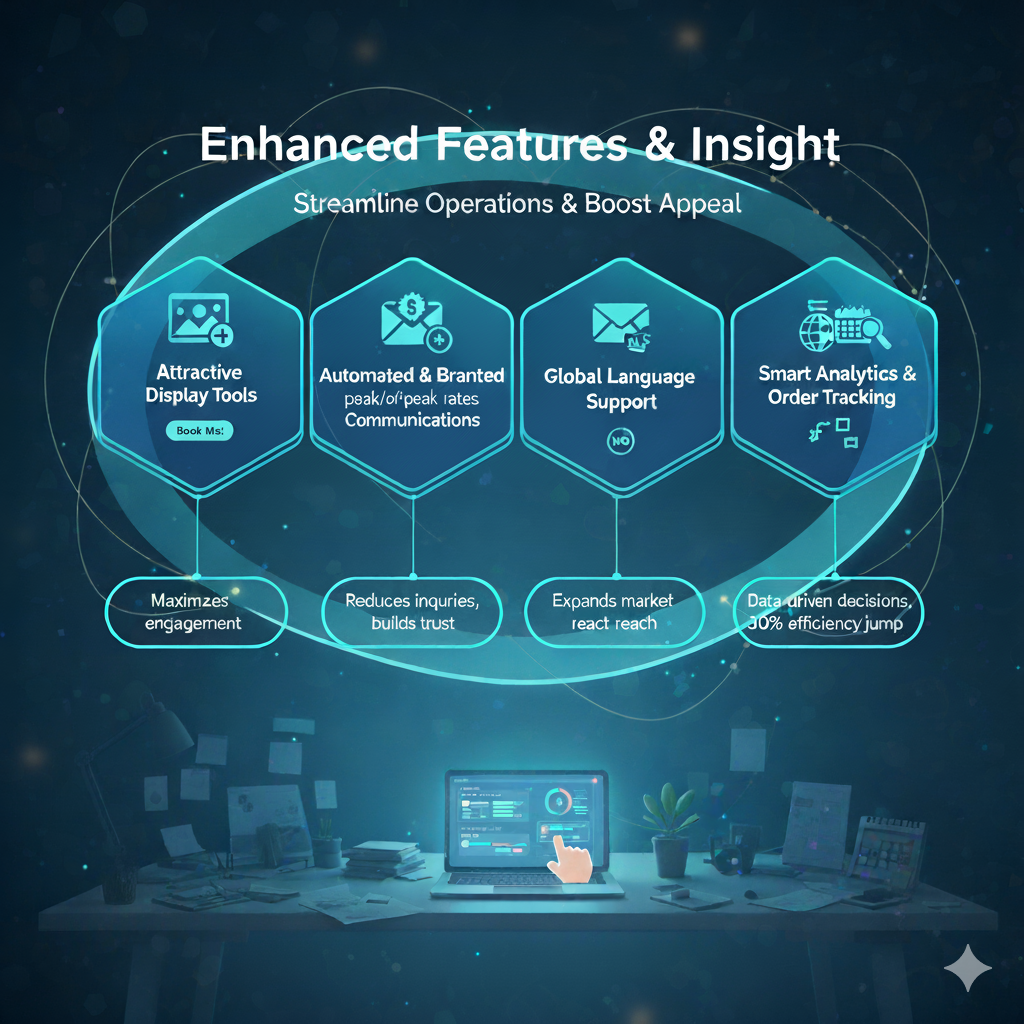
Display and merchandising
Rental listings can be placed on any page with a shortcode, so you are not forced into one catalogue layout. Product galleries, featured sliders and related-item suggestions give visitors a reason to keep browsing rather than leaving after one product page.
Automated communication
WooCommerce handled emails cover the basics: order confirmation, processing and completed. Adding a branded PDF receipt or booking voucher turns a transactional email into something a customer can show at the counter, which cuts down on “where is my booking?” support mail.
Translation and multilingual support
The plugin is translation-ready, and sites running WPML or similar tools can present the booking flow in more than one language. This matters for anyone serving tourists or expatriate customers.
Analytics and order visibility
Dashboard reporting shows which items are booking, which dates are busy and where the revenue is coming from. Filterable order views keep bookings findable as volume grows. In the free edition the reporting is intentionally basic; the Pro edition and the broader analytics work recently added to the plugin family give you a deeper view.
Compatibility and Technical Requirements
Rental software is only useful if it fits the site you already have. WpRently’s requirements are deliberately ordinary:
| Item | Requirement or compatibility | Notes |
|---|---|---|
| Platform | Self-hosted WordPress | Not available on WordPress.com’s hosted plans |
| E-commerce base | WooCommerce (free plugin) | Required — bookings are WooCommerce orders |
| Theme | Standard WooCommerce-compatible themes | Rental templates follow WooCommerce page structure |
| Page builders | Shortcode based, works with Elementor and Gutenberg | Place listings with a shortcode inside your builder |
| Payments | Any gateway your WooCommerce store supports | Stripe, PayPal, bank transfer, offline methods |
| Translation | Translation-ready; compatible with WPML-style setups | Verify your specific locale with support |
| Price | Free core plugin; paid addons sold separately | Check current pricing on each product page |
If your site runs on branded hosting with restricted plugin installs, confirm your host allows custom plugins before you plan the build.
Free vs. Pro: Which Version Fits Your Rental Business?
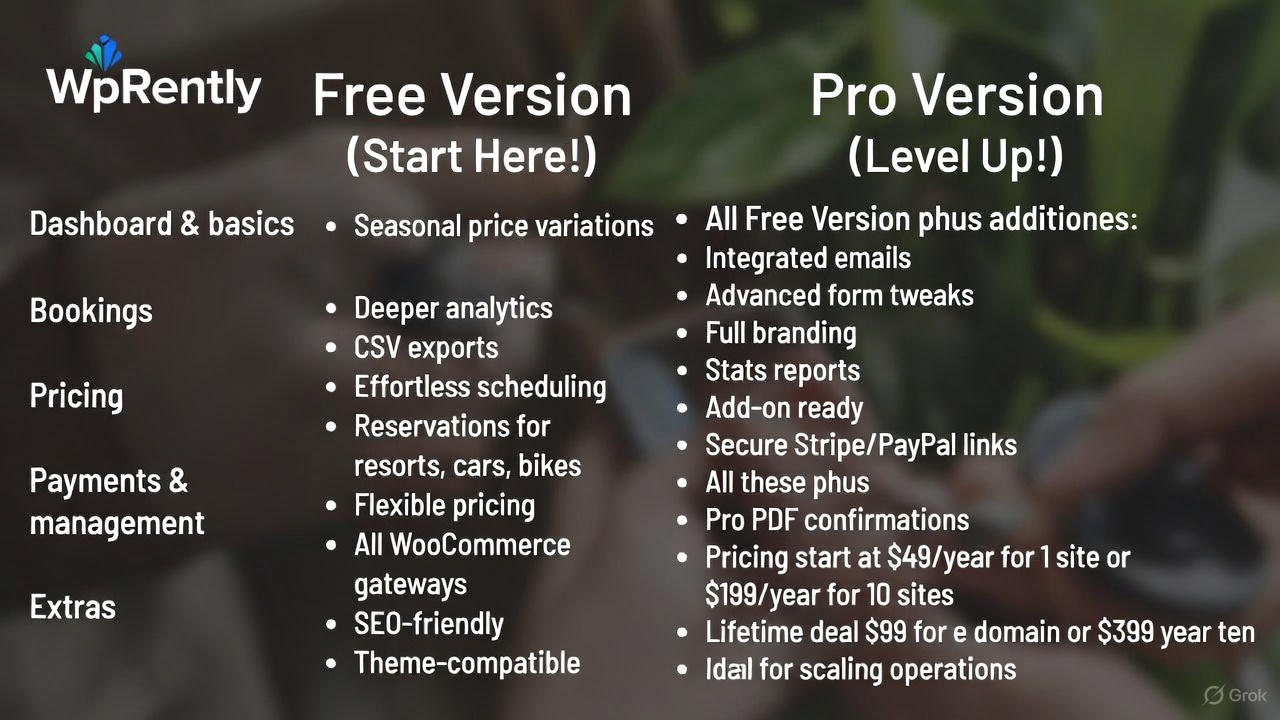
The free plugin on WordPress.org is a complete rental manager for a small catalogue. Pro is for owners who need branded paperwork, deeper reporting and a faster day-to-day admin. Feature availability occasionally shifts between releases, so treat this as a guide to direction rather than a contractual list, and confirm the current split on the product page.
| Capability | Free | Pro |
|---|---|---|
| Rental product bookings by date and time | Yes | Yes |
| Hourly, daily, weekly pricing | Yes | Yes |
| Availability blocking and prep buffers | Yes | Yes |
| Seasonal price variation | Yes | Yes |
| WooCommerce payment gateways and taxes | Yes | Yes |
| Branded PDF confirmations | Limited | Yes |
| Advanced reporting and CSV export | Basic | Extended |
| Addon compatibility (pricing and duration rules) | Base plugin only | Full addon set |
| Support channel | WordPress.org forums | Priority support |
| Price | Free | Check current pricing |
A sensible path is to launch on the free plugin with your real inventory, watch which rules you keep wishing for, then buy only the addons that match. If you are comparing editions of different plugins across the market, our comparison of vacation rental booking plugins for WordPress looks at WpRently alongside other options from the outside.
Where WpRently Is Not the Right Fit
We would rather you choose correctly than buy quickly, so here is the honest list of situations where WpRently is the wrong tool:
- You need seat-level or bay-level inventory on one product. If a single listing is a venue with named seats or a bus with numbered places, you want a ticketing or seat-map system. Start with our guide on what a bus tour website booking engine must handle instead.
- You need dispatch, driver assignment or distance-based fares. Taxi operations with zones, live allocation and per-kilometre pricing are a different problem. Our cab booking system feature and cost breakdown covers that territory.
- You are not on WordPress or cannot install plugins. WpRently is a WordPress plugin with a WooCommerce dependency. On Squarespace, Wix or a locked-down host it cannot run at all.
- You want a fully managed marketplace. If you would rather list on someone else’s platform and skip hosting, security and updates, a hosted rental marketplace is the simpler answer.
- You need multi-vendor commission payouts. Running a marketplace where other owners list their own items and you take a cut needs a multi-vendor layer that the core plugin does not provide.
For date-based service businesses where the unit is a time slot rather than an item, a dedicated scheduler may also read better to customers. Our explanation of the core elements of a WordPress booking system helps you tell the two cases apart before you install anything.
How WpRently Drives Business Growth
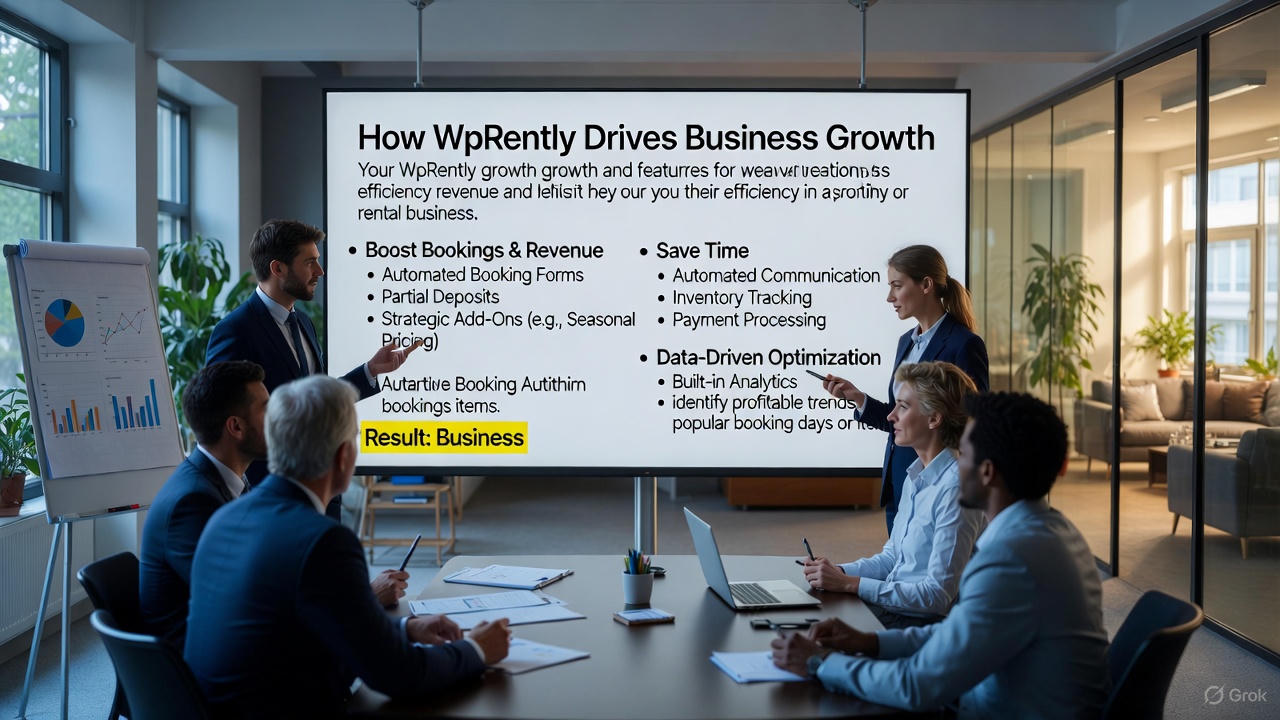
The commercial case for automating rentals rests on four gains, and none of them require a large catalogue:
- More bookings per visitor. Self-service availability and a clear total price remove the “email us for a quote” step where most enquiries die. Partial deposits then lower the commitment needed to convert.
- Better revenue per booking. Duration rules and tiered discounts steer customers toward longer hires, while seasonal rates stop you selling peak dates at off-peak prices.
- Less admin per order. Availability updates, order emails and payment collection happen without manual work, which is what makes a one-person rental operation viable at volume.
- Decisions based on your own numbers. Knowing which items book out and which dates sit empty lets you reprice deliberately instead of guessing.
We are not going to quote a growth percentage here, because the outcome depends on your inventory, pricing and local demand rather than on the plugin. What you can measure is straightforward: conversion rate before and after launch, average rental length, and the share of bookings that arrive outside working hours.
If your bottleneck is demand rather than operations, the next step is promotion, and our rental business marketing strategies guide covers where to spend your effort first.
Launch Your Rental Business in 30 Minutes
The setup is short because most of the infrastructure is WooCommerce, which you may already have. Work through these steps in order:
- Prepare the base. Install WordPress on your hosting and add the free WooCommerce plugin. Complete WooCommerce’s own setup so currency, tax and shipping basics are correct.
- Install the rental manager. In Plugins > Add New, search for “Booking and Rental Manager for WooCommerce”, install and activate. Work through the setup prompts, then confirm your time zone under Settings > General — wrong time zones cause more booking errors than any other setting.
- Create your first rental product. Add a new WooCommerce product, mark it as a rental, upload photos, and set the pricing unit and rate. Save and preview the product page before adding the rest of your inventory.
- Place listings on a page. Use the plugin’s shortcode to display rental items on a page you control, so you can combine it with your own copy and imagery rather than relying on the default shop layout.
- Run a real test booking. Book an item yourself, pay with a test gateway, check the confirmation email, then confirm the dates are blocked. Do this on a phone as well as a desktop.
- Add rules only where needed. Install the addons that match the rules you kept wishing for during testing, and add a branded booking confirmation if you need one.
- Publish and promote. Go live, link the booking page from your navigation, and tell existing customers directly — the first bookings usually come from people who already know you.
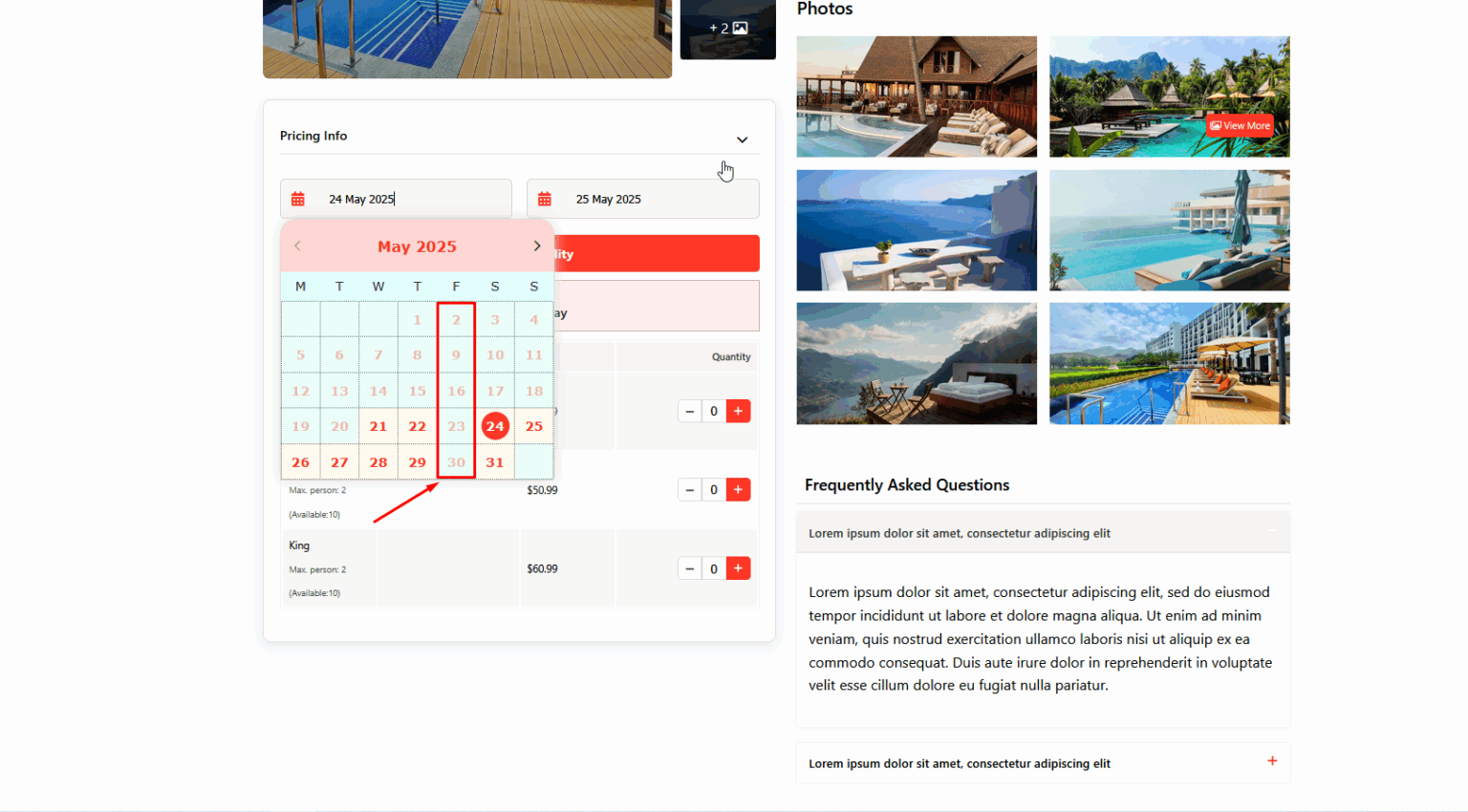
When you are ready to see the full edition in action, explore WpRently Pro and request a demo before you buy, so you can check the reporting and addon set against your own inventory.
If you are building the whole site around rentals rather than adding a booking page to an existing one, our walkthrough on how to create a vacation rental website with WordPress covers structure, pages and content alongside the plugin.
Frequently Asked Questions
Is WpRently free to use?
The core plugin is free to download from WordPress.org and includes the booking form, pricing by time unit, availability blocking and WooCommerce checkout. Paid addons and the Pro edition are optional and only needed if you want extra pricing rules, branded documents or advanced reporting.
Do I have to use WooCommerce with WpRently?
Yes. WpRently is built as an extension of WooCommerce, so every booking becomes a WooCommerce order. You need the free WooCommerce plugin installed and active before the rental manager will work.
Can WpRently handle both hourly and multi-day rentals on the same site?
Yes. Pricing is configured per product, so you can sell one item by the hour, another by the day and a third by the week, all from the same store and the same checkout.
How does WpRently stop two customers booking the same dates?
When an order is placed, the booked dates are marked unavailable across that product, so the next visitor sees the item as unavailable for those dates. Optional cleaning or inspection buffers keep a returned item from being booked again before you have checked it.
Can I create a booking for a customer who phones or walks in?
Yes, with the Backend Order addon. It lets staff create the booking from the WordPress dashboard and record the payment manually, so offline sales appear in the same order list as online ones.
Does WpRently work with my theme and page builder?
It follows standard WooCommerce product and page templates, so most WooCommerce-ready themes work without changes. Listings can be placed on any page with a shortcode, which keeps it compatible with Elementor and the WordPress block editor.
Conclusion
WpRently is at its best when you have a small catalogue of items or spaces that get rented repeatedly and you want bookings to flow through a normal WordPress checkout. The core plugin covers date-based availability, time-unit pricing and prep buffers for free; the addons add duration rules, seasonal rates and dashboard bookings when your business rules demand them; Pro adds branded paperwork and deeper reporting.
The fastest way to judge it is to install the free version and create one real rental product. If the booking form and confirmation email feel right for your inventory, add the rules you need. If your operation needs seat maps, dispatch or marketplace payouts, choose a specialist tool instead — that is a fair outcome for everyone.
See the WpRently Pro features and book a demo to compare the editions against your own rental rules.
Disclosure: WpRently is a MagePeople product and this is our own plugin. We have flagged above where it is not the right fit, and prices should be confirmed on the product pages.
