 Get Halloween 15% for Limited Time on Lifetime & Bundle Deal

If you rent out a holiday home, cabin, or apartment, the fastest way to stop paying commission on every stay is to take bookings on your own website. Choosing the best vacation rental booking plugin depends on one question above all others: do you need automatic two-way sync with Airbnb, Vrbo, and Booking.com? If yes, MotoPress Hotel Booking is the strongest WordPress-native option with real iCal channel sync built in. If you manage bookings mostly through your own site, direct bookings, deposits, dynamic pricing, and multi-location logistics, WpRently (Booking and Rental Manager for WooCommerce) is a strong WooCommerce-native choice, though it currently pushes to Google Calendar rather than syncing directly with OTA channels; pair it with a dedicated iCal sync tool if you also list on Airbnb or Booking.com.
If you rent out a holiday home, cabin, or apartment, the fastest way to stop paying commission on every stay is to take bookings on your own website. Choosing the best vacation rental booking plugin for WordPress comes down to five things: a reliable availability calendar, iCal or channel sync with Airbnb and Booking.com, flexible nightly pricing, secure payments, and automated guest emails.
If you’re starting from scratch, see how to create a vacation rental website for the setup steps before you get to plugin choice. Below is a practical comparison of the leading options, plus a checklist to help you match a plugin to the size of your property portfolio.
- What a Vacation Rental Plugin Actually Needs to Do
- Comparison Table: Best WordPress Vacation Rental Plugins at a Glance
- The Best WordPress Vacation Rental Plugins Compared
- How to Choose: A Short Decision Framework
- Setup Essentials People Forget
- Final Thoughts
- Frequently Asked Questions About Vacation Rental Booking Plugins
What a Vacation Rental Plugin Actually Needs to Do
General appointment or event booking plugins are not built for overnight stays. A proper short-term rental plugin should handle:
- Night-based availability with separate check-in and check-out days, so a guest leaving Saturday morning doesn’t block that night.
- Seasonal and dynamic rates — weekend pricing, high-season rates, last-minute discounts, and long-stay reductions.
- Stay rules such as minimum and maximum nights, changeover/buffer days for cleaning, and advance-notice limits.
- Channel synchronization so calendars on Airbnb, Vrbo, and Booking.com update automatically and prevent double bookings. This is the single most important criterion, and it’s worth being blunt about it: a booking calendar that doesn’t sync with the platforms you actually list on isn’t a booking engine; it’s a contact form with a calendar attached, and you’re back to manually blocking dates by hand.
- Deposits and balance payments with support for Stripe, PayPal, bank transfer, or pay-on-arrival.
- Guest and owner notifications, ideally with customizable templates and pre-arrival reminders.
- Extras and fees — cleaning charges, pets, cots, airport transfers, local tourist tax.
Comparison Table: Best WordPress Vacation Rental Plugins at a Glance
| Plugin | Best For | OTA Channel Sync | Free Version | Deposits |
|---|---|---|---|---|
| WpRently | WooCommerce stores taking direct bookings with dynamic pricing and deposits | Google Calendar push only (no Airbnb/Vrbo/Booking.com sync) | Yes | Yes, fixed or percentage |
| MotoPress Hotel Booking | Multi-unit owners needing true OTA channel sync | Yes — iCal with Airbnb, Vrbo, Booking.com | No (paid license) | Yes |
| Pinpoint Booking System | Single-property owners on a modest budget | iCal in premium tier | Yes (usable for one property) | Yes, premium |
| WP Hotel Booking | Guesthouses and B&Bs with straightforward rates | Limited | Yes | Limited |
| Booking Calendar | Technical users with unusual booking rules | iCal export/import | Yes | Via add-on |
| Lodgify / Hostaway | Managers with 10+ listings across several OTAs | Yes — full two-way API sync | No, subscription-based | Yes |
The Best WordPress Vacation Rental Plugins Compared
1. WpRently (Booking and Rental Manager for WooCommerce)
WpRently is a WooCommerce-native rental and booking plugin, and it covers most of the direct-booking side of vacation rental management well. Try the free version on WordPress.org or explore the live demo before committing to Pro.
Strengths:
- Dynamic pricing tiers — automatically upgrades a booking to a cheaper weekly or monthly rate once it crosses a set threshold, so a guest booking six nights gets the better weekly rate without you manually adjusting it.
- Security deposits — a dedicated deposit setting with fixed-amount or percentage options, separate from the base booking price.
- Off-day and buffer-time controls — block recurring weekly off-days, set specific blackout date ranges, and configure buffer hours before and after a booking specifically for cleaning or turnover between guests.
- Extra fees and add-on services — one-time or per-day charges for things like pet fees, airport transfers, or cleaning, configurable per rental item.
- Multi-location support — separate pickup/drop-off locations with their own inventory and pricing, useful for owners managing several properties.
- Flexible checkout — run bookings through the standard WooCommerce checkout, or bypass it entirely with a standalone Stripe/PayPal/offline payment flow.
- Coupon engine, PDF booking confirmations, and a review system for guest feedback, all built in.
Limitations — read this one carefully: WpRently’s calendar sync currently pushes bookings to a single Google Calendar via a service account connection. It does not offer iCal import/export or direct API sync with Airbnb, Vrbo, or Booking.com. If your rental business relies on those platforms as a primary booking channel, this means WpRently alone won’t prevent a double booking between your website and your OTA listings; you’d need a separate iCal-based sync tool alongside it, or handle it manually. See WpRently’s latest update for what’s changed recently.
Best for: WooCommerce store owners focused on direct bookings, dynamic pricing, deposits, and multi-location logistics who either don’t list heavily on OTAs or are comfortable pairing WpRently with a separate channel-sync plugin. If you’re weighing what kind of rental business to run in the first place, see best rental business ideas with WpRently for inspiration beyond vacation homes.
2. MotoPress Hotel Booking — Best for True OTA Channel Sync
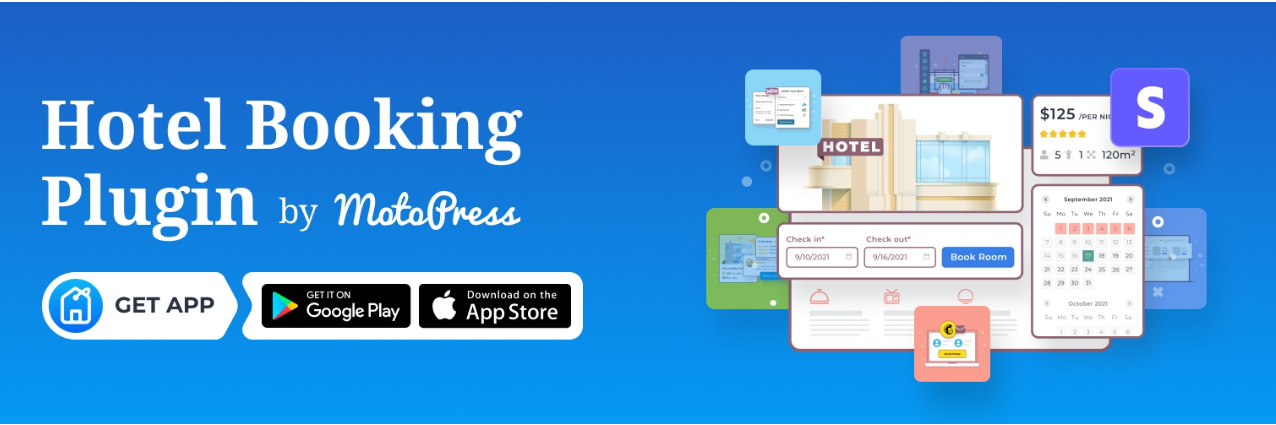
The most complete all-round choice for owners who need real iCal synchronization with Airbnb, Vrbo, and Booking.com. It handles unlimited accommodations, room types, seasonal pricing, coupons, extra services, and taxes. Payment gateways cover Stripe, PayPal, Braintree, and direct bank transfer, and it integrates with WPML and Elementor.
Strengths: Genuine two-way iCal sync that actually prevents overbooking across channels, flexible booking-confirmation workflow, and a single tool rather than a stack of add-ons.
Limitations: No free tier; it’s a one-time paid license. Not WooCommerce-native, so it runs its own separate checkout system.
Best for: Anyone running one to several dozen units who lists on multiple OTAs and needs channel sync as a core requirement, not an add-on.
3. Pinpoint Booking System — Best for Single-Property Owners on a Budget
A strong pick if the calendar itself is the centerpiece of your page. Pinpoint offers attractive, configurable calendars, per-day and per-hour pricing, deposits, and a free tier genuinely usable for a single property. The premium version adds Google Calendar sync, multiple payment gateways, and discount rules.
Limitations: iCal/OTA sync is a premium-tier feature, not available for free.
Best for: Single-property owners testing direct bookings on a modest budget.
4. WP Hotel Booking (by ThimPress) — Best for Simple Room-Based Rentals

A lightweight, room-oriented plugin with a clean admin interface, coupon support, and extra-package options. Easier to learn than heavier systems but with fewer advanced pricing and channel-management features.
Best for: Guesthouses and B&Bs with straightforward rates and no multi-channel sync requirement.
5. Booking Calendar (WP Booking Calendar) — Best for Unusual Booking Rules
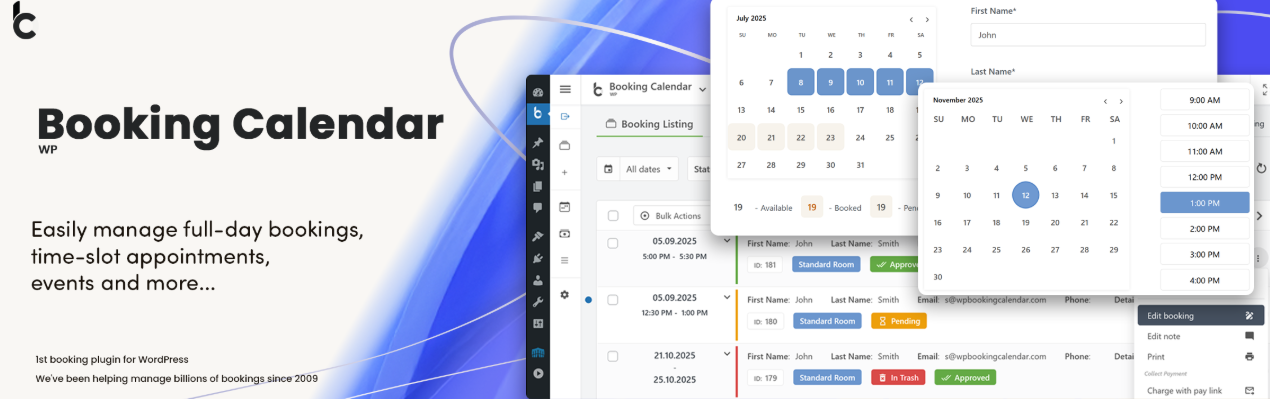
One of the longest-running options in the ecosystem, with a huge number of configuration settings, conditional booking forms, and granular availability rules. The interface feels dated, but for owners who want total control over form fields, capacity, and availability logic, it’s hard to beat.
Best for: Technical users with unusual booking rules who don’t mind a dated interface.
6. Lodgify or Hostaway (with a WordPress Widget) — Best for Larger Portfolios
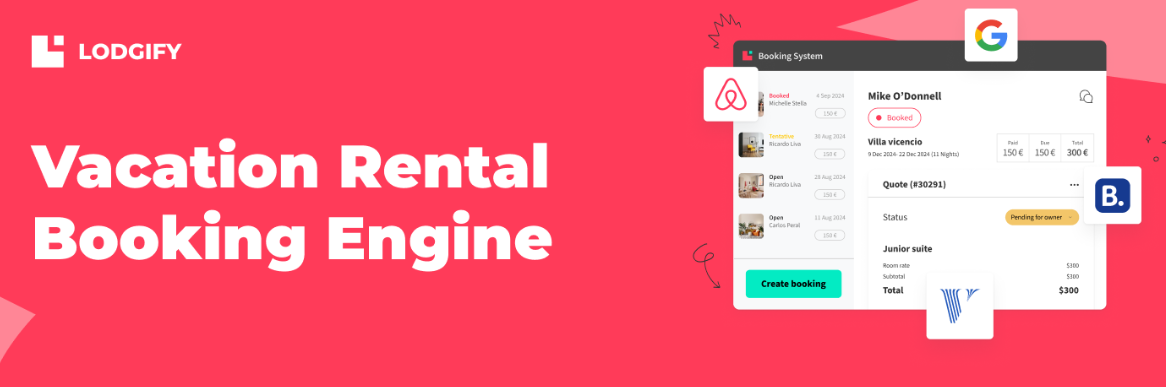
Not plugins in the strict sense, but worth knowing about. These hosted property-management systems include two-way channel management, unified inboxes, and automated messaging, and then embed a booking engine into your WordPress site. You pay a monthly subscription instead of a one-off license.
Best for: Managers with 10+ listings across several OTAs who need true two-way sync rather than iCal, and who are fine paying a recurring fee for it.
7. WooCommerce Bookings
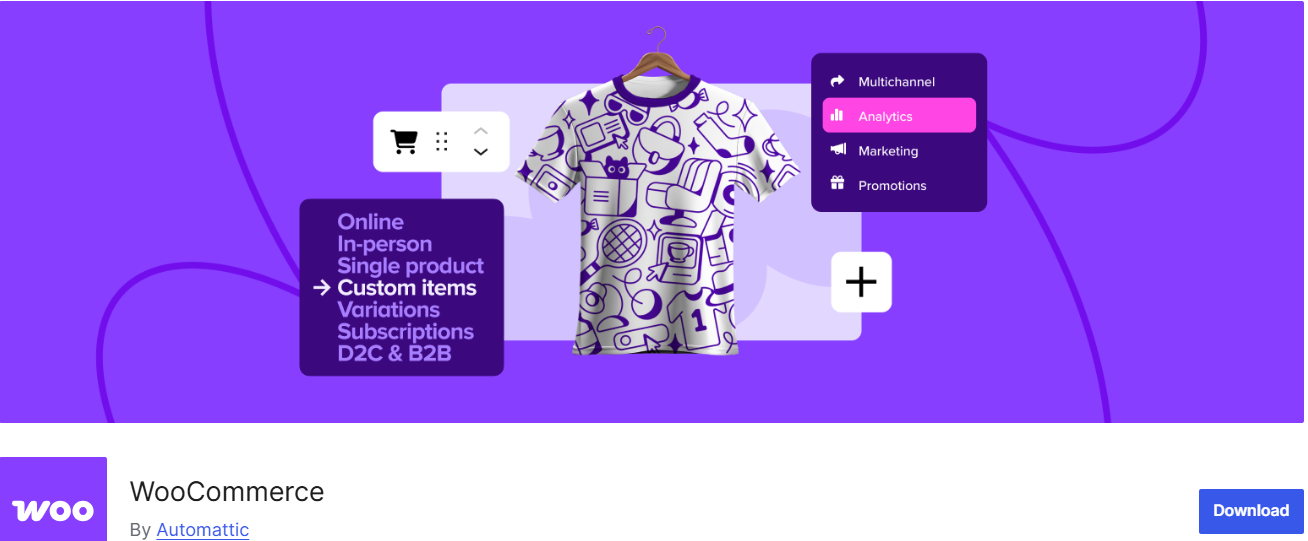
Only worth considering if you already sell other products through WooCommerce and want everything in one cart. It’s not purpose-built for accommodation, so expect to add extensions for seasonal pricing and calendar sync.
How to Choose: A Short Decision Framework
- Answer the channel-sync question first. If Airbnb or Booking.com is a real source of your bookings, that determines your shortlist before anything else; it isn’t a nice-to-have.
- Count your units. One cottage? A free or entry-level plugin is fine. Multiple room types with different rates? Choose a plugin with accommodation types and per-unit calendars.
- Check payment coverage. Confirm your preferred gateway and currency are supported, and that the plugin can take a deposit now and the balance later if that suits your cancellation policy.
- Test the mobile booking flow. Most holiday-rental traffic is mobile. Walk through a test booking on a phone before you commit.
- Look at support and update history. A booking plugin touches money and data; abandoned plugins are a real risk. Check the changelog and recent support-forum activity.
Setup Essentials People Forget
- Enable SSL and a reliable host. Booking forms handle personal and payment data; shared budget hosting with frequent downtime costs you reservations.
- Back up daily. Reservations live in your database, not in a file you can re-upload.
- Write clear policies. Cancellation terms, security deposit, and house rules should appear before checkout, not after.
- Add structured data. Many rental plugins or SEO plugins can output lodging schema, helping your property appear with richer search results.
- Track conversions. Connect analytics to the confirmation page so you know which pages and channels actually produce bookings.
Final Thoughts
For the majority of hosts, the decision comes down to how central OTA platforms are to your business. If Airbnb and Booking.com are core to how you fill your calendar, prioritize a plugin with genuine iCal or API channel sync. MotoPress Hotel Booking is the strongest WordPress-native option for that. If you’re building a WooCommerce store focused on direct bookings and want strong dynamic pricing, deposits, and multi-location logistics, WpRently is a capable choice; just plan to pair it with a dedicated sync tool if OTAs are part of your channel mix. Single-property owners on a tight budget can start with Pinpoint Booking System, while larger portfolios with heavy multi-channel needs are usually better served by a hosted system like Lodgify or Hostaway.
Frequently Asked Questions About Vacation Rental Booking Plugins
What is the best WordPress plugin for vacation rental bookings?
It depends on whether channel sync is a requirement. If you list on Airbnb, Vrbo, or Booking.com and need automatic double-booking prevention across platforms, MotoPress Hotel Booking is the strongest WordPress-native option with real iCal sync. If your business runs primarily on direct bookings through your own WooCommerce store, WpRently offers strong dynamic pricing, deposits, and multi-location handling.
Do I need a plugin that syncs with Airbnb and Booking.com?
If those platforms are a meaningful source of your bookings, yes. Without channel sync, a guest can book the same date on Airbnb and on your own site before you manually block it on the other, creating a double booking. If you take bookings almost entirely through your own site, this matters less, but it’s still worth having some form of calendar export as a safety net.
Can I take vacation rental bookings through WooCommerce?
Yes. Plugins like WpRently and WooCommerce Bookings run rental bookings through the standard WooCommerce cart and checkout, which is useful if you already sell other products or want your booking data in the same dashboard as your regular store orders.
How do I prevent double bookings on my vacation rental website?
The reliable way is iCal or API channel sync between your WordPress plugin and every platform you list on, so a booking made anywhere automatically blocks that date everywhere else. A one-way calendar push (to Google Calendar, for example) isn’t the same thing; it can help you personally track bookings, but it doesn’t block those dates from being booked again on another platform.
What’s the difference between a free and a paid vacation rental plugin?
Free plugins typically cover a basic availability calendar and manual reservations, which is enough for a single property managed mostly by hand. Paid plugins add the features that start mattering as you grow: automatic channel sync, dynamic pricing rules, deposits, multi-property management, and more payment gateway options.
