 Get Halloween 15% for Limited Time on Lifetime & Bundle Deal

Addon booking means selling an extra alongside a booking that already exists a seat plan, a QR code ticket, a paid seat upgrade, a child seat, a tour guide, or an airport pickup. An addon is a booking option attached to a base reservation, not a product you sell on its own. This guide explains what a booking addon actually does, when your site needs one, and how to choose, price, and set one up without breaking your checkout.
- What Is Addon Booking?
- Why Addons Matter for Booking Businesses
- Common Types of Booking Addons
- When Your Booking Site Actually Needs an Addon
- How to Choose Which Addons to Add First
- Pricing an Addon Without Undercharging
- Setting Up Addon Booking on WordPress
- Addon Booking Mistakes to Avoid
- Frequently Asked Questions
- Conclusion
What Is Addon Booking?
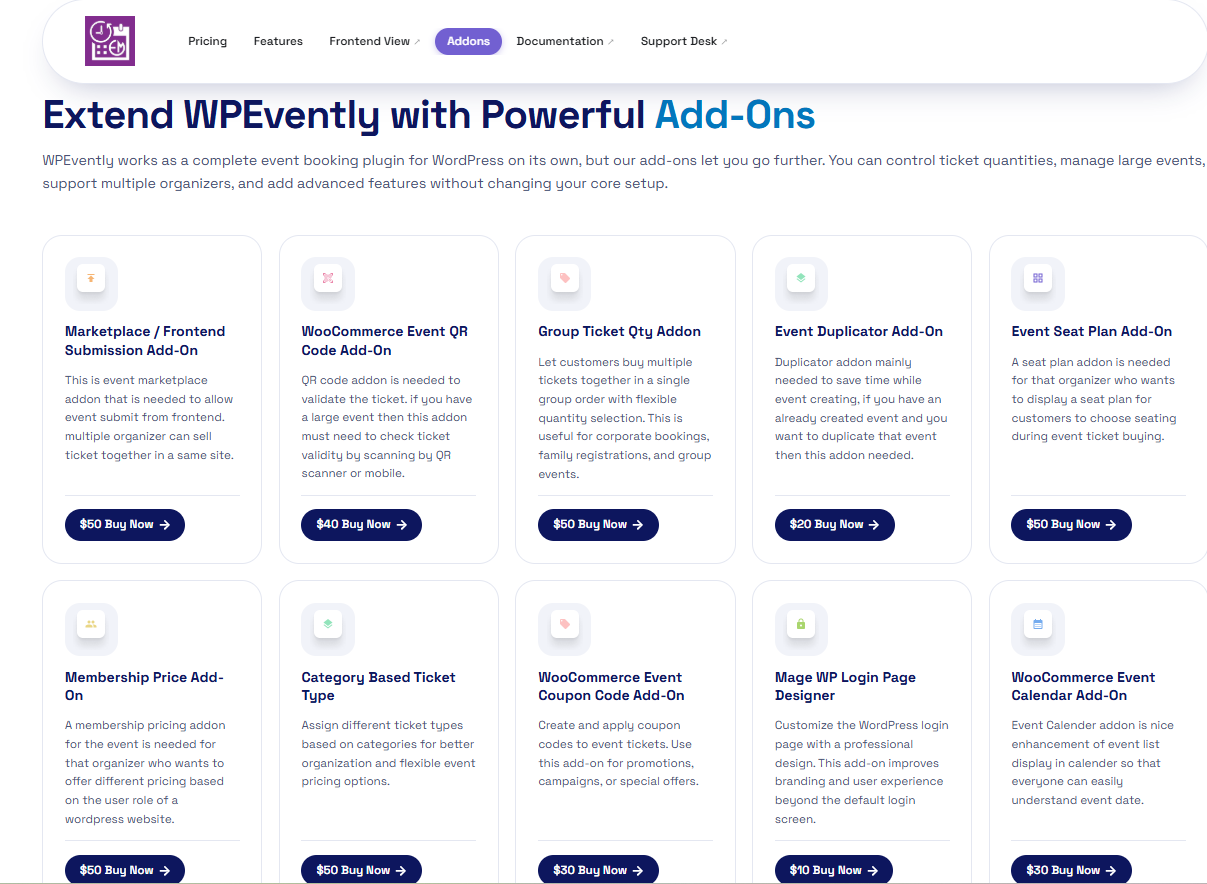
An addon is a bookable extra that rides on top of a primary reservation. The customer picks their tour, room, seat, class, or ride first, then selects one or more extras during the same checkout flow. The total price recalculates, the extras are recorded against the same order, and your staff sees everything on one booking record.
The key distinction is dependency. An addon cannot exist without a base booking; it is never a standalone product. That differs from an upsell, which usually bumps the customer to a higher version of what they already chose (economy to business, standard room to suite), and from a cross-sell, which is a separate purchase suggested at checkout.
The three parts of any addon
- Attachment rule — which bookings may select it. A child seat only makes sense on a taxi or transfer, not on a seminar ticket.
- Pricing model — flat fee, per person, per unit, per day, or percentage of the base fare.
- Inventory and capacity — whether the addon itself can run out. Ten child seats mean eleven simultaneous bookings are impossible.
If an addon has no capacity rule, you are selling a promise you may not be able to keep. Capacity is the part most site owners forget.
Why Addons Matter for Booking Businesses
Addons are usually the cheapest revenue on the site because the customer is already committed. You have paid nothing extra for acquisition, and checkout is the moment of maximum trust.
- Higher average order value without raising headline prices. A modest extra per booking compounds across hundreds of bookings.
- Fewer support emails. If customers can add and pay for a seat preference, a meal, or a pet carrier online, they stop emailing you to ask.
- Cleaner operations. Extras land on the booking record instead of arriving as separate messages that someone has to reconcile.
- Better differentiation. Two operators with identical routes can offer different booking experiences through the extras they support.
The counterweight is complexity. Every addon adds a decision to checkout, and too many decisions cause abandonment. Three to five well-chosen extras usually outperform a long menu.
Common Types of Booking Addons
Visual and access addons
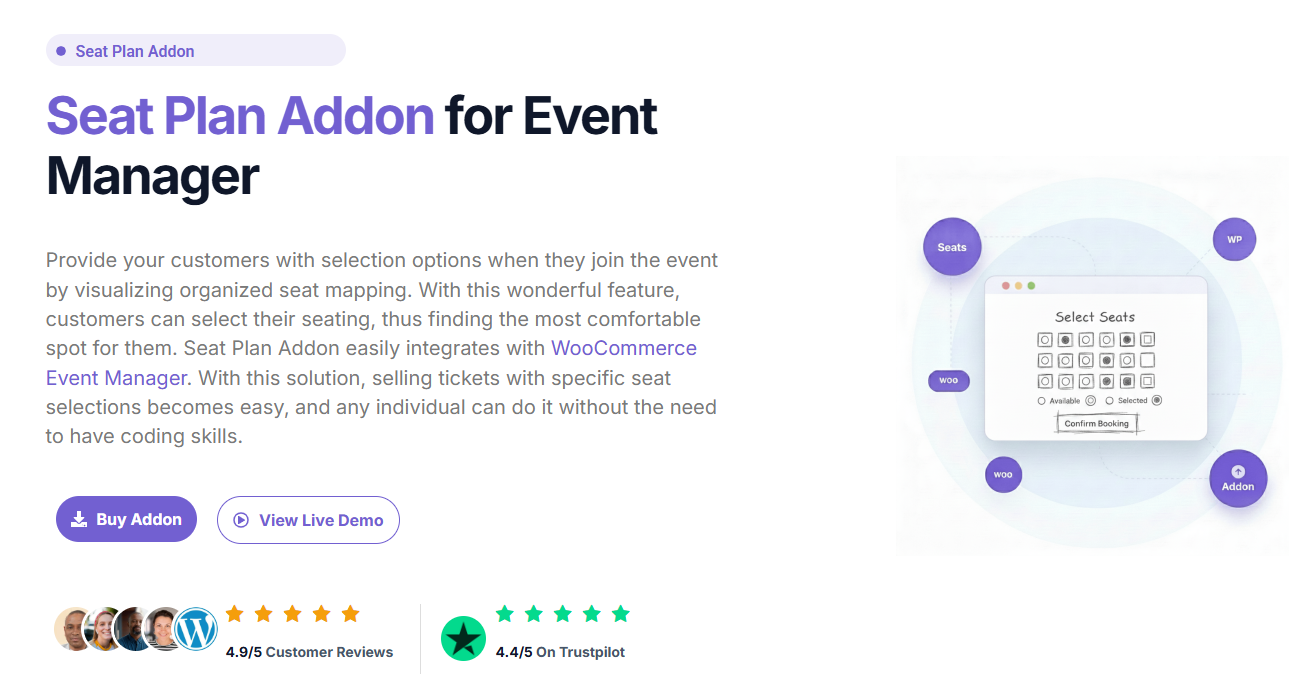
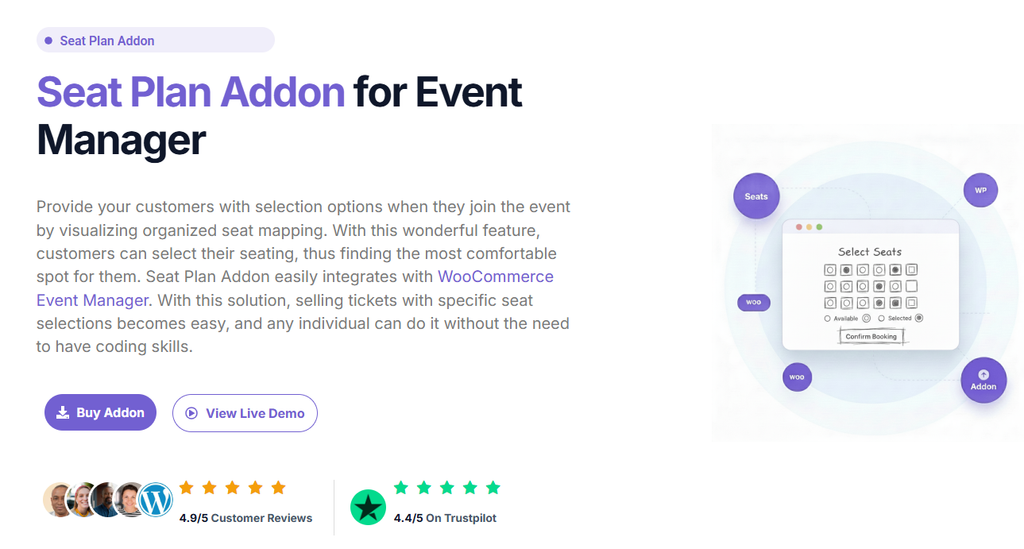
Seat plans, tables, rooms, pitches, and cabins. The customer picks a specific spot on a map, and the choice carries a price tier. These addons are visual: the customer selects rather than types.
Ticket and identity addons
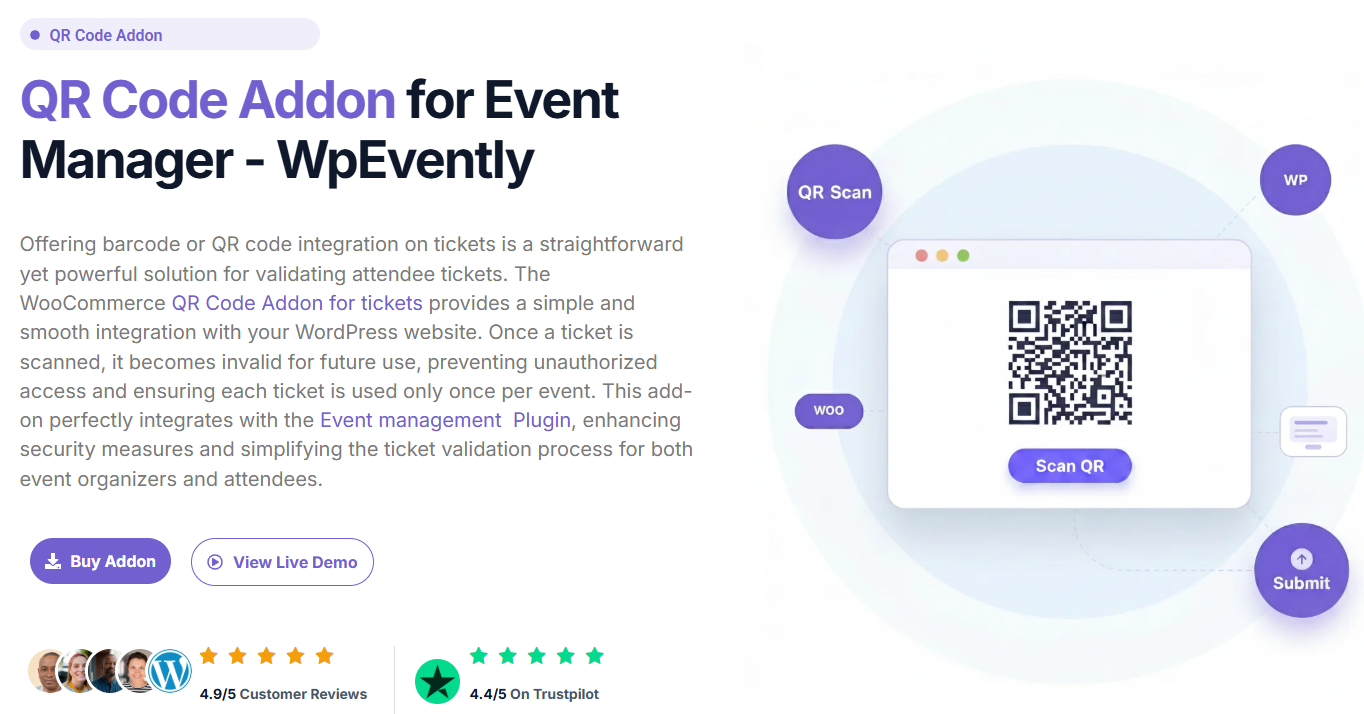
QR codes, PDF tickets, barcodes, and passes. Strictly a delivery addon, it does not change what the customer bought, but it changes how efficiently you check people in. If you are weighing whether an entry-control layer is worth the setup effort, our walkthrough on setting up a QR code addon for an event covers the operational side rather than the sales side.
Service and comfort addons
Child seats, extra luggage, insurance, meals, guides, meet-and-greet, room upgrades, and pet carriage. These are the addons that most often use a per-person or per-unit price with real inventory.
Booking-workflow addons
Deposits, part payments, recurring classes, resource buffers, and waitlists. These do not add something the customer receives; they change how the booking itself works. They are the addons you deploy when manual handling has become the bottleneck.
When Your Booking Site Actually Needs an Addon
Addon booking is the right answer when a specific, repeated condition shows up in your operations. Look for these signals:
- Customers keep asking for the same extra by phone or email.
- You are collecting extra money on the day of service instead of at checkout.
- You have staff manually allocating something finite seats, seats on a floor plan, seats for a class, seats for a shuttle.
- Your checkout forces anyone who wants an extra into a second, separate purchase.
If none of those are true, adding addons may just be adding friction. Adding features you cannot support is a common failure mode the same pattern we described in our write-up on common mistakes when setting up a bus booking plugin, where operators switch on every toggle before the core booking journey works.
How to Choose Which Addons to Add First
Rank candidate addons by three scores and start at the top.
| Factor | High score means | Low score means |
|---|---|---|
| Demand | Customers already request it repeatedly | Nobody has ever asked |
| Operational cost | You already deliver it with no extra logistics | It needs new inventory, staff or permits |
| Checkout simplicity | One checkbox or one dropdown choice | A multi-step form inside checkout |
| Capacity certainty | You can state exactly how many you can fulfil | Fulfilment depends on the day |
A high-demand, low-cost, single-click addon with known capacity is an easy yes. A high-cost addon that depends on third parties is a project, not a configuration change.
Pricing an Addon Without Undercharging
Most businesses underprice extras because they price against the base booking rather than against their own cost. Three workable models:
- Flat per booking. Simple, predictable, easiest to explain. Best for one-off items like a printed ticket.
- Per person or per unit. Matches real cost when each traveller or item consumes something.
- Percentage of base. Scales with the value of the booking and avoids the odd cheap-looking extra on an expensive reservation.
Whatever model you pick, make the addon price visible on the cart and order summary. Hidden extras that appear only at the final step produce chargebacks and angry reviews far more often than they produce revenue.
Setting Up Addon Booking on WordPress
On WordPress, the practical route is usually a booking plugin with an addon or extension layer rather than a general-purpose e-commerce plugin. The setup sequence below applies to most of them.
- Confirm the base booking works first. Availability, pricing, confirmation email, and refunds should all run correctly before you add anything.
- Enable the addon module and check what it supports: per-person pricing, inventory limits, and whether addons appear on the calendar or only in the cart.
- Create the addon as its own record with a name customers understand. “Extra legroom seat” beats “Addon type 3”.
- Attach it to the right services. Scope every addon to the bookings it genuinely applies to, or it will appear where it makes no sense.
- Set capacity and pricing, including what happens when the addon sells out.
- Test on mobile and on the order-confirmation email. Addons are frequently missing from one or the other.
- Check reporting. You need to see addon revenue separately from base revenue, or you cannot tell what is working.
If your base booking is not stable yet, fix that before layering extras on top. See our complete WooCommerce event booking setup guide for the core configuration steps.
Addon Booking Mistakes to Avoid
- Too many options. A long addon list makes the decision harder and reduces completion.
- No capacity limits. Overselling an extra is worse than not offering it.
- Addon-only revenue leaking offline. If extras are paid in cash on the day, you lose reporting and reconciliation.
- Ignoring mobile. Addon selectors built as wide tables break on small screens.
- Forgetting the confirmation email. Customers who cannot see their addons in writing will call you.
- No cancellation rule. State whether addons are refundable, and make the plugin enforce it.
Frequently Asked Questions
Is addon booking the same as an upsell?
No. An addon is an extra attached to a booking the customer has already chosen. An upsell is a push toward a better version of the same thing. Both raise order value, but they are configured differently.
Can one customer select multiple addons at once?
Yes, in most booking systems that support addons, provided each addon has its own capacity. Multiple addons on one order should all appear on the single booking record.
Do addons need their own inventory?
Any addon you can physically run out of does. A downloadable ticket does not; a child seat, a guide slot, or a seat on a map does.
Should addon prices include tax?
Follow local rules, but be consistent an addon should be taxed the same way the base booking is. Mixing tax treatments on one invoice creates admin work later.
Conclusion
Add-on booking is about selling the extras your customers already want inside the same checkout, with real capacity, visible pricing, and clean reporting. Start with the one extra people ask for, price it against your own cost, cap it, and test it on mobile and in the confirmation email. Then add the next one. Extras layered onto a working booking flow grow revenue quietly; extras layered onto a broken one just add support tickets.