 Get Halloween 15% for Limited Time on Lifetime & Bundle Deal

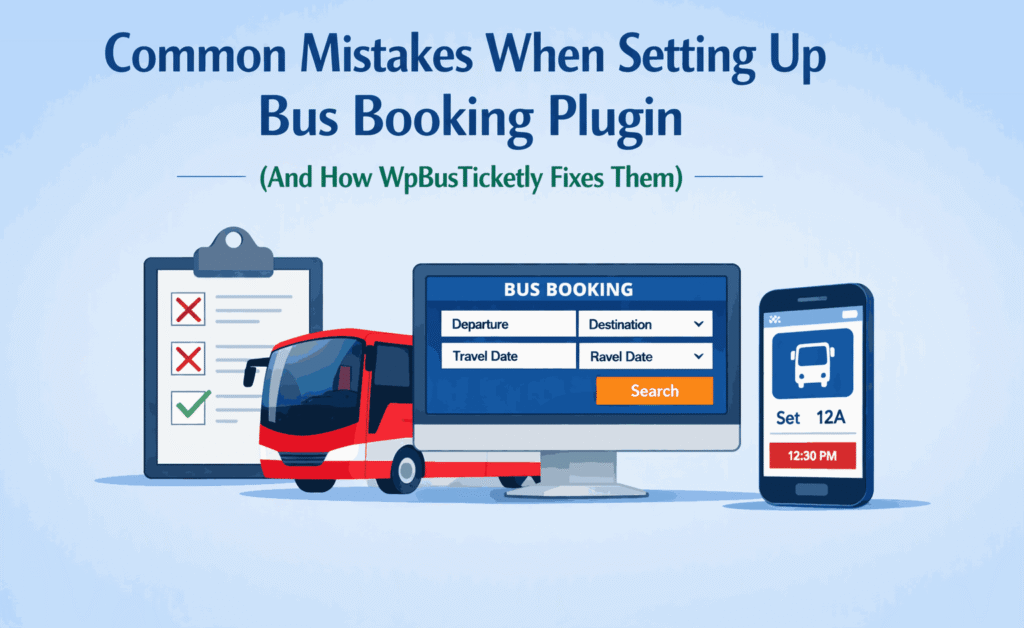
Ready to Take Your Bus Business Online Without the Headache?
Starting an online ticket office sounds like a dream until you’re staring at a screen full of overbooked seats and confused passengers. Setting up a bus booking system can be tricky, but knowing the pitfalls before you start can save you hours of stress.
Let’s look at the most common mistakes people make and how WpBusTicketly Pro acts as the ultimate “fix-it” tool.
1. The “Ghost Seat” Problem (Inefficient Route Inventory)
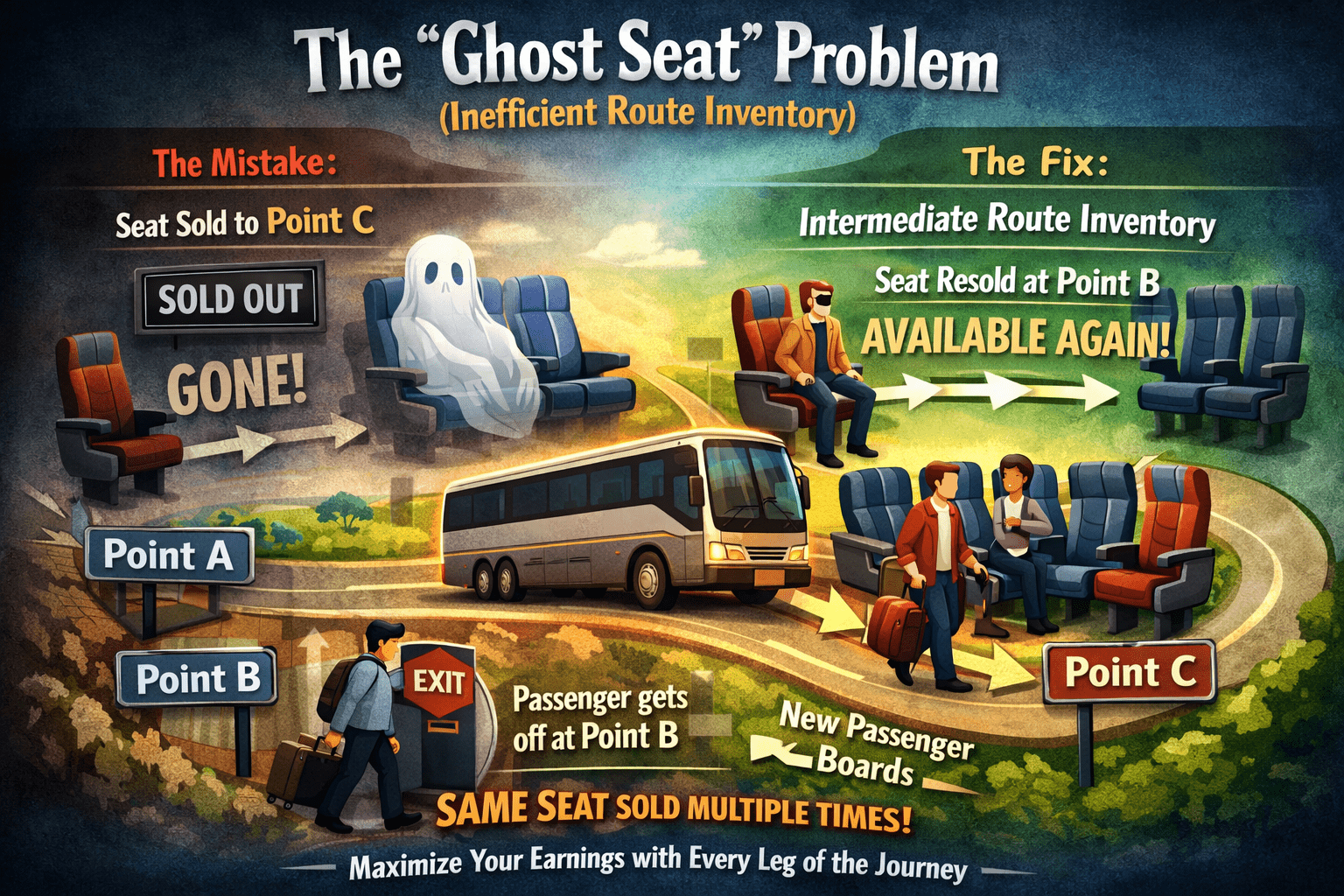
The Mistake: Many basic plugins treat a bus seat like a single product. Once it’s sold for a trip from Point A to Point C, it’s gone.
The Fix: WpBusTicketly uses Intermediate Route Inventory. If a passenger gets off at Point B, the system automatically makes that seat available again for the next leg of the journey. This maximizes your earnings by selling the same seat multiple times on one long route.
To know more about common mistakes, you can also check the 10 common reservation problems of Bus booking.
2. The Last-Minute Booking Chaos
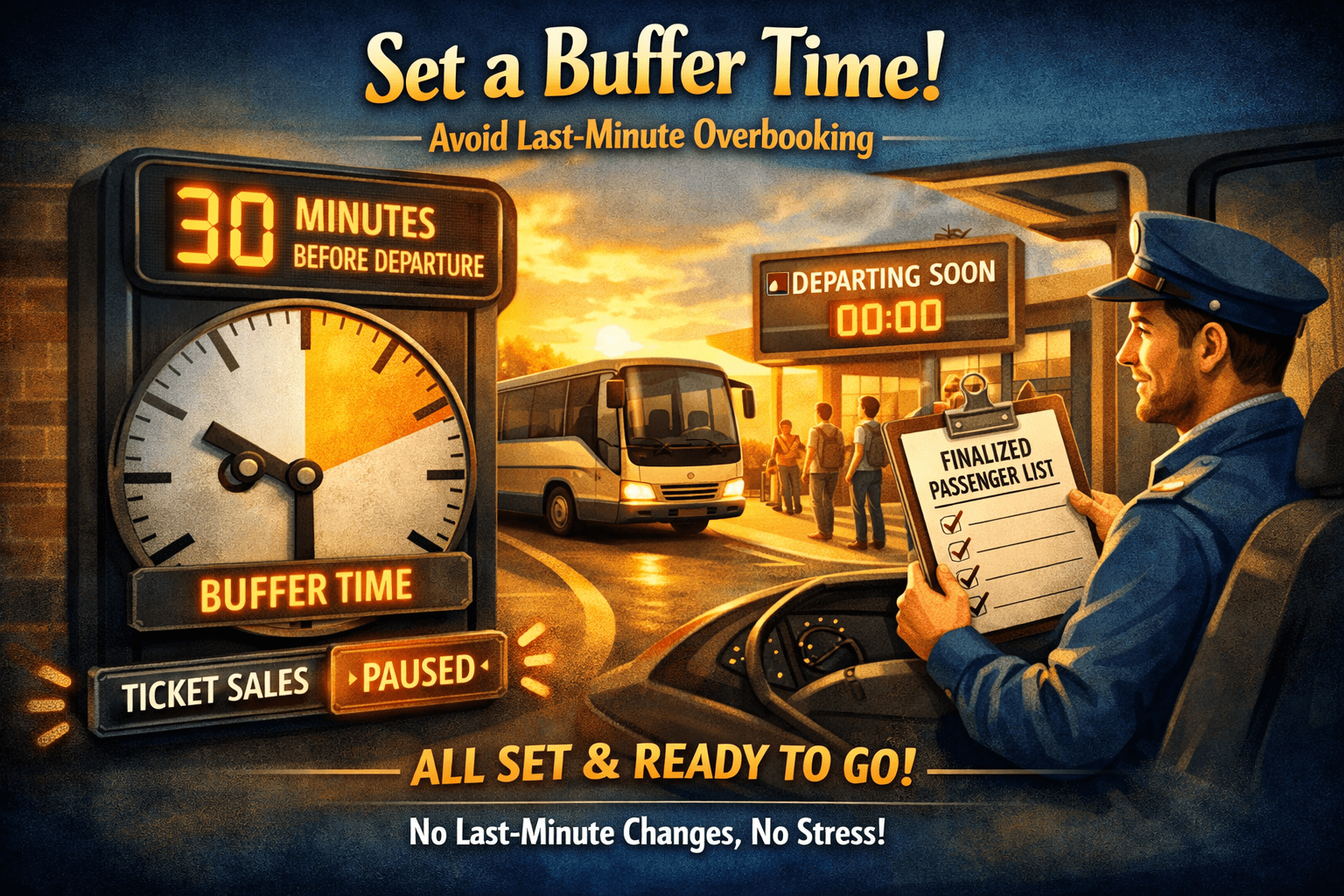
The Mistake: Allowing customers to book a ticket 30 seconds before the bus pulls away. This leads to boarding delays and messy passenger manifests.
The Fix: You can set a Buffer Time. This feature automatically pauses ticket sales a set amount of time before departure, ensuring your drivers have a finalized list and zero overbooking stress.
3. Ignoring the “Extra” Revenue
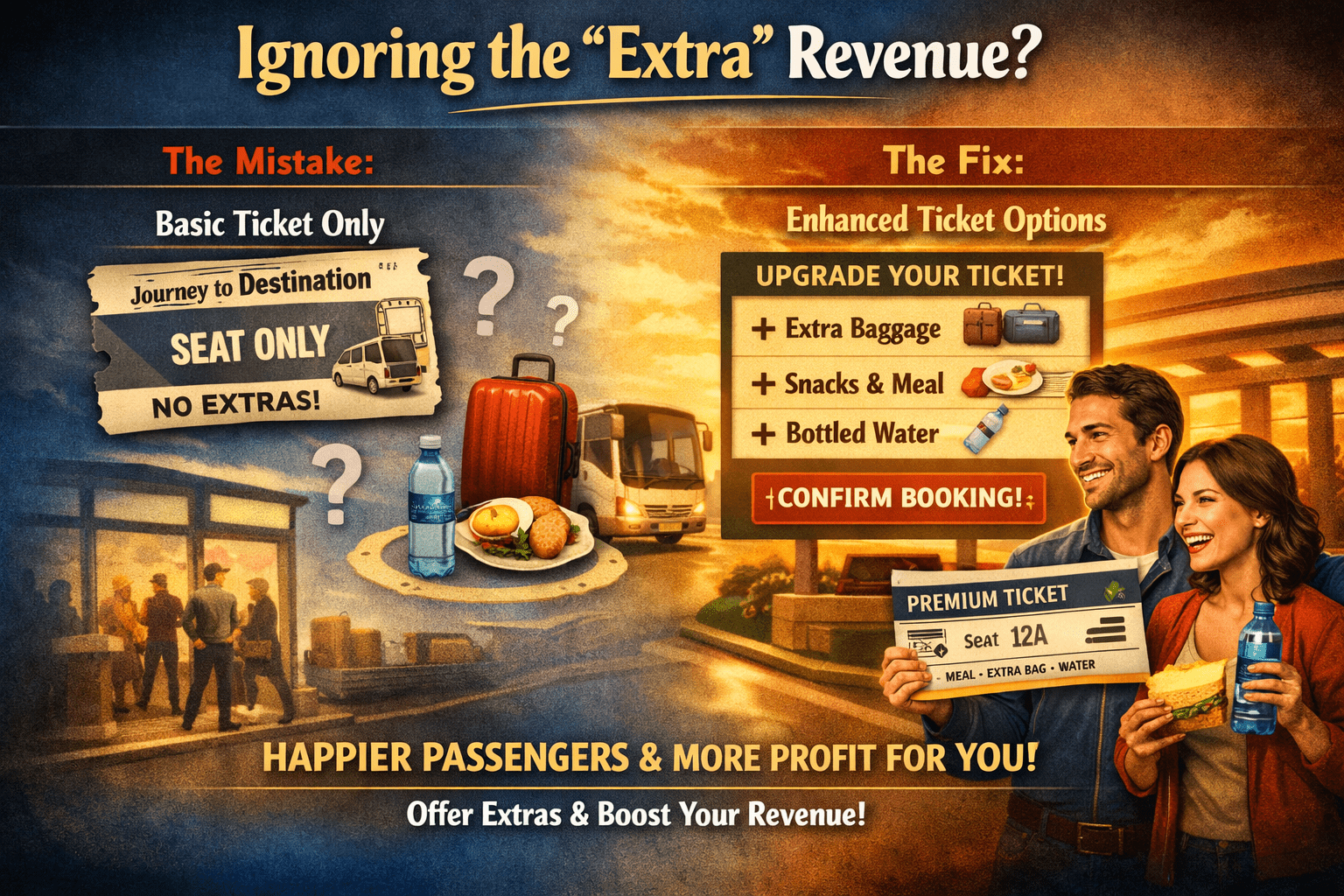
The Mistake: Thinking a ticket is just a seat. Many operators forget that passengers often need more, like extra luggage space or a meal.
The Fix: Use Enhanced Ticket Options. WpBusTicketly allows customers to add optional items like water bottles, breakfast, or additional bag space directly to their booking. It’s a better experience for them and more profit for you.
Learn how to create a bus booking using WpBusTicketly.
4. Sloppy Passenger Verification
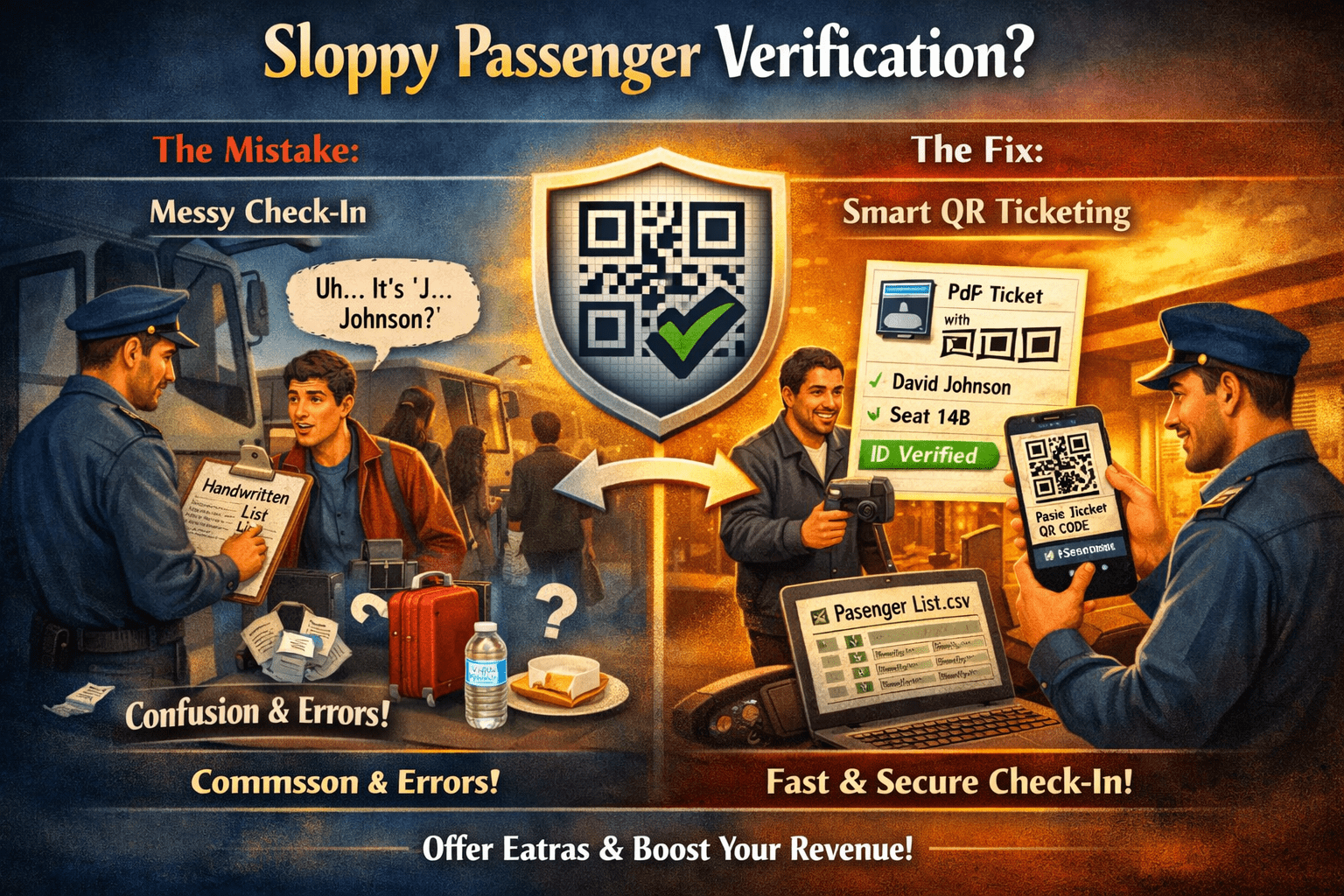
The Mistake: Relying on verbal names or messy handwritten lists at the bus door.
The Fix: The plugin generates Individual PDF Tickets with QR Codes. Drivers can simply scan the code to verify the passenger’s National ID or contact details instantly. Plus, you can export a clean Passenger List (CSV) for the driver before they even start the engine.
You can learn more about Bus QR code from how to add bus qr code ticket.
Industry Insights: The Digital Shift
The shift to digital booking isn’t just a trend; it’s a necessity for growth. According to industry data, the convenience of online reservations is a primary driver for modern travelers.
| Metric | Stat | Source |
| Global Online Travel Market Growth | Expected to reach $1,091 billion by 2030 | Statista |
| User Preference | Over 60% of travel bookings are now made via mobile/online | Market Data Forecast |
Wrapping Up
Setting up your booking system doesn’t have to be a gamble. By avoiding these common errors and using a dedicated solution like WpBusTicketly, you can focus on what matters: getting your passengers to their destination safely and on time.
How are you currently handling your seat reservations, manually or with a plugin?
FAQ
Q: Do I need to be a developer to set this up?
No! The interface is designed to be simple and user-friendly, so you don’t need to be “techy” to manage your system.
Q: Can I change passenger details if they make a mistake?
Yes. You or your staff can edit details from the backend, or you can even allow passengers to edit their own info from the frontend.
Q: How does the system handle taxes?
It integrates directly with WooCommerce, allowing you to set custom tax rules that automatically appear on every ticket and report.
Q: Can I use this for things other than buses?
Absolutely. It’s a multipurpose tool perfect for trains, ferries, boats, and shuttles.
