 Get Halloween 15% for Limited Time on Lifetime & Bundle Deal

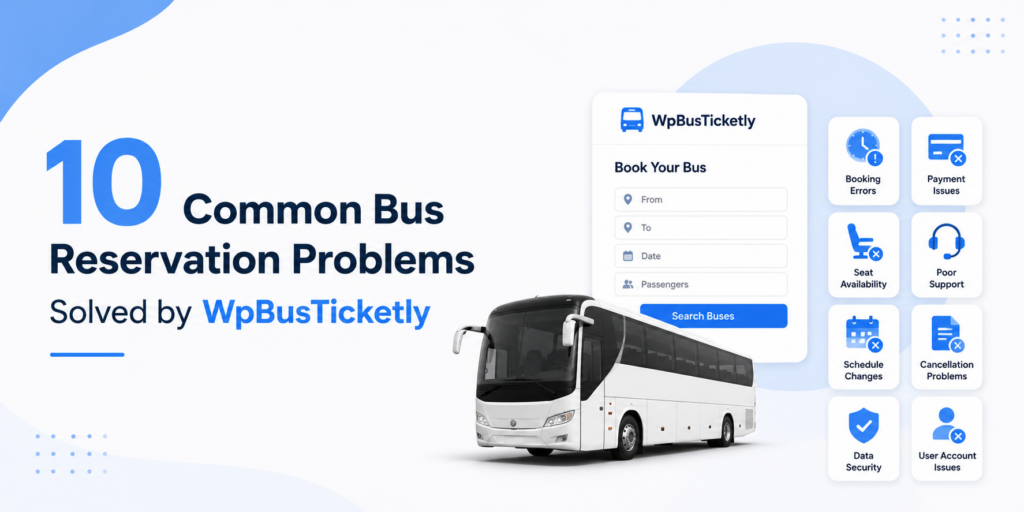
Most bus reservation problems aren’t mysteries. They follow predictable patterns: offline and online sales that never sync, seats that sit empty after a mid-route drop-off, handwritten manifests that slow boarding to a crawl. This guide walks through the ten most common ones bus operators hit and shows exactly how WpBusTicketly, the MagePeople bus ticket booking addon for WordPress, handles each.
Each problem below is written the same way: the scenario you’ll recognise, why it costs you money or goodwill, and the specific feature that removes it. You can read straight through, or jump to the problem costing you the most right now.
If you’re still choosing software rather than fixing a live problem, the review of the best bus booking software for all types of buses is a better starting point than this article.
Quick Snapshot: What WpBusTicketly Actually Does
WpBusTicketly is a bus ticket booking addon that runs on WordPress and processes every sale through WooCommerce. That combination is the core of its value: the bus logic (seat maps, routes, boarding points, manifests) sits inside WordPress, while the money logic (taxes, gateways, invoices, refunds) is handled by the most widely supported e-commerce engine there is.
What it handles out of the box:
- Visual seat maps you build to match your real buses, including rotated and multi-deck layouts
- Routes with multiple boarding and drop-off points, each with its own fare
- PDF tickets with QR codes generated automatically on purchase
- Exportable passenger manifests for drivers and counter staff
- Sales reports by bus, route, date and order
You don’t need to be technical to run it, and you don’t need a separate SaaS subscription for every feature. Everything lives in the WordPress dashboard you already use.
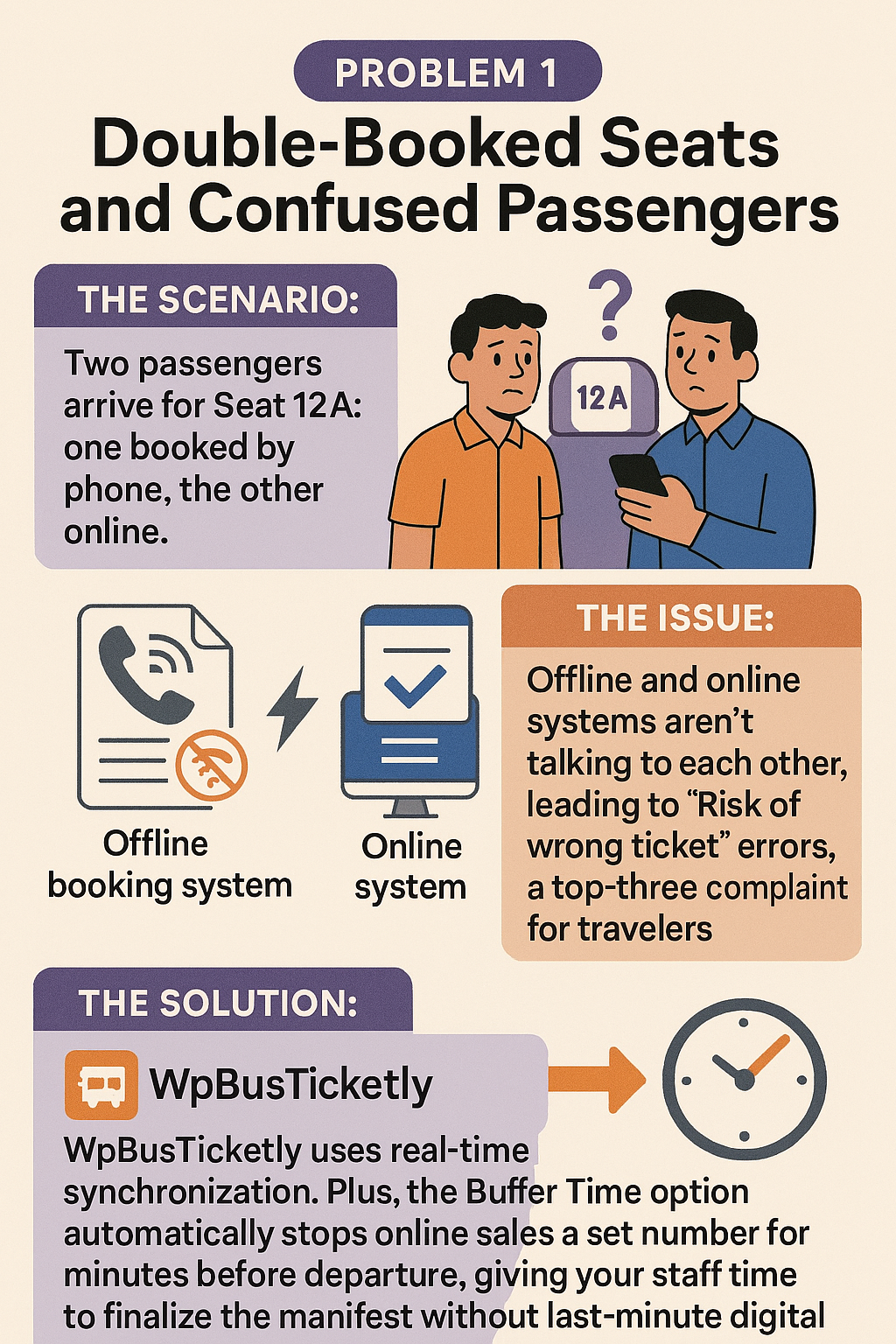
Problem 1: Double-Booked Seats and Confused Passengers
The scenario: Two passengers board holding tickets for seat 12A. One booked by phone at the counter, the other booked online twenty minutes later.
Why it happens: The counter system and the website aren’t reading from the same inventory. Every seat you sell twice is a refund, an angry review, and often a passenger you never see again.
How WpBusTicketly solves it: Seat inventory is synchronised in real time, so a seat sold at the counter disappears from the website immediately and vice versa. For the last-minute window, the Buffer Time setting stops online sales a set number of minutes before departure, giving your staff room to finalise the manifest without a booking landing mid-departure. Front-desk staff can also issue bookings directly from the backend through the Admin Ticket Reservation feature, so phone and counter orders go into the same inventory as web orders instead of a separate notebook.
Problem 2: Complex Routes with Multiple Boarding Points
The scenario: A single service runs from Dhaka to Chattogram but picks up passengers in Cumilla and drops some in Feni. Pricing that correctly, and showing each passenger only the stops that matter to them, breaks most simple booking forms.
Why it costs you: If you can’t price segments separately, you either undercharge short-haul passengers or overcharge them and lose the booking.
How WpBusTicketly solves it: Route chains let you define a specific sequence of boarding and drop-off points for every trip, with its own fare attached to each leg. Passengers choose their boarding point and destination during search, see only the relevant stops, and pay the fare for their actual journey. Your staff see the full route picture on one trip record.

Problem 3: Revenue Loss on Long Routes (Empty Seats)
The scenario: A passenger rides the first 60 km of a 600 km service. In a paper-based system, that seat is marked sold for the entire trip and earns you one fare. It could have earned three.
Why it happens: Manual manifests treat a seat as sold for the whole journey, because tracking segment-by-segment availability by hand is impossible at scale.
How WpBusTicketly solves it: Intermediate route inventory logic returns a seat to the available pool the moment a passenger drops off. The seat you sold for the first leg becomes sellable again for the second and third. On long routes with multiple stops, this is usually the single biggest revenue lever in the whole system, because it costs you nothing to implement and adds no extra vehicles.

Problem 4: Manual Paper Manifests and Slow Check-In
The scenario: Fifty passengers standing in the heat while a driver squints at a handwritten list, trying to match surnames to seat numbers.
Why it costs you: Boarding delays cascade into late departures, late arrivals and complaints. It also means your office has no idea who is actually on the bus until the driver calls in.
How WpBusTicketly solves it: Every booking generates a PDF ticket with a QR code, and you can export a clean passenger manifest as a CSV file for each trip. Drivers scan tickets from a phone and the passenger’s status updates in your system instantly, so the manifest is live rather than reconstructed afterwards. If you want the QR side configured properly, the walkthrough on how to add a bus ticket QR code to WordPress using WpBusTicketly covers the setup step by step.

Problem 5: Seat Layouts That Don’t Match the Real Bus
The scenario: Your website shows a neat 2×2 grid, but the actual bus has a 1×2 luxury layout, a back-row bench, or an upper deck that doesn’t line up with the lower one.
Why it matters: When the map on screen doesn’t match the bus, passengers feel misled at the exact moment they’re looking for their seat, and your staff field complaints at the door.
How WpBusTicketly solves it: The visual seat panel builder lets you drag, drop and place seats to mirror each vehicle, and the Pro version adds seat rotation of up to 270 degrees so angled seats, benches and multi-deck configurations stay accurate. Build the layout once per vehicle type and reuse it across every trip. The guide to configuring seat plan rotation in WpBusTicketly Pro shows how far you can take it.

Problem 6: Unclear Taxes and Hidden Service Charges
The scenario: A passenger reaches the final checkout step and sees a fare that is suddenly higher than the one they searched for. They leave. You paid for the click and got nothing.
Why it happens: Discounts, VAT and service fees get bolted on late in the funnel instead of being configured in a proper tax engine.
How WpBusTicketly solves it: Because the addon runs on WooCommerce, it inherits WooCommerce’s tax rules. You configure rates by region, apply them consistently across every ticket, and the itemised breakdown appears on the invoice, the PDF ticket and the sales report. Passengers see the full cost before they commit. Check current pricing for the addon and any companion extensions on the official product page, since licence tiers and bundles change.

Problem 7: Poor Communication Around Schedule Changes
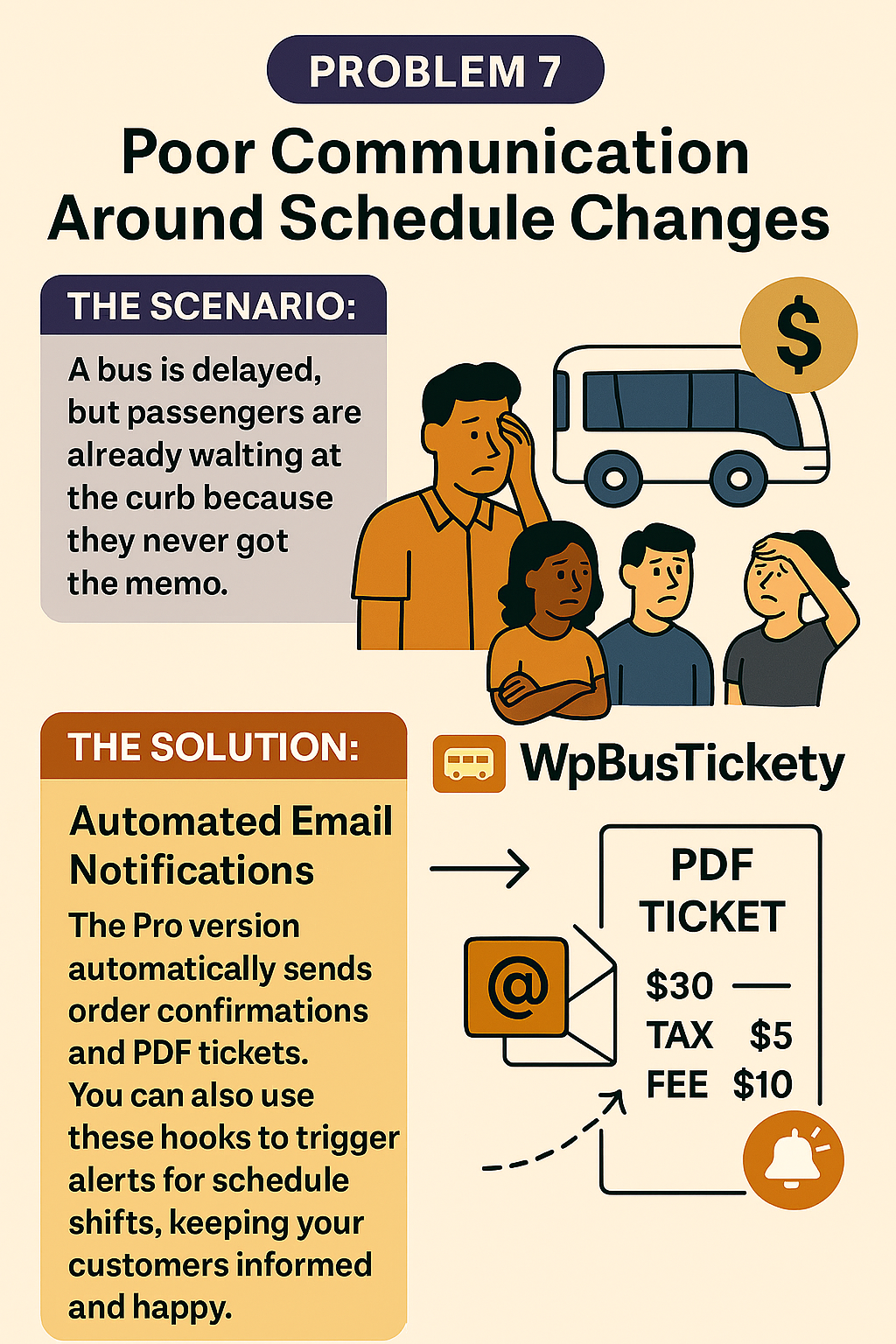
The scenario: A bus is delayed two hours. Passengers are already at the boarding point because nobody told them.
Why it matters: Delays are survivable. Delays passengers learned about at the curb are not, because that’s what they review.
How WpBusTicketly solves it: Automated email notifications send order confirmations and PDF tickets the moment a booking completes, so the customer always has their ticket and trip details in writing. Those same notification hooks are where you attach delay and schedule-change alerts, so a timetable edit reaches every ticketed passenger rather than whoever happens to call the office.
Problem 8: Hard to Handle Multiple Currencies and Payments
The scenario: Domestic travellers want mobile wallets and local cards. International visitors want PayPal or a credit card. Cash on boarding still has to be recorded somewhere.
Why it costs you: Every payment method you don’t support is a booking you lose at checkout, and every method you support informally is revenue you can’t reconcile.
How WpBusTicketly solves it: Since checkout runs through WooCommerce, your payment options are effectively the WooCommerce gateway ecosystem. Enable the gateways your market actually uses, add currency handling through WooCommerce’s multi-currency setup, and every method flows into the same order records and reports. No parallel spreadsheets for offline payments.

Problem 9: No Clear Reports for Management
The scenario: Someone asks which route made the most money last month, or which bus is underperforming, and the only answer available is a guess.
Why it matters: Without route-level and vehicle-level numbers, scheduling decisions become opinion rather than evidence.
How WpBusTicketly solves it: The reporting system breaks sales down by bus, route, date and individual order, with monthly and yearly trend views and CSV export for anything you want to analyse outside WordPress. Practically, this is how you decide which extra departure to add and which seat configuration to keep.

Problem 10: Hard to Scale from One Bus to a Fleet
The scenario: A spreadsheet handles one bus fine. It breaks the week you add a second, and collapses when you reach five.
Why it happens: Manual systems have no concept of shared inventory, so every new vehicle multiplies the admin instead of adding capacity.
How WpBusTicketly solves it: Add unlimited buses, assign separate schedules and seat layouts to each, and manage the whole operation from one WordPress dashboard. Because inventory, pricing and reporting are centralised, going from one bus to ten is a configuration task rather than a rebuild. That’s the point at which most operators stop thinking of it as a booking form and start treating it as a small transport management system.

How WpBusTicketly Fits Into Your WordPress Stack
WpBusTicketly connects your bus operations with your commerce operations. It suits transport businesses that sell assigned seating on scheduled departures, and it keeps working as you add services. If you run anything beyond buses, the same addon handles trains, ferries, boats and shuttles, since the underlying model is simply scheduled routes with seats.
| Do | Don’t |
|---|---|
| Use intermediate stops so one seat can be sold across multiple legs. | Let seats sit empty after a passenger drops off mid-route. |
| Enable extra services such as luggage, water or meals as upsells. | Leave easy ancillary revenue on the table. |
| Place shortcodes so the search form appears on multiple pages. | Confine booking to a single “Book Now” page. |
| Set buffer time before departure to protect the manifest. | Accept online sales during the boarding window. |
| Export manifests and reports regularly for offline analysis. | Rely on screenshots and manual tallies. |
Where to Start
Fixing all ten problems at once isn’t realistic. A sensible order looks like this:
- Set up routes with correct boarding points and segment fares, since almost everything else depends on accurate routes.
- Build seat layouts that mirror your actual vehicles.
- Turn on QR tickets, PDF generation and manifests to remove the check-in bottleneck.
- Configure taxes, gateways and currencies so checkout is transparent.
- Then use the reports to decide where to add capacity.
Conclusion
None of the ten problems in this guide is exotic. They’re the ordinary friction of selling seats through a mix of phone calls, notebooks and a website that doesn’t quite talk to either. WpBusTicketly removes them one at a time: synchronised inventory, segmented routes, reusable seat layouts, QR check-in, WooCommerce payments and route-level reporting.
If your specific gap is a technical setup step rather than an operational problem, the WpBusTicketly Pro addon for bus ticket booking with seat reservation details what the paid tier adds. And if you’re comparing platforms rather than fixing workflows, start with the comparison of bus booking software for every type of bus instead.
Frequently Asked Questions
Is WpBusTicketly only for buses?
No. It works for any scheduled transport service with assigned seating, including trains, ferries, boats and shuttle services.
Can staff book tickets for customers manually?
Yes. The Pro version includes Admin Ticket Reservation, so your team can book from the WordPress backend for phone and counter orders, feeding the same seat inventory as the website.
Does it support my local currency?
It processes payments through WooCommerce, so currency and gateway support follow what WooCommerce and its payment extensions offer in your market.
Can I control which passenger details I collect?
Yes. Passenger forms are configurable, so you can collect names, phone numbers, or identity details for security checks depending on what your operation requires.
What happens if a passenger boards at an intermediate stop?
Their booking is tied to a specific boarding point in the route chain, and the seat they vacate at their drop-off point returns to the available pool for the remaining legs.
