News
How to Automate Event Confirmation Emails and setup reminder in WordPress
Running an event is exciting, but let’s be honest, the manual work behind the scenes can be a real headache! If you’re still manually sending
 Get Halloween 15% for Limited Time on Lifetime & Bundle Deal
Running an event is exciting, but let’s be honest, the manual work behind the scenes can be a real headache! If you’re still manually sending

Learn how to make a taxi booking website in WordPress with a free plugin: install eCab, connect Google Maps, set fares and publish your booking page.
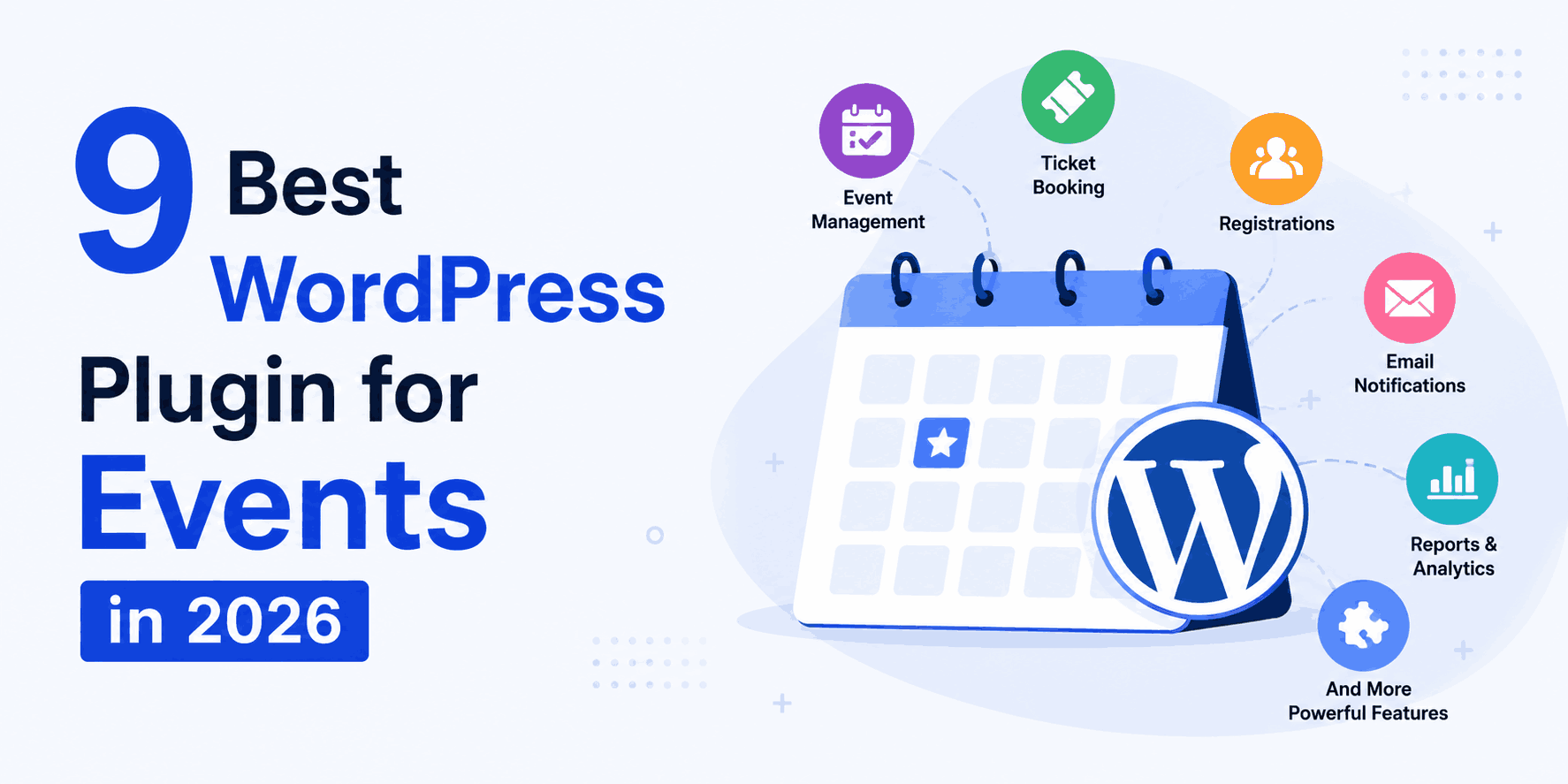
Compare the 9 best WordPress plugin for events in 2026: pricing, ticketing, recurring events and compatibility, plus a full comparison table and FAQ.

Build a personalized travel booking website in under 30 minutes with WordPress, WpTravelly and WooCommerce. Follow this step-by-step setup walkthrough.
Want to make shopping more flexible for your WooCommerce store customers and boost sales? Consider integrating a deposit and partial payment system in your WooCommerce

Learn how to set up a QR code addon for an event in WordPress: install the ticketing addon, configure QR settings, assign scanner roles and test check-in.
Learn how to use WooCommerce for event registration step by step: install the plugin, create events, set ticket types, and take secure payments on WordPress.

Build a salon website in WordPress with a salon booking plugin: set up hosting, theme, services, staff-free schedules, shortcodes and take your first appointment.
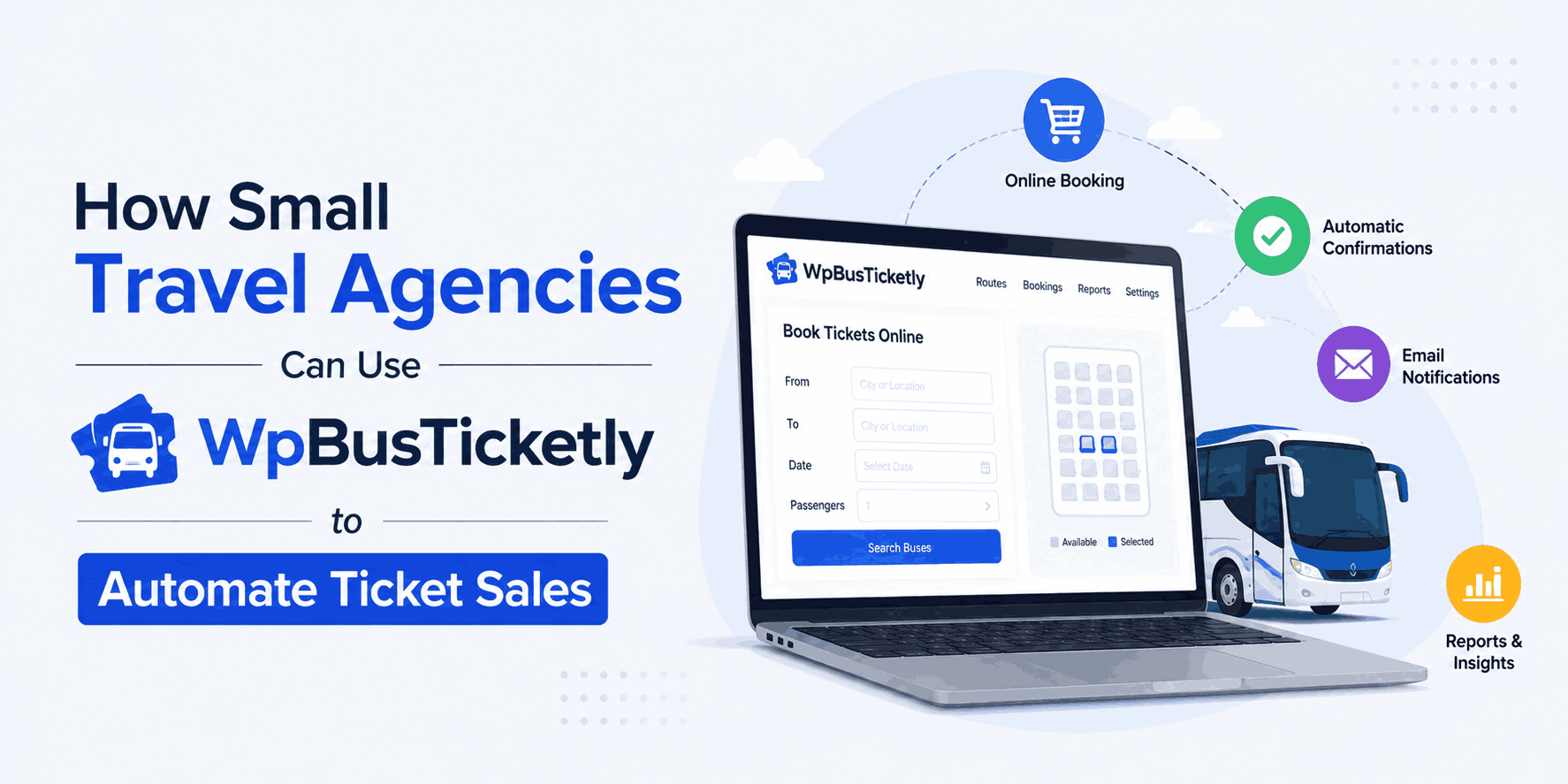
Let’s be honest: running a small travel agency often feels like a 24/7 juggling act, doesn’t it? One minute you’re answering frantic WhatsApp messages at

Step-by-step guide to building a taxi cab booking system in WordPress: fleet setup, route pricing, driver assignment, checkout and payment. Start here.

Ever wondered why it’s so easy to dream up a beautiful travel website, but so incredibly frustrating to actually build one? For a long time,
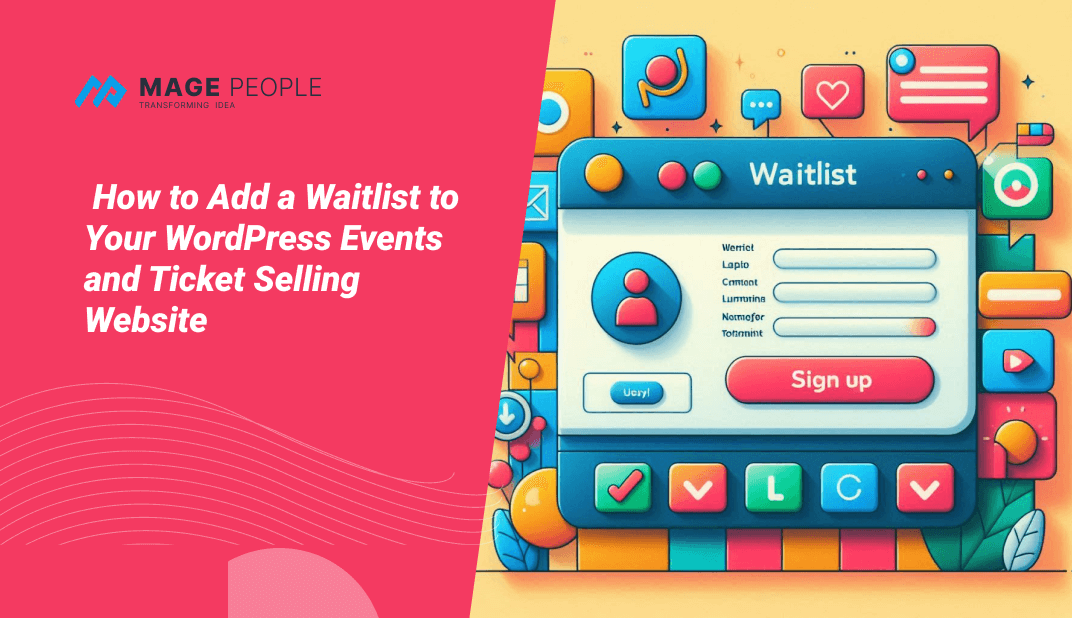
Learn how to add a waitlist to your WordPress events and ticket selling website step by step, using WooCommerce Event Waitlist to capture sold-out demand.
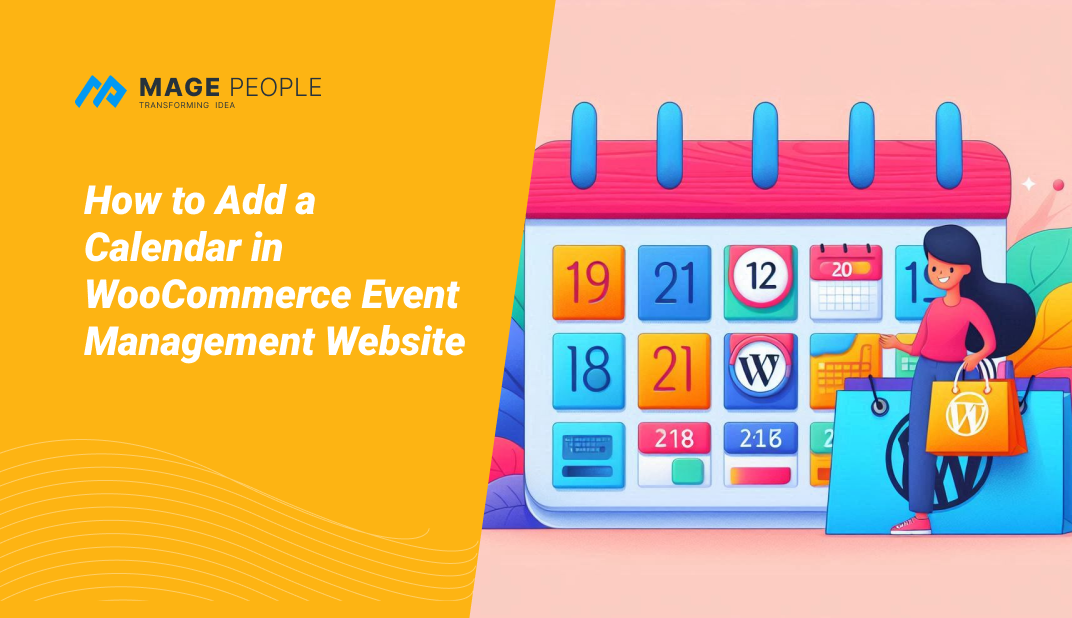
Learn how to add a calendar in a WooCommerce event management website step by step: install WpEvently, upload the event calendar addon, and display it with a shortcode.