
Backend Order Addon
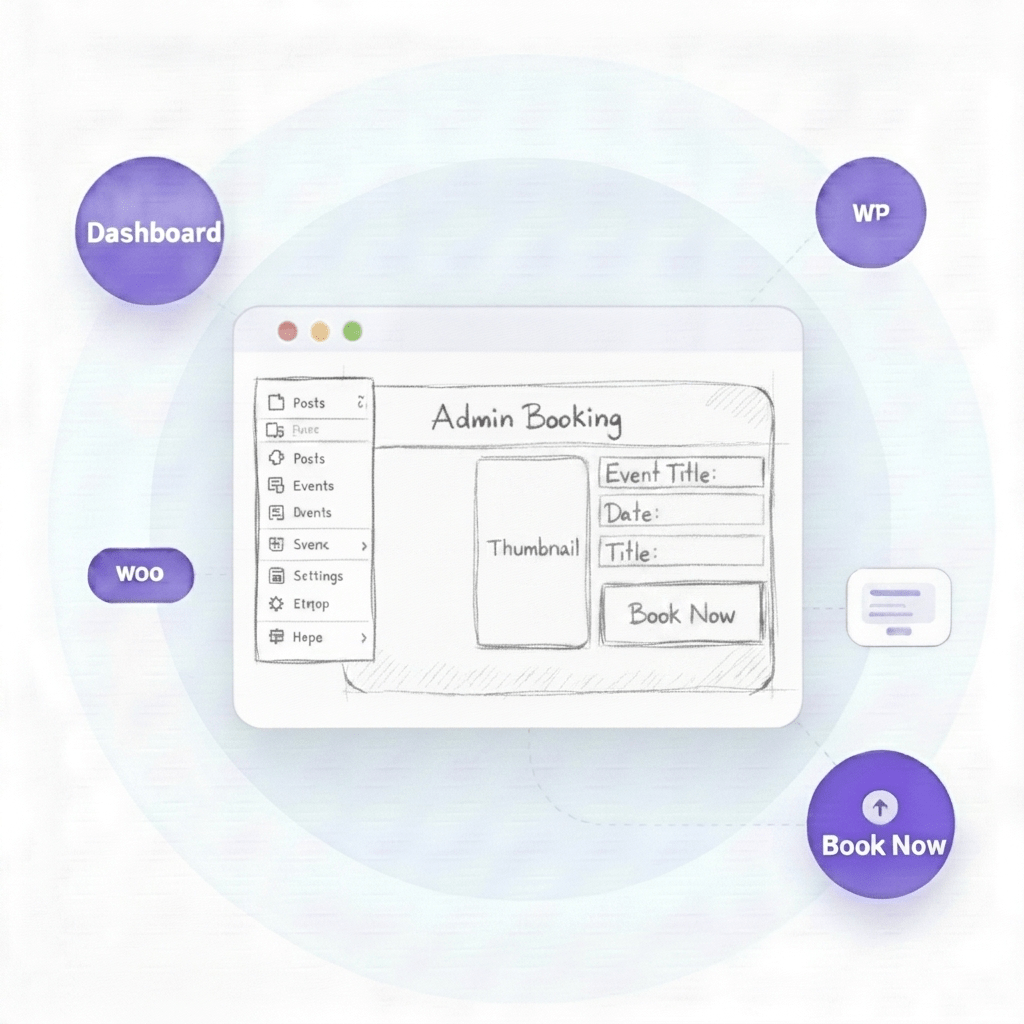
This Backend order event addon will add a new feature to your event manager plugin so you can book any event from the WordPress Dashboard. This is mainly needed for phone orders or offline orders that will be placed by the admin for customers.






Explore Event Calendar features
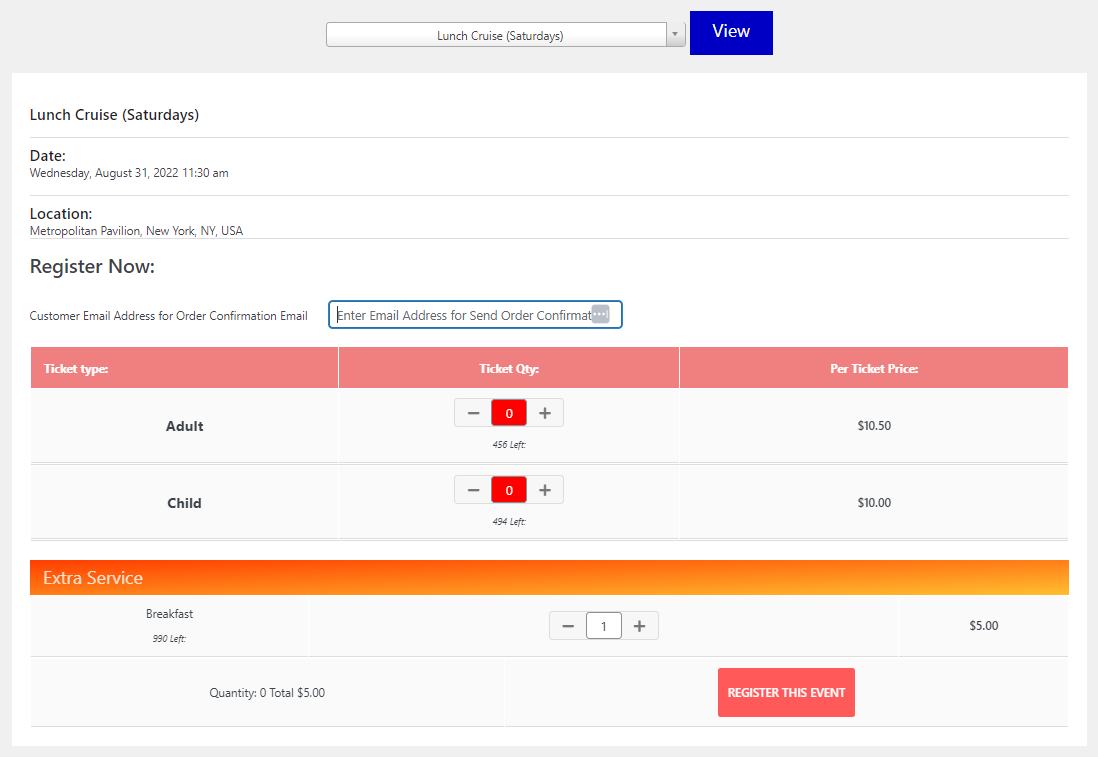
Book events from the dashboard is a great asset for event organizers that want to take orders offline and sync them with the online database. It enables organizers to take phone orders or facilitate spot registration, thus greatly improving productivity and accuracy of their processes. This feature also helps in efficiently managing inventory since all orders placed offline are quickly synced up with the online database, ensuring their accurate tracking and management. In addition, book orders placed from the backend addon provide an easy-to-manage solution for the organization as it helps keep all forms of order placement under one screen.
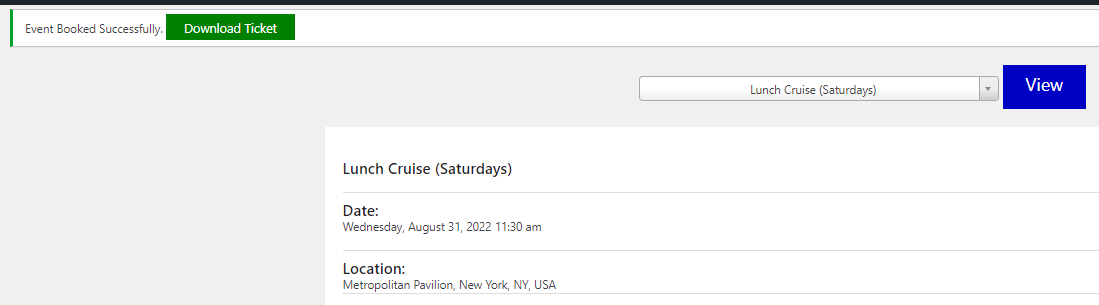
The Book Order feature on the dashboard allows administrators to purchase tickets from the backend and, if enabled, download a PDF ticket with the Pro version. This feature provides an efficient way for administrators to buy tickets quickly without having to leave the dashboard.
The WordPress Event Booking plugin is easy to use and user-friendly.

Admin can place an order for the customer.

This is important for offline registration attendees keeping updates for online booking.

Once an order is placed customer will get an email with a PDF.
We keep our pricing flexible, so you only pay for what you need. Start small or choose a plan for multiple sites, depending on how you run your events.
Go beyond the basics with extra features and premium support.
Go beyond the basics with extra features and premium support.
7-Day Money Back Guarantee
Risk-free trial. Fare refund policy.
Create better ticket distribution rules and improve event booking management with the Event Max-Min Quantity Addon.
No. You must have the free WooCommerce Event Manager plugin installed. Events Calendar Pro is an add-on plugin that works alongside the free version and extends its functionality with additional features.
No. The plugin will continue to function normally even after your license expires. However, you will no longer receive updates, new features, or support unless you renew your license.
Yes. You can use the plugin on your client's website as long as you have a valid license.
The renewal price remains the same each year. As we continue to add new features and improvements, you will automatically receive them through future updates.
Yes. The plugin is fully open source, and you are free to modify it to meet your needs. We do not encrypt any code or functionality.
Yes. You can renew your license at any time, even after it has expired. Once renewed, you will immediately regain access to the latest updates and support.
If you find a bug, we will work to fix it as quickly as possible. We are committed to helping you troubleshoot issues, identify the root cause, and provide guidance on resolving problems. We also recommend testing the free plugin first—if the free version works on your site, the Pro version should work as well.
Once your payment is completed, you will receive immediate access to download the Backend Order Addon.
No. Due to the nature of digital products, we do not offer refunds. If you have any questions or concerns, please contact us before purchasing.
Still have questions?