 Get Halloween 15% for Limited Time on Lifetime & Bundle Deal


If you sell rentals through a WooCommerce store, the plugin you choose decides whether you can block out dates, charge a deposit, and hand the item over without manual spreadsheets. The best WooCommerce rental plugin for most stores turns an ordinary product into a bookable asset with availability, period-based pricing, and a checkout your customers already trust.
This guide compares seven options by price model, key features, and compatibility, then explains how to pick between them. Prices change often, so treat every figure here as a starting point and check current pricing on each vendor’s site before you buy.
- What a WooCommerce Rental Plugin Actually Needs to Do
- The 6 Best WooCommerce Rental Plugin Options Compared
- Comparison Table: Price, Features and Compatibility
- How to Choose the Right Rental Plugin for Your Store
- Where WpRently Is Not the Right Fit
- Common Mistakes to Avoid When Setting Up Rentals
- Frequently Asked Questions
What a WooCommerce Rental Plugin Actually Needs to Do
Before comparing tools, it helps to be clear about the job. A rental plugin sits between your catalogue and your checkout, and it has to handle five things well:
- Availability and date logic – blocking already-booked dates, handling buffer days for cleaning or inspection, and preventing double bookings at checkout.
- Period-based pricing – daily, weekly, or monthly rates, plus seasonal or peak pricing where relevant.
- Deposits and partial payments – holding a refundable security amount or letting customers pay a percentage now and the rest later.
- Inventory across a date range – one unit of a camera, three of the same bike, all tracked separately.
- Compatibility – working with your theme, your payment gateway, and any other WooCommerce extensions you already run.
If your business also sells tickets or scheduled sessions rather than physical assets, that is a different problem. If you need event-style scheduling instead of item rentals, see the event ticketing plugin comparison, which covers ticket inventory and seat-based sales.
The 6 Best WooCommerce Rental Plugin Options Compared
All seven entries below work with WooCommerce. They differ mainly in how deep the rental logic goes and how they are priced.
1. WpRently
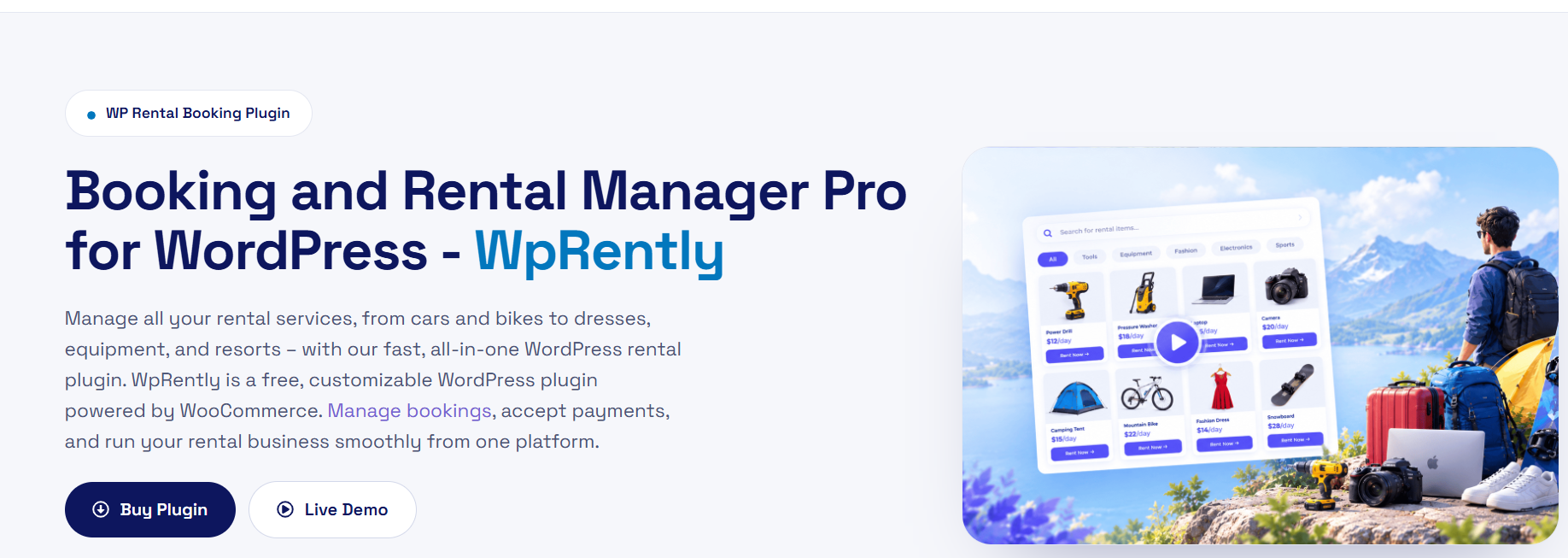
WpRently is our own rental plugin, built by the Mage-people team. It is designed specifically for asset rental rather than being a booking add-on adapted to rentals, which shows in how it handles inventory units, date ranges, and deposits out of the box.
Best for: stores renting physical items daily or weekly where deposit handling and per-unit availability matter.
Price: Check current pricing. A free tier exists, with paid tiers adding features.
2. WooCommerce Bookings
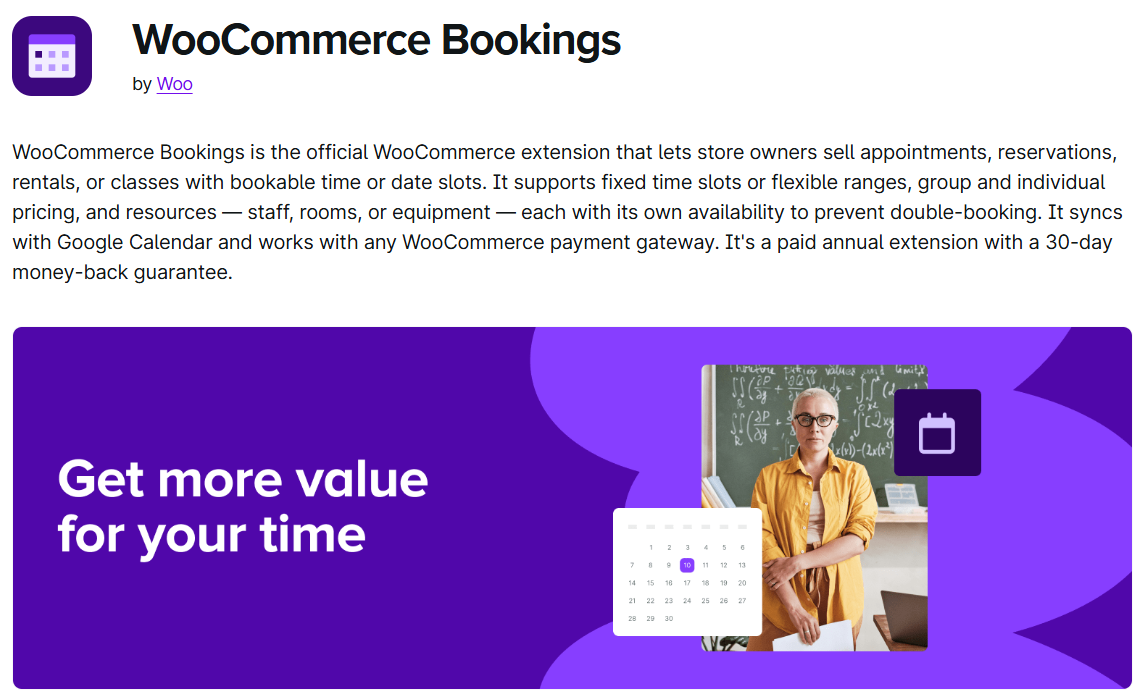
The official WooCommerce extension. It is the most widely used option for anything date or time-based, and it integrates natively with the rest of the WooCommerce stack, which is its main advantage.
Best for: stores that want an officially supported extension and are comfortable configuring its rules for rental use.
Price: Check current pricing on the WooCommerce marketplace.
3. YITH WooCommerce Rental
A well-known rental-specific extension from YITH. It adds rental date selection to product pages and handles availability calendars and per-day pricing.
Best for: smaller catalogues that want a straightforward daily-rate rental setup.
Price: Check current pricing. A limited free version is available.
4. Rental Products for WooCommerce (by RedQ)

An add-on that converts existing products into rentable ones. Its strength is that it leans on standard WooCommerce products instead of creating a separate product type, which keeps your catalogue structure simple.
Best for: stores that already have a product catalogue and want to add rental options without rebuilding it.
Price: Check current pricing.
5. WooCommerce Accommodation Bookings
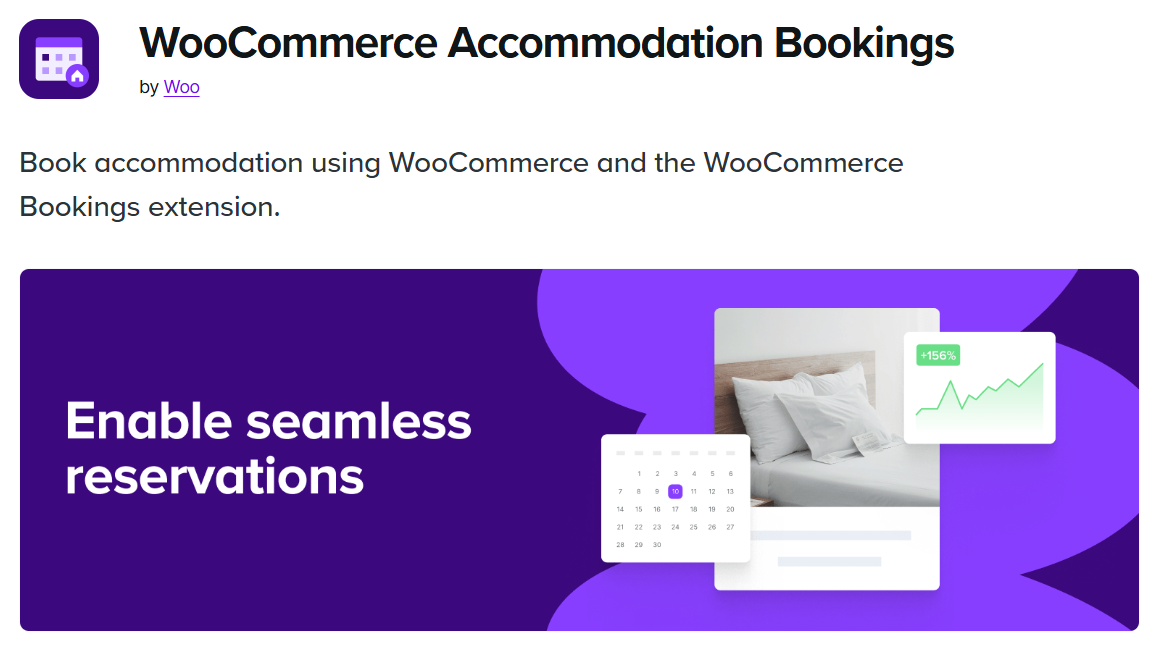
Another official WooCommerce extension, this one aimed at nights-based inventory such as rooms and holiday lets. It handles check-in and check-out dates, guest counts, and per-night rates.
Best for: accommodation and short-stay property rentals rather than equipment.
Price: Check current pricing on the WooCommerce marketplace.
6. Pinpoint Booking System
A general booking plugin with a WooCommerce connector. It covers appointment, resource, and rental-style booking, and is often chosen by businesses that want one tool across several booking types.
Best for: mixed businesses that rent items and also take appointments.
Price: Check current pricing. A free version exists.
Comparison Table: Price, Features and Compatibility
The table below summarises how the seven options line up. Where a figure is not published consistently, it is left as “Check current pricing” rather than guessed.
| Plugin | Price model | Key rental features | Deposits & partial payments | WooCommerce compatibility |
|---|---|---|---|---|
| WpRently (our product) | Free tier plus paid plans – check current pricing | Per-unit inventory, date-range availability, buffer days, daily/weekly rates | Yes – deposit and partial payment support | WooCommerce-native, uses standard checkout and gateways |
| WooCommerce Bookings | Paid extension – check current pricing | Date and time blocks, buffer periods, resource assignment | Possible via additional deposit extensions | Official WooCommerce extension, deepest native integration |
| YITH WooCommerce Rental | Free version plus paid plans – check current pricing | Rental date picker, availability calendar, per-day pricing | Limited in free version | Works with standard WooCommerce products and themes |
| Rental Products for WooCommerce | Paid add-on – check current pricing | Adds rental options to existing products, per-day rates | Depends on configuration | Built as an add-on on top of existing WooCommerce products |
| WooCommerce Accommodation Bookings | Paid extension – check current pricing | Check-in/check-out dates, guest counts, per-night pricing | Via additional extensions | Official WooCommerce extension for overnight inventory |
| Pinpoint Booking System | Free version plus paid plans – check current pricing | Appointments, resources and rental-style booking in one tool | Varies by plan | Connects to WooCommerce for checkout |
How to Choose the Right Rental Plugin for Your Store
Work through these questions in order. They will usually narrow seven options down to one or two.
- Are you renting physical assets or time slots? Equipment, vehicles, and cameras go to rental-first plugins. Rooms and holiday lets go to accommodation plugins. Appointments go elsewhere.
- Do you need deposits? If you hold a security deposit or take 30% upfront, confirm the plugin supports that natively rather than through a workaround. Our guide to configuring percentage-based or fixed deposit payments explains how the mechanics work in WooCommerce.
- How many units per product? One-of-a-kind items and fleets of twenty need different inventory handling. Check this before buying.
- Does it match your practical setup? If you rent out equipment in Dhaka or anywhere with on-site handover, plan for how availability, delivery, and return windows interact. Delivery timing and inspection windows affect your buffer day settings.
- What is your budget tolerance? Free tiers are fine for testing demand. Paid plans usually buy you better calendar UI, automated reminders, and support.
Where WpRently Is Not the Right Fit
WpRently is our own product, so it would be dishonest to present it as the answer to every rental scenario. It is not.
If your business is selling tickets to events, seats at a workshop or scheduled classes, WpRently is the wrong tool – you want ticket inventory and attendee management, not rental dates. If you run a hotel or holiday cottage and your pricing is per night with guest counts, an accommodation-specific plugin will fit your booking flow more naturally. And if you only need a handful of simple hourly appointments, a general booking plugin is cheaper and lighter than a full rental system.
It also assumes you are running a WooCommerce store. If you are not on WooCommerce and do not want to be, look at a standalone booking tool instead.
What it does well is physical asset rental with per-unit availability and deposits. You can see how an equipment rental website is built with WpRently, or request a demo through our WooCommerce rental plugin page to test the booking flow yourself.
Common Mistakes to Avoid When Setting Up Rentals
- Skipping buffer days. If an item returns on the 10th and goes out on the 10th, you have no time to clean or inspect it. Add buffers.
- Pricing only by day. Weekly and monthly rates increase order value and reduce admin.
- Ignoring the deposit workflow. A deposit that is never released creates support tickets. Decide the release conditions up front.
- Not testing the booking flow as a customer. Walk through a real booking, including failure cases such as two customers trying to book the last unit.
- Leaving security to chance. A rental site collects personal data and payment details. Follow a checklist rather than assuming your theme handles it – our WordPress rental plugin security checklist covers the basics.
Frequently Asked Questions
What is the best WooCommerce rental plugin for a small business?
For a small business renting physical items, a rental-first plugin is usually the better fit because availability, per-unit inventory, and deposits are built in rather than configured. If you only need occasional hourly bookings, a general booking plugin is lighter and cheaper.
Do WooCommerce rental plugins support security deposits?
Some do natively, and others need a separate deposit extension. Before buying, confirm whether the plugin can charge a refundable deposit at checkout and how that amount is released or refunded after the item is returned.
Can I try a WooCommerce rental plugin for free?
Several options offer a free version or a limited free tier, including WpRently, YITH WooCommerce Rental, and Pinpoint Booking System. Free tiers are useful for validating demand, but paid plans usually add better calendar interfaces, reminders, and support.
Is WooCommerce Bookings the same as a rental plugin?
Not exactly. WooCommerce Bookings is built around date and time slots and can be configured for rentals, while dedicated rental plugins handle per-unit asset inventory more directly. Choose based on whether you are renting an item or selling a time slot.
What features should I check before buying a rental plugin?
Check date-range availability and double-booking prevention, buffer days, daily and weekly pricing, deposit support, per-unit inventory, and compatibility with your theme, payment gateway and existing WooCommerce extensions.
Can I offer rentals without using WooCommerce?
Yes. Standalone booking and rental plugins exist that do not require WooCommerce. If you need free, non-WooCommerce options, see the free WordPress booking plugin guide.