


The best WordPress plugin for events in 2026 is the one that matches how you actually sell tickets, not the one with the longest feature list. In this updated comparison we rank nine plugins by real-world fit — free vs paid, WooCommerce vs standalone, simple calendar vs full ticketing — and show where each one breaks down. All nine are actively maintained and compatible with current WordPress releases.
Pricing in this space moves fast, so treat every figure below as a starting point and confirm on the vendor’s site before you buy. If your priority is deciding on criteria rather than browsing a list, read our guide to how to choose the best WordPress event management plugin first, then come back here for the shortlist.
- How We Ranked These Event Plugins
- Comparison Table: 9 Best WordPress Plugin for Events in 2026
- 1. WpEvently — Best Overall for WooCommerce Ticket Selling
- 2. EventPrime
- 3. Eventin
- 4. Quick Event Manager
- 5. Event Organiser
- 6. RSVP and Event Management Plugin
- 7. WP Event Manager
- 8. The Events Calendar
- 9. Event Tickets Manager for WooCommerce
- Which One Should You Pick?
- Frequently Asked Questions
How We Ranked These Event Plugins
Every plugin below was assessed against the same five criteria, because a plugin that wins on price can still lose badly on checkout flexibility.
- Ticketing depth — multiple ticket types, capacity limits, per-ticket pricing, and whether sold-out events are handled gracefully.
- Payment flexibility — WooCommerce gateways, native gateways, offline/manual payment, or none at all.
- Recurring events — repeating schedules with exceptions, or one-off events only.
- Attendee management — check-in, QR validation, exports, email automation, and reporting.
- Total cost of ownership — licence plus the add-ons you will realistically need.
A plugin that looks cheap at $15 often becomes expensive once you add the ticketing extension it did not include.
Comparison Table: 9 Best WordPress Plugin for Events in 2026
Use this table to shortlist before reading the individual reviews. Prices are per year for a single site unless noted, and all should be verified at source.
| Plugin | Starting price | Ticketing & payments | Recurring events | Best for |
|---|---|---|---|---|
| WpEvently | Free core; paid plans from around $75/year, lifetime options available | WooCommerce gateways, multiple ticket types, PDF + QR tickets (add-ons) | Yes, with one-click date reset | WooCommerce stores selling tickets at volume |
| EventPrime | Free; paid from around $69/year | Native bookings, multiple tiers, paid and free events | Yes (paid) | Organisers wanting seating and presenter profiles |
| Eventin | Free; Standard from around $79/year, lifetime tiers available | WooCommerce ticket selling, multiple ticket types | Yes (Pro) | Hybrid and virtual events with Zoom |
| Quick Event Manager | Free; Pro from around $69.88/year | Basic payments, coupons (paid) | No | Simple listings and guest-submitted events |
| Event Organiser | Free; plans from around $50/year | Custom booking forms, multiple gateways (paid) | Yes, with exception rules | Calendar-led sites with complex schedules |
| RSVP and Event Management | Free; Pro from around $89/year | None — RSVP only | Limited | Invitation-only and RSVP-first events |
| WP Event Manager | Free; add-on bundles roughly $99–$399/year | Add-on based ticket selling | Via add-ons | Event directories and organiser-submitted listings |
| The Events Calendar | Free; Pro from around $15/month equivalent tier | Ticket selling via Event Tickets add-on | Yes (Pro) | Display-first calendars and community event hubs |
| Event Tickets Manager for WooCommerce | Free; from around $69/year for 1 site | WooCommerce, QR check-in, seat reservation (Pro) | Limited | Single-store ticketing with reserved seating |
Check current pricing on each vendor’s site before committing, and read the refund policy — most renew annually.
1. WpEvently — Best Overall for WooCommerce Ticket Selling
Disclosure: WpEvently is our own product, published by MagePeople. We have kept it in the list because it genuinely fits the WooCommerce ticketing use case, and we flag below where it does not fit.
WpEvently turns your existing WooCommerce store into a ticketing platform. Events become schedulable, sellable products, which means you inherit every payment gateway, tax rule, coupon engine and order workflow WooCommerce already has.
What it does well
- Create events and attach multiple ticket types with their own quantity and price.
- Recurring events for weekly workshops, classes and series bookings, with a one-click date reset.
- Venue display via Google Maps, plus per-event templates.
- Paid add-ons for PDF tickets, QR code validation, an enriched event calendar, advanced coupons, waitlists for sold-out events, custom attendee fields and automated reminder emails.
- Attendee dashboard, CSV sales exports, shortcodes and Zapier integration for pushing registrations into your CRM or mailing list.
Where WpEvently is NOT the right fit
WpEvently assumes WooCommerce. If you run a lean site with no store and no intention of running one, the dependency adds weight you do not need — a standalone plugin such as EventPrime or The Events Calendar will get you live faster. It is also over-specified for invitation-only gatherings where nobody pays: if your event is an RSVP list, an RSVP plugin does that job with less configuration.
Finally, the free version is deliberately a foundation rather than a complete product. QR check-in, PDF tickets and waitlists sit in the add-on layer, so budget for the bundle rather than the base licence if those matter to you.
Try it: explore the front-end experience in the WpEvently demo and pricing page before you install.
2. EventPrime
EventPrime is a standalone event and ticketing system that does not require WooCommerce. You create events from the WordPress dashboard, switch bookings on, and sell free or paid tickets.
- Multiple ticket types with tiered pricing and transparent cost display.
- Custom registration forms to collect attendee data at checkout.
- Editable email templates and targeted attendee messaging.
- Paid tiers add live seating allocation, recurring events and presenter profiles with biographies.
Best for organisers who want seating plans and speaker profiles without a WooCommerce dependency. It is less compelling if you already run a mature WooCommerce store and want event orders to live alongside your other products.
3. Eventin
Eventin is an all-in-one plugin covering creation, ticketing, attendee management and analytics in one dashboard, with WooCommerce used for ticket sales.

- Online, offline and hybrid event setup with Zoom integration in the free version.
- Attendee management and calendar views out of the box.
- Pro adds recurring events, an AI-assisted workflow, QR check-in, email automation, a form builder and template builders for tickets and certificates.
The free tier is unusually capable for virtual events. Where it thins out next to WpEvently is deep WooCommerce commerce logic — variable products, complex coupon rules and store-wide order reporting.
4. Quick Event Manager
Quick Event Manager is the lightweight option: add events from the dashboard, display them with shortcodes, and choose list or calendar layouts. Setup takes minutes.
- Event posts, styling options and Google Maps widgets.
- Built-in signup form and basic payment handling.
- Pro adds guest-submitted events, gift-amount pricing, coupons, Eventbrite imports and registration cut-off dates.
Choose it for simple listings and community calendars. It does not attempt recurring events or serious capacity management, so it is a poor fit for high-volume ticketing.
5. Event Organiser
Event Organiser is built around a proper events calendar, with separate venue pages and event archives that can be restyled from your theme directory.
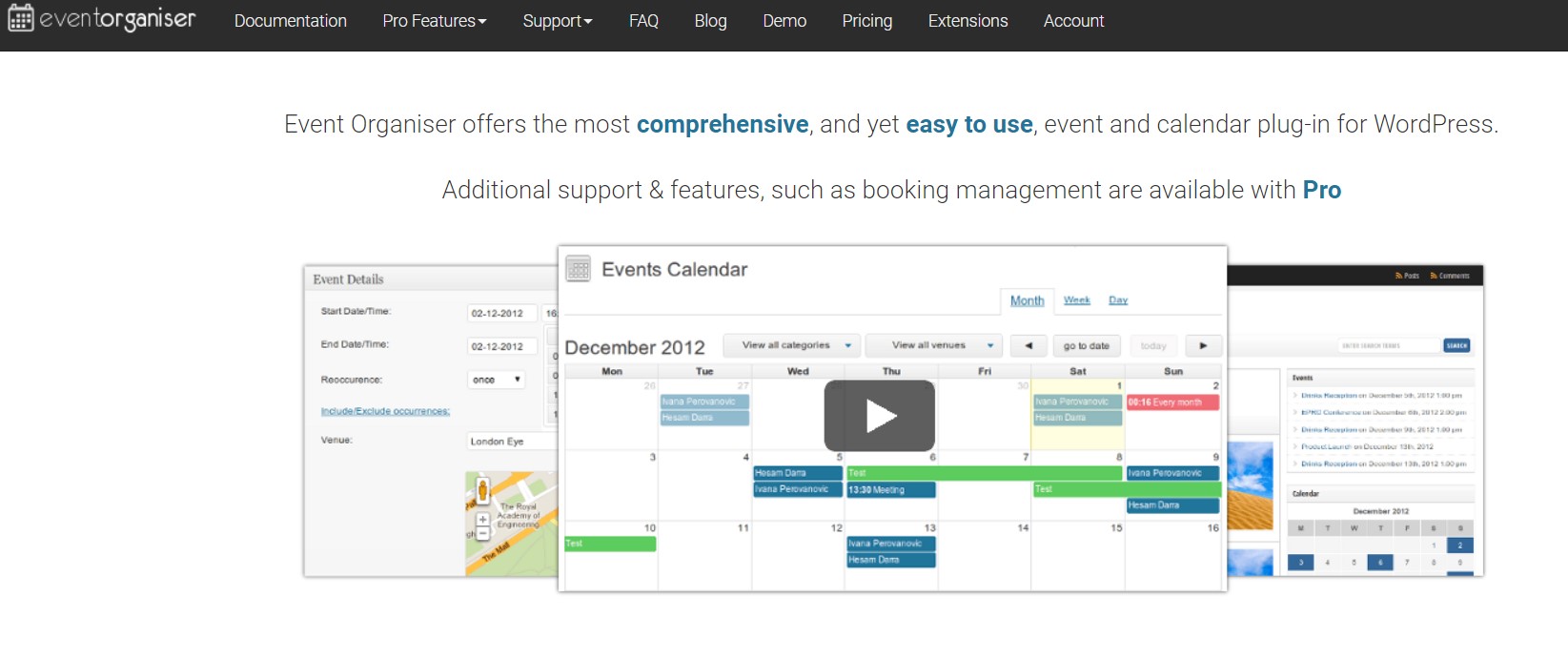
- Events as a custom post type, with venues, categories and colour-coded groups.
- Public event feeds and subscribe options so attendees stay updated.
- Import and export of events between sites.
- Paid plans add customisable booking forms, multiple payment gateways, editable email templates, discount codes and recurring events with exception handling.
If your site is fundamentally a diary — clubs, venues, community organisations — this is one of the strongest free starting points. Ticketing is functional rather than a commerce system.
6. RSVP and Event Management Plugin
This plugin does one job: managing the guest list. It handles weddings, corporate conferences, religious gatherings and parties, with invitation-only or public registration and optional passcodes.
- Import and export attendee lists, and allow guests to bring additional attendees.
- Email reminders and editable RSVP content.
- Pro adds multiple events, advanced customisation and a public attendee list.
There is no payment processing, which is the point — it is cheaper and simpler than a ticketing plugin when nobody is paying. If you need to take money, look elsewhere. If you already sell tickets but keep oversubscribing, our walkthrough on adding a waitlist to your events and ticket selling site covers the overflow case.
7. WP Event Manager
WP Event Manager focuses on listings and organiser submissions, and integrates with nearly any theme. It is add-on driven: the free core handles event creation and display, and premium add-ons add registration, ticketing and paid listings.

- Unlimited schedules, work hours and calendars.
- Shortcode-based booking forms with responsive layouts.
- Bundle pricing roughly $99–$399 per year depending on how many add-ons you include.
Well suited to event directories where third parties submit listings. Because capability is split across add-ons, model the total cost before choosing a bundle.
8. The Events Calendar
The Events Calendar is the display-first option: an attractive day, week, month or resource-schedule view that plugs into your database and lets visitors browse and register.
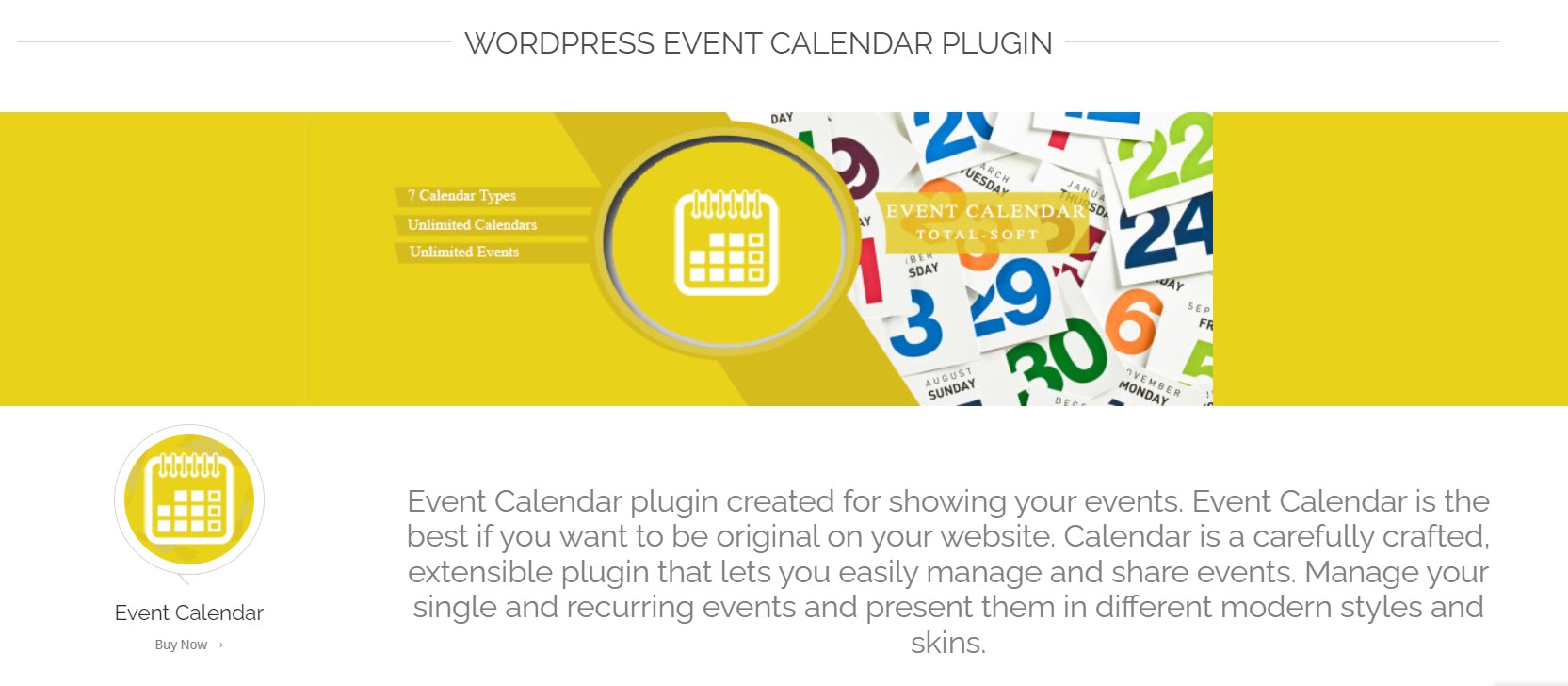
- Simple event creation with multiple calendar views and ordering options.
- Multi-language events and on-page signup.
- Pro adds typography controls, responsive styling, editable themes and over a hundred styling combinations.
- Ticket selling comes via the separate Event Tickets add-on.
Excellent for community calendars and content sites. It is a calendar with ticketing attached rather than a ticketing platform, so high-volume sellers often outgrow it.
9. Event Tickets Manager for WooCommerce
This WP Swings plugin bolts event management and ticket sales onto an existing WooCommerce store, with QR check-in and detailed reporting.

- Seamless WooCommerce integration reusing your gateways and inventory.
- Customisable ticket types — VIP, early bird, general admission — with their own pricing and quantities.
- Automated email notifications, attendee dashboards and exportable attendee lists.
- Pro adds seat reservation, QR code check-ins and in-depth sales analytics.
A reasonable single-store alternative to WpEvently if you want reserved seating. It has a smaller add-on ecosystem, so waitlists, enriched calendars and advanced coupon logic are less well covered.
Which One Should You Pick?
- You run a WooCommerce store and sell tickets seriously — WpEvently, with the add-on bundle if you need QR check-in and waitlists.
- You want seating plans or speaker profiles without WooCommerce — EventPrime.
- You run hybrid or virtual events — Eventin.
- You just need a public calendar — The Events Calendar or Event Organiser.
- You are collecting RSVPs, not money — RSVP and Event Management.
- You are building an event directory — WP Event Manager.
For the narrower question of which plugin handles ticketing through a storefront best, see our event ticketing plugin for WooCommerce comparison — this article covers discovery across all event types, including free calendars and RSVP-only tools.
Frequently Asked Questions
What is the best WordPress plugin for events in 2026?
There is no single winner. For WooCommerce ticket selling, WpEvently is the strongest fit; for standalone ticketing with seating, EventPrime; for display-first calendars, The Events Calendar. Match the plugin to whether you are selling tickets, collecting RSVPs, or publishing a calendar.
Are these event plugins free?
All nine have a free version. Ticketing essentials such as QR check-in, PDF tickets, recurring events and waitlists are usually in the paid tiers, with annual licences typically starting between $50 and $100 for a single site.
Which plugin is best for recurring events in WordPress?
WpEvently, EventPrime (paid) and Event Organiser all handle recurring schedules, and Event Organiser supports exception rules for dates that deviate from the pattern. Test your specific recurrence — such as the second Tuesday of each month — before committing.
Do I need WooCommerce to sell event tickets on WordPress?
No. EventPrime, Event Organiser and Eventin can take payments without WooCommerce. WooCommerce-based plugins such as WpEvently and Event Tickets Manager give you its full gateway list, coupons and order reporting, which matters at higher volumes.
Can these plugins handle QR code check-in at the venue?
Yes, but usually as a paid add-on or Pro feature. WpEvently, Eventin and Event Tickets Manager all support QR code validation on PDF tickets, typically scanned with a mobile app at the door. Confirm scanner requirements before the event day.
What happens when an event sells out?
Most plugins stop selling tickets at the capacity limit. Automatic waitlist capture is less common — WpEvently offers it as an add-on, and you can also manage it manually. A waitlist reduces drop-off from sold-out events and helps you fill cancellations.
