 Get Halloween 15% for Limited Time on Lifetime & Bundle Deal

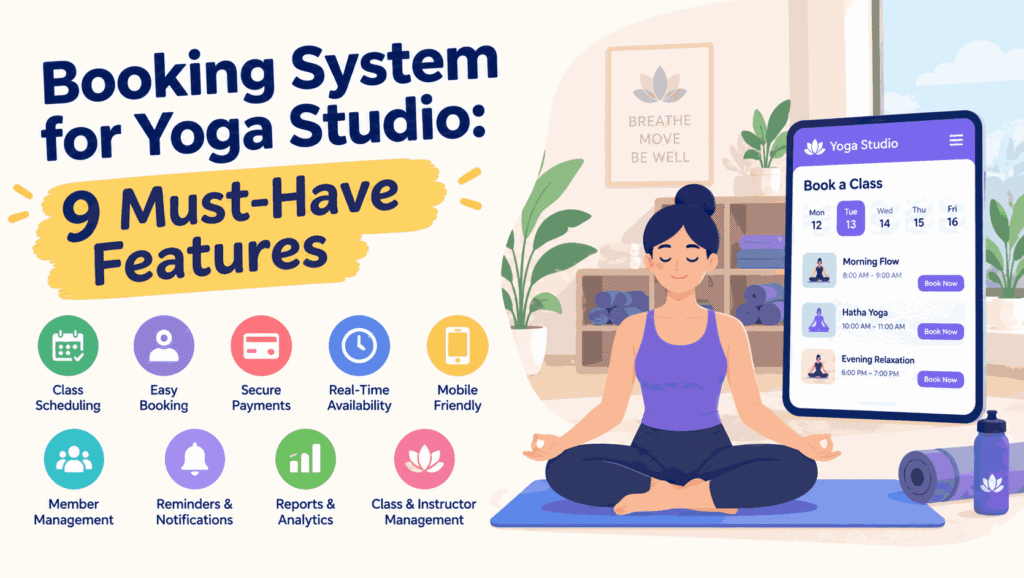
A booking system for a yoga studio is not the same as a general appointment booking tool. Yoga runs on recurring weekly timetables, class capacities, memberships, drop-ins, and waitlists, and a scheduler built for one-to-one appointments will fight you on all four. This guide walks through the nine features that matter most when you choose software for a yoga studio, what to check before you commit, and where studios most often overpay.
Why a Yoga Studio Scheduler Is a Different Problem
Most booking software is designed around a single customer occupying a single slot with a single staff member. A yoga class breaks that model in three ways:
- One slot, many people. A 7 am class might hold 18 students, each with their own booking, payment status, and attendance record.
- Recurring timetables. The same class repeats every Tuesday for months, with occasional cancellations and substitute teachers.
- Mixed payment models. Some students pay per class, some hold a monthly membership, some use a 10-class pack, and some are on an introductory offer.
If your software cannot handle those three things natively, you end up managing the gaps in spreadsheets – and that is usually where double bookings and no-shows come from.
9 Features a Booking System for Yoga Studio Owners Needs
1. Recurring Class Timetable

You should be able to publish a weekly schedule once and have it repeat, rather than recreating every class each week. Look for the ability to edit a single occurrence without breaking the series – for example, cancelling one Tuesday class for a holiday while keeping the rest of the timetable intact.
2. Capacity Limits and Automatic Waitlists
Every class needs a maximum headcount, and once it is reached the system should offer a waitlist automatically. Better tools promote the first person on the waitlist the moment someone cancels and notify them instantly. This single feature often recovers more revenue than any marketing campaign, because it keeps filled classes full.
3. Class Packs, Memberships and Drop-Ins
Your scheduler needs to recognise more than one way to pay. At minimum, check that it supports:
- Single drop-in bookings paid at the time of booking
- Class packs, where a student’s remaining credits decrease with each attendance
- Monthly or annual memberships billed on a recurring cycle
- Introductory offers with a usage limit, such as a first-month unlimited pass
If packs and memberships are not handled natively, you will be reconciling balances by hand every week.
4. Instructor Scheduling and Substitute Cover
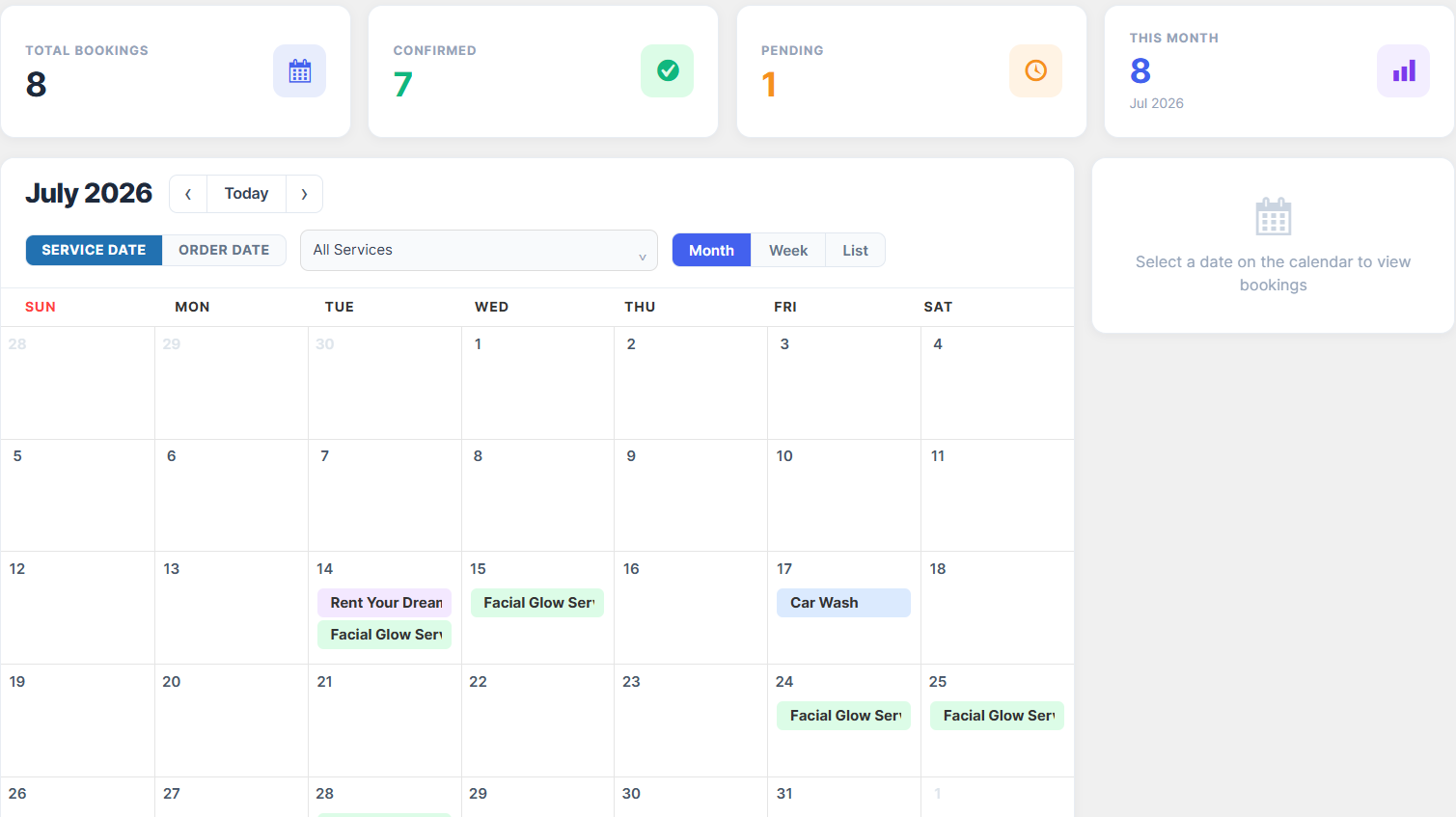
Classes get covered, swapped, and reassigned. Your system should record which instructor is teaching each occurrence and let you swap a substitute without cancelling and re-creating the class. Studios that pay teachers per class also benefit from instructor-level reporting, so payroll is a report rather than an afternoon of admin.
5. Attendance Check-In
A simple check-in view on a tablet at the door or on the teacher’s phone tells you who actually attended versus who booked and never showed. Booked-but-absent data is what lets you spot chronic no-shows, apply a fair policy, and stop counting phantom attendees when you plan class sizes.
6. Cancellation and No-Show Rules
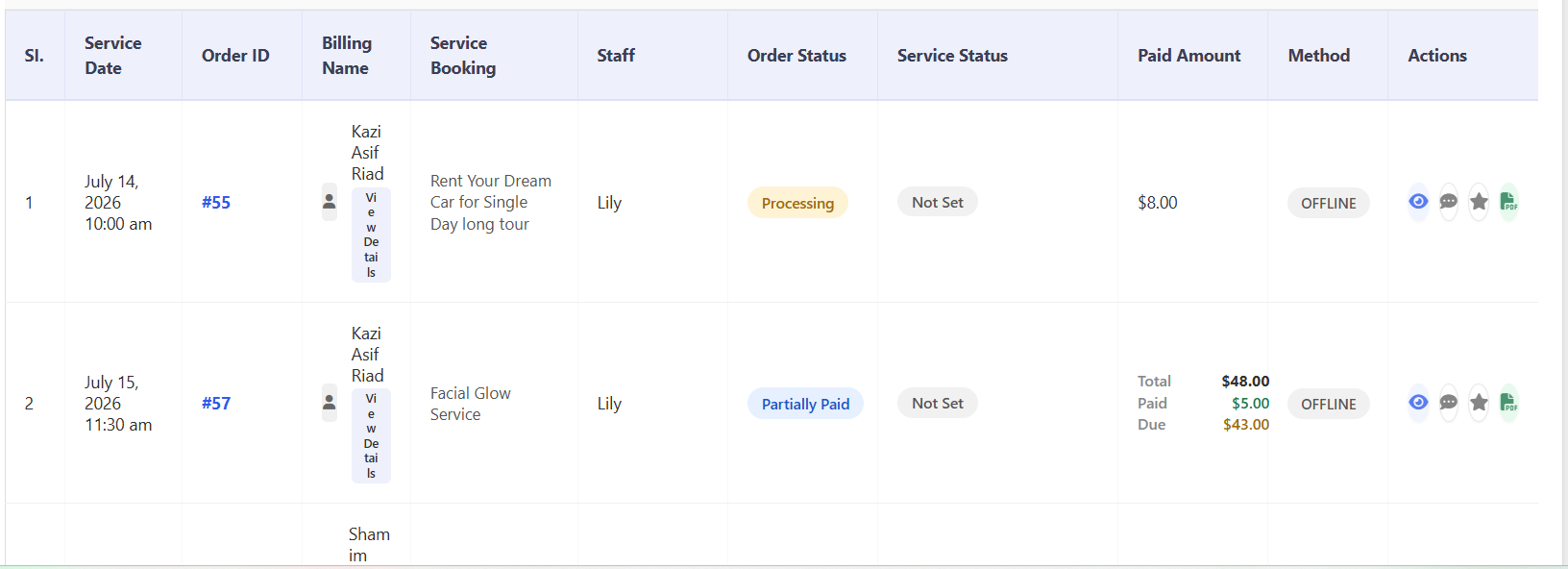
Set a cut-off window, such as four hours before class, after which a late cancellation still consumes the student’s credit. The rules should be automatic and visible to the student at the point of booking, so nobody feels the policy was invented after the fact. Some studios also let regulars swap a missed class for another slot in the same week – a small flexibility that reduces friction without opening the door to abuse.
7. Mobile-First Booking and Reminders
The overwhelming majority of yoga bookings happen on a phone, often minutes before class. Test the booking flow on a mid-range Android device on a slow connection, not just on a desktop. Pair it with automated reminders – a confirmation immediately after booking, and a nudge a few hours before class – which is the cheapest way to cut no-shows.
8. Payments That Match Local Habits
Support the payment methods your students actually use. In many markets that means a mix of cards, mobile wallets, and bank transfer, plus the option to pay at the studio for a first visit. Confirm currency handling and whether the processing fee is absorbed by you or passed on. Check current pricing with your chosen gateway before you promise students anything about fees.
9. Reporting on Fill Rate and Retention

The reports that matter are rarely the ones vendors demo first. Ask for:
- Fill rate by class and by time slot, so you can retire weak classes and add capacity to strong ones
- Attendance and no-show rates per student, to catch pattern drop-off early
- Revenue split by pack, membership, and drop-in, which shows where your business is really coming from
- New versus returning bookings, your simplest retention signal
Free vs Paid: What You Actually Get
Free tools can run a one-room studio with a handful of classes, but the limits appear quickly. Free tiers usually cap the number of bookings per month, omit waitlists or recurring class series, and offer no instructor-level reporting. Paid plans generally unlock unlimited classes, automated reminders, and payment integration.
Rather than comparing headline prices, compare against your own numbers: how many classes per week, how many students on memberships, and how many hours of admin the software removes. A system that saves four hours a week at a fair hourly rate is cheaper than a free tool that costs you a weekend every month. Check current pricing on the vendor’s site, since plans and inclusions change.
How to Choose: A Short Checklist
- List your payment models first – packs, memberships, drop-ins – and only then shortlist tools that support all of them.
- Ask to see a recurring timetable and a waitlist promotion live, not in a screenshot.
- Run the booking flow on your own phone before you buy.
- Confirm what happens to student data if you ever leave the platform.
- Check support hours against your timezone, and the times your classes actually run.
Where a WordPress Booking System Fits
If your studio site already runs on WordPress, keeping bookings on the same platform avoids splitting your content, SEO, and student accounts across two systems. A WordPress booking plugin can handle the recurring timetable, capacities and waitlists described above, and you retain ownership of the site and its data.
If you are weighing a dedicated mobile app against a responsive web booking flow, that decision deserves its own comparison – see how to choose a yoga booking app for your studio for the app-specific trade-offs. And if you have already chosen WordPress and want a hands-on build, the walkthrough on creating a yoga class booking system with WpBookingly covers configuration step by step, from class setup to payment.
Common Mistakes to Avoid
- Choosing on price alone. A cheap tool that cannot handle packs will cost more in manual reconciliation.
- Ignoring the waitlist. Empty mats from late cancellations are pure lost revenue.
- No cancellation policy. Without a cut-off, no-shows drift upward, and class planning becomes guesswork.
- Not testing on mobile. Desktop-only decisions break the exact flow most students use.
- Never reading the reports. The data is only useful if it changes your timetable.
Frequently Asked Questions
Can one system handle both group classes and private sessions?
Yes, and many studios run both. Group classes need capacity and waitlists; private sessions need one-to-one slots and often a different price. Confirm your chosen tool supports both under one student account.
Do I need a separate app for students?
Not necessarily. A fast, mobile-responsive booking page covers most students, and it avoids the cost and maintenance of publishing an app. Studios with a large, loyal membership base are the ones most likely to justify an app.
How do I stop students booking and not showing up?
Automated reminders plus a clear late-cancellation rule do most of the work. Combine them with a check-in step so you can see the pattern per student and address repeat offenders individually.
Can I start small and upgrade later?
Usually yes. Start with your class timetable, capacity limits and one payment method, then add memberships, packs and automated reminders as your student numbers grow. Migrating student data later is the part to check before you commit.
The Bottom Line
A good booking system for a yoga studio removes the admin between your timetable and your students. Prioritise recurring schedules, capacity and waitlists, and support for packs and memberships – those three cover most of the gap between a generic appointment tool and software genuinely built for a studio. Test the mobile booking flow, read the reports, and set your cancellation rules before you launch, not after.