 Get Halloween 15% for Limited Time on Lifetime & Bundle Deal

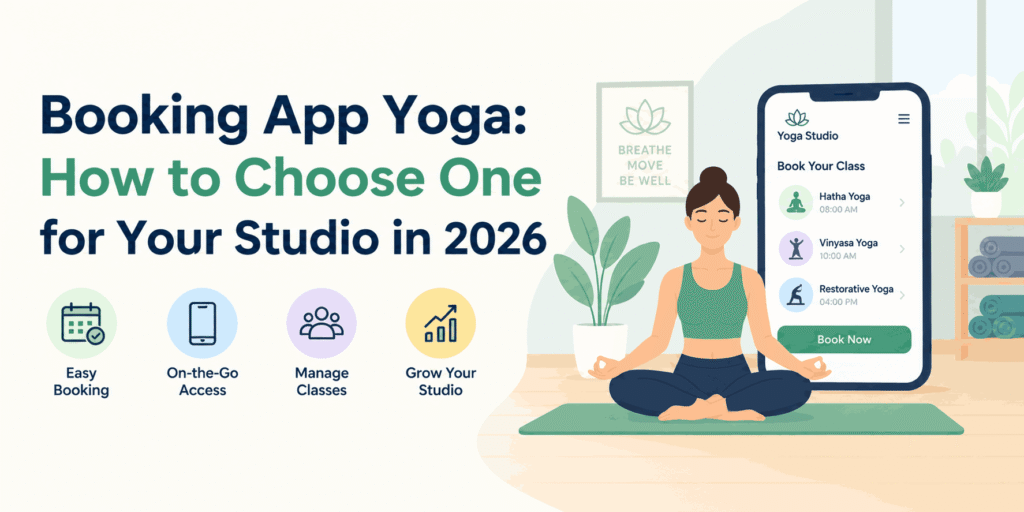
A yoga booking app lets students reserve a mat, pay in advance, and receive reminders without your front desk chasing messages. Choosing one comes down to three questions: does it handle class schedules and capacity limits, does it take payment online, and does it stay manageable as you add teachers and locations? This guide walks through the options, the features that actually matter for studios, and how to decide between a standalone app and a booking system you run on your own website.
- What a Yoga Booking App Needs to Do
- The Three Ways Studios Take Yoga Bookings
- Features to Check Before You Subscribe
- Booking App vs Booking Plugin: How to Decide
- Pricing Models You Will Encounter
- Setting Up Your Yoga Booking System: A Practical Order of Work
- Common Mistakes Studios Make
- Frequently Asked Questions
- Next Steps
What a Yoga Booking App Needs to Do
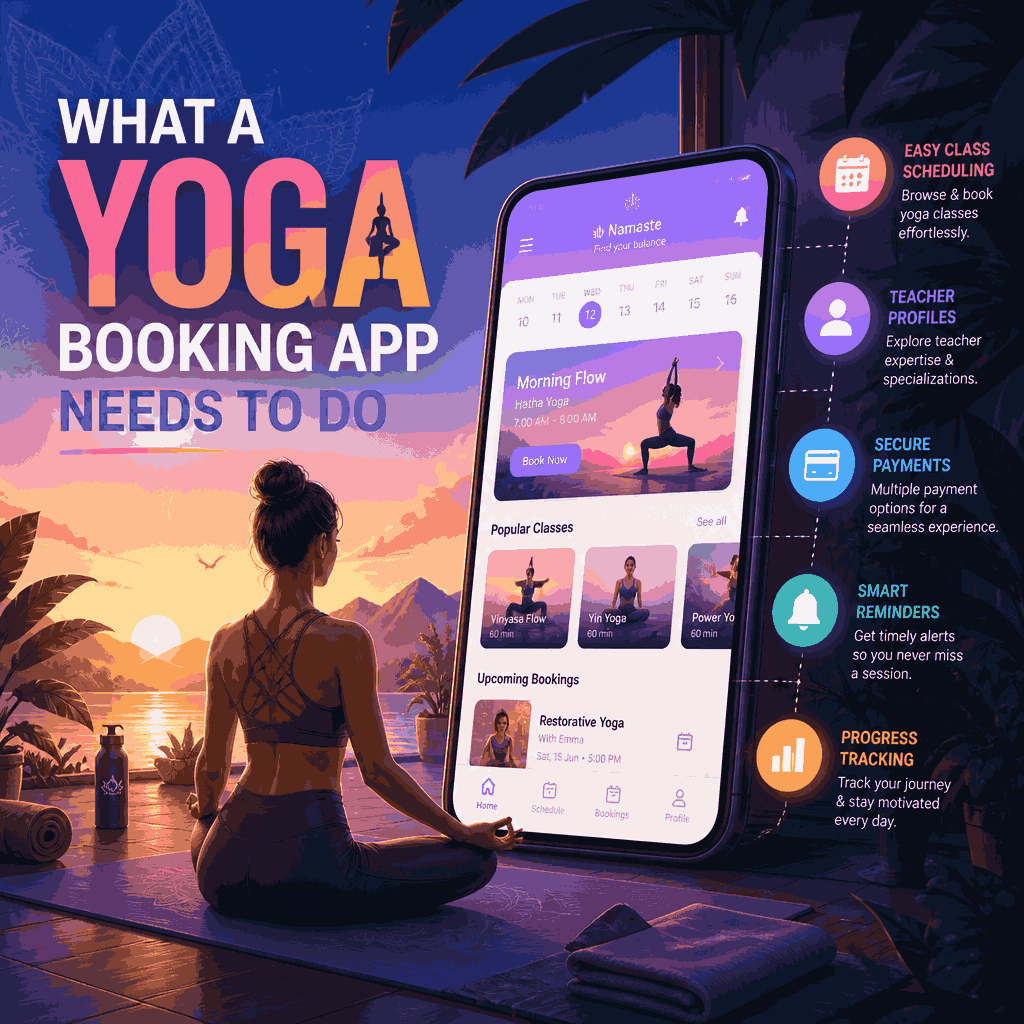
Yoga studios are not restaurants or salons. A booking tool built for table reservations will fight you on the things that make a studio run. Before comparing products, map your own week and check whether the app handles each of these.
Class schedules, not just time slots
Students book a class, Vinyasa Flow at 7 am with a named teacher — not an anonymous slot. The app should show a recurring weekly timetable, allow drop-ins and multi-week courses side by side, and let you swap a substitute teacher without cancelling the booking.
Capacity, waitlists and mat limits
A studio with 18 mats is full at 18 students. Good tools enforce capacity per class, run an automatic waitlist, and release the spot to the next person when someone cancels. Without a waitlist, cancellations become phone calls and lost revenue.
Class packs and memberships
Most studios sell more than single classes: 10-class passes, monthly unlimited memberships, intro offers for new students. The app must track remaining credits, apply them at checkout, and stop someone booking a class with an expired pack.
Recurring payments and reminders
Memberships need automatic renewal. Reminders cut no-shows. If a student books, forgets and does not turn up, that mat was empty for someone who would have paid.
Teacher schedules and payroll-friendly records
- Which teacher is assigned to which class, and for how long
- Attendance per class, so you can pay per head or per session
- Substitute and cover history, so gaps are visible
The Three Ways Studios Take Yoga Bookings
1. A marketplace app
Marketplace platforms list your classes alongside other studios and bring you discovery traffic. You trade control and margin for reach: the student relationship belongs to the platform, and your studio is one listing among many. Fine for filling a brand-new schedule, less useful once you have a returning community.
2. A dedicated studio management app
Purpose-built studio software handles memberships, check-in, teacher pay, and class packs well. It usually comes as a monthly subscription priced per location or per active member. Check current pricing directly with each vendor before you commit, because tiers and limits change. The trade-off is that your bookings live on someone else’s platform, and your website is often just a sign-up form pointing elsewhere.
3. A booking system on your own website
This is where WordPress-based studios land. A booking plugin turns your existing site into the booking engine: class schedule, checkout, student accounts, and email confirmations all on your own domain. You own the customer data, you control the design, and there is no per-booking commission. If you want to see how this plays out for a studio specifically, our walkthrough on creating a yoga class booking system with WordPress and WpBookingly goes step by step through that setup.
Features to Check Before You Subscribe
| Feature | Why it matters for yoga |
|---|---|
| Recurring weekly timetable | Most studios repeat the same schedule every week |
| Capacity per class | Mat count is a hard limit you cannot oversell |
| Automatic waitlist | Turns cancellations back into bookings |
| Class packs and credits | How most regular students actually pay |
| Online payment | Fewer no-shows than pay-at-the-door booking |
| Email and SMS reminders | Directly reduces empty mats |
| Teacher assignment and substitution | Keeps the schedule truthful when someone is away |
| Mobile-first student view | Most students book from a phone, often minutes before class |
| Data export | You should be able to leave with your student list |
Booking App vs Booking Plugin: How to Decide
The honest answer is that many studios do not need a native mobile app at all. If your students already find you through Google, Instagram, and word of mouth, a mobile-friendly booking page on your own site does the same job, and students do not have to download anything.
Choose a dedicated app when you need physical check-in at the door, offline access, or push notifications as your main channel. Choose a website-based booking system when discovery already happens online, you want the customer relationship to stay yours, and you would rather not pay commission per booking.
One more consideration: breadth. If your business is not a pure studio and you also run retreats, workshops, or teacher training, you need a system that handles events as well as weekly classes. Event-style bookings with tickets and dates behave differently from recurring classes, and our guide to setting up WooCommerce event booking covers that side if workshops are part of your revenue.
The same logic applies to service businesses more broadly: salons, repair services, and appointment-based studios all need a tool that matches their booking rhythm rather than a generic calendar. If your schedule is appointment-shaped rather than class-shaped, a WordPress booking plugin built for appointments may fit better than studio software.
Find out how to use a WordPress repair service booking plugin.
Pricing Models You Will Encounter
Yoga booking tools generally bill in one of four ways. Compare them on total monthly cost at your real student volume, not the headline rate.
- Monthly subscription per location. Predictable, but you pay whether or not you grow.
- Per active member or per booking. Cheap when you are small, expensive at scale.
- Commission on transactions. Usually the most expensive once you are processing regular memberships.
- One-time plugin licence plus your own hosting. Higher upfront, no per-booking cut, and the cost does not rise as your student count does.
Check current pricing for any option you shortlist, and ask specifically what happens to the price when you add a second teacher or a second room.
Setting Up Your Yoga Booking System: A Practical Order of Work
- List your class types. Drop-in, course, private session, and workshop all book differently.
- Decide what you sell. Single classes, packs, memberships, or a mix.
- Set capacity per class before you publish the timetable, not after.
- Turn on online payment and a cancellation window that protects your teachers’ time.
- Build the student view on a phone first. That is where the booking will actually happen.
- Test one full cycle: book, pay, get a reminder, cancel, and take a spot from the waitlist.
- Train whoever answers the phone on how to book on a student’s behalf.
Common Mistakes Studios Make
- No cancellation window. Without one, students cancel ten minutes before class, and the mat stays empty.
- Selling only single classes. Packs and memberships are what turn casual students into regulars.
- Ignoring the waitlist. A full class plus a waitlist is a demand signal worth acting on.
- Making students create an account before they can see the schedule. Let them browse first.
- Never review attendance data. Low-attendance slots are candidates for rescheduling or a different teacher.
Frequently Asked Questions
Do I need a separate yoga studio app if I already have a website?
Usually not. A booking plugin on your existing WordPress site gives you scheduling, payments, and reminders without sending students to a third-party platform. Add a standalone app only if you need door check-in or push notifications as your primary channel.
Can students book a class using a prepaid pass?
Yes, if the system supports class packs and credits. At checkout, the student selects the class, and the system deducts one credit instead of charging a card. Confirm this feature exists before you choose a tool, because not every booking app handles credit balances.
How do I stop no-shows?
Three levers: require payment or a credit at booking, send a reminder the day before, and set a cancellation window. Studios that use all three see the fewest empty mats.
Will my booking data be mine?
With a website-based booking system, yes, the student list, attendance history, and payments sit on your own site. With a marketplace or hosted studio app, your students usually belong to the platform. Check the export and data-ownership terms before you sign up.
How long does setup take?
For a single-location studio with a recurring weekly timetable, most of the work is entering classes, teachers, and pricing. That is an afternoon of data entry rather than a development project, and it is worth doing before your next season’s timetable goes live.
Next Steps
Start by writing down your week: how many classes, capacity per class, which ones sell packs, and how students currently pay. That list tells you whether a marketplace listing, a hosted studio app, or a booking system on your own site is the right fit. If your site already runs WordPress, the lowest-friction route is usually to add booking to what you have rather than migrate your students to a new platform, and if you want the studio-specific version of that setup, start with our WpBookingly yoga class booking guide.