 Get Halloween 15% for Limited Time on Lifetime & Bundle Deal

Black Friday and Cyber Monday are the cheapest window all year to buy WordPress plugins, themes and ecommerce tools — if you buy deliberately. This guide covers the booking and travel plugins most likely to matter for service businesses, the non-booking tools worth a look, and the checks that stop a 70% discount from becoming an expensive mistake. Prices and campaign dates change every year, so we tell you what to verify on the checkout page instead of guessing numbers.
One important note before you scroll: the 2024 edition of this article listed coupon codes like “BFCM2024” and fixed sale dates. Those campaigns have ended. Rather than repeat expired codes, this rewrite explains how the offers are structured, which products are worth your budget, and how to confirm a live discount before you pay.
- What the WordPress Black Friday weekend usually looks like
- Quick comparison: what each deal type gets you
- Booking and travel plugins: where the discounts are most useful
- Theme, design and ecommerce deals worth checking
- Performance, media and utility plugins
- How to check a WordPress deal before you pay
- If you are shopping for a seasonal event rather than software
- Where our own plugins do not fit
- Bottom line
- Frequently asked questions
What the WordPress Black Friday weekend usually looks like
The WordPress marketplace follows a predictable rhythm, which is useful when you are planning a purchase around it.
- Early-bird week: many vendors open discounts several days before the official Black Friday date, sometimes with a smaller percentage than the main event.
- Black Friday weekend: the biggest headline discounts, often the only time of year lifetime licences go on sale.
- Cyber Monday: frequently an extension of the same campaign rather than a new one — useful if you missed the weekend.
- Quiet extension: a handful of vendors keep offers running to mid-December. Others close discounts sharply at midnight.
Two structural facts matter more than any specific percentage:
- Lifetime licences are the real prize. Renewal pricing is where the long-term cost sits, so a lifetime deal at 25% off can be worth more than an annual plan at 60% off.
- Discount codes rarely stack. If a vendor auto-applies a coupon, a manual code from a roundup article will usually fail at checkout. Apply what is offered; do not expect to compound it.
Quick comparison: what each deal type gets you
The table below groups the offers covered in this guide by what they do and how purchase works. Live prices are deliberately left out — check each vendor’s pricing page on the day.
| Product | Category | Price to check | Key features | Compatibility |
|---|---|---|---|---|
| WpEvently | Event booking | Check current pricing on the product page | Registrations, custom forms, ticket sales, sales reporting | WordPress + WooCommerce |
| WpBusTicketly | Bus ticketing | Check current pricing on the product page | Route selection, seat reservation, PDF tickets, QR check-in addon | WordPress + WooCommerce |
| WpTravelly | Tour & travel booking | Check current pricing on the product page | Tour packages, custom booking forms, length-of-stay pricing | WordPress + WooCommerce |
| eCab | Taxi & chauffeur booking | Check current pricing on the product page | Pickup/drop-off, vehicle selection, distance-based fares | WordPress + WooCommerce, Google Maps API |
| WpRently | Rental management | Check current pricing on the product page | Multi-item rentals, calendar availability, location-based rentals | WordPress + WooCommerce, Google Maps API |
| WpDepositly | Partial payments | Check current pricing on the product page | Fixed or percentage deposits, instalments, reminders | WooCommerce (any store type) |
| WpBookingly | Service appointments | Check current pricing on the product page | Service categories, live availability, add-on services, invoices | WordPress + WooCommerce |
| WP Travel Pro | Tour & travel booking | Check current pricing on the vendor site | Itinerary builder, payment gateways, travel-theme integrations | WordPress |
| Astra | Theme | Check current pricing on wpastra.com | Lightweight base theme, starter templates, layout addons in Pro | Works with major page builders |
| Spectra Pro | Block design | Check current pricing on wpspectra.com | Extra blocks, patterns, popup and loop builders | WordPress block editor |
| SureCart | eCommerce | Check current pricing on surecart.com | Visual checkout builder, subscriptions, one-time payments | WordPress (own commerce layer, not WooCommerce) |
| SureTriggers | Automation | Check current pricing on suretriggers.com | Visual workflow canvas, connections to many external apps | WordPress with supported plugins |
Booking and travel plugins: where the discounts are most useful
If your site sells appointments, tickets or rentals, booking software is the one purchase where a Black Friday discount genuinely pays for itself — because the plugin becomes the operating system of your business, not a nice-to-have. These are the products in this roundup that fit that description.
WpEvently – WordPress Event Manager Plugin for WooCommerce
WpEvently handles the full cycle for conferences, workshops, fairs and recurring events: creating event listings, taking registrations through custom forms, selling tickets through WooCommerce payment gateways, and reporting on ticket revenue and attendance. If you already run events and are paying per-ticket fees to a hosted platform, this is the category where a single discount can change your cost base, not just your design.
Uni-con, MagePeople’s event addon set, extends it further — seat plans, waitlists and confirmation-email automation are all common addon requests. Check whether your required addon is included in the sale or billed separately; bundled addons are often where the real value hides.
WpBusTicketly – Bus Ticket Booking with Seat Reservation
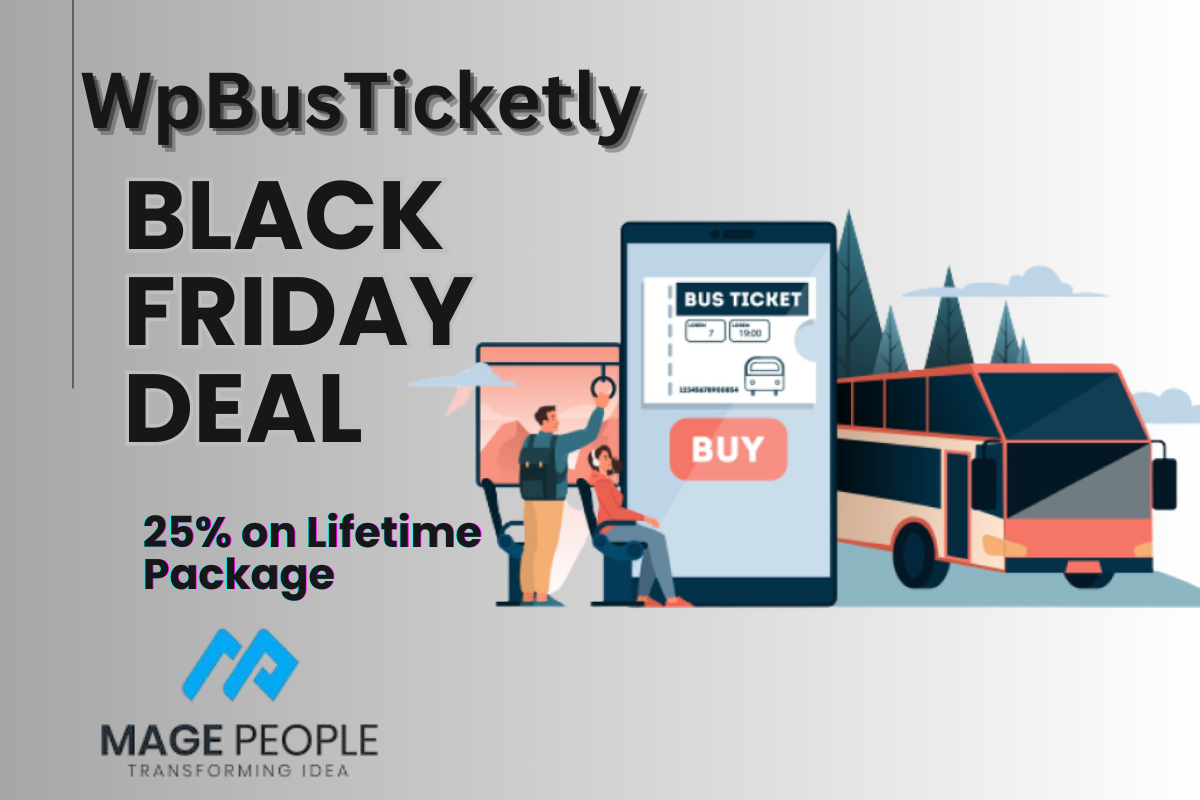
WpBusTicketly lets an operator publish routes, take bookings online, reserve specific seats and collect payment through WooCommerce. Boarding passes can carry a QR code so staff verify passengers at the gate rather than checking a printout by eye.
For operators, the evaluation question is not “is this discounted” but “does it handle my routes”. Check how the plugin models multi-stop routes and boarding points before you buy — that is the detail that decides whether it fits your network. If you want to see how seat maps and route logic work in practice, the guide to building a bus booking website with a WordPress plugin walks through the setup.
WpTravelly – WordPress Tour & Travel Booking Plugin
WpTravelly is built for tour operators selling packages: customisable booking forms, pricing that accounts for room rates and length of stay, and WooCommerce handling the transaction. It suits agencies that sell a defined catalogue of tours rather than one-off custom itineraries.
Two images below cover the tour-booking category: WpTravelly itself, then WP Travel Pro as the main independent alternative. Compare them on pricing logic (per person vs per room vs per package) rather than on discount depth.

WP Travel Pro is a separate tour-booking product with its own discount ladder that historically scaled with licence size — a smaller percentage for a single site, a much larger one for multi-site licences. If you run several client travel sites, that tiering matters more than the headline number. WP Travel Pro is a third-party product; confirm the current offer on the vendor’s own pricing page rather than relying on any article, including this one.

WordPress Taxi Cab and Chauffeur Booking Plugin for WooCommerce eCab
eCab covers the taxi and chauffeur workflow: pickup and drop-off locations, vehicle selection, extra services, distance-based fare calculation via Google Maps, email confirmations and PDF invoices. Its value on a discounted purchase is less about the licence price and more about what it replaces — per-ride commissions to a third-party dispatch platform.
Before buying, map your fare rules: single operation areas, fixed zones, distance tiers and peak-hour surcharges all change how you configure the plugin. If your pricing model is unusual, test that first.

WpRently – Booking and Rental Manager Pro for WordPress
WpRently suits rental businesses with inventory to manage — vehicles, bikes, equipment, resort units. Availability calendars, location-aware listings and WooCommerce checkout cover the essentials, and multi-branch setups are supported.
Rental sites live or die on availability logic, so the question to answer during a trial is whether it handles your buffer times and seasonal pricing. If you are still choosing a plugin rather than upgrading one, see the booking plugin test checklist before you install — it is a better starting point than a sale page.
WooCommerce Deposit & Partial Payment Solution – WpDepositly
WpDepositly adds deposit and instalment options to any WooCommerce store: fixed-amount or percentage deposits, forced or optional deposits, scheduled balance payments, tax and shipping handling on partial orders, and reminder emails. For high-ticket rentals and tours, offering a deposit instead of full prepayment is one of the few changes that reliably lifts conversion, which makes it a sensible Black Friday addition even for stores that are not travel businesses.
Online Service Booking System & Reservation Plugin – WpBookingly
WpBookingly handles appointment-based services: configurable service categories, live availability, optional add-on services, WooCommerce payments, PDF invoices, CSV export and time-zone settings. Salons, clinics, tutors and repair services all fit the same pattern — the client picks a service, a time, and pays.
The time-zone setting deserves attention if you take bookings across regions; it is easy to overlook and painful to fix after launch.

Every booking product above is MagePeople’s own software, so treat this section as a disclosure, not an independent review. Seasonal discounts on our plugins usually run across the whole catalogue rather than a single product — check the MagePeople plugin directory listings and our product pages for the current campaign terms, licence tiers and any addon exclusions.
Theme, design and ecommerce deals worth checking
Beyond booking software, the weekend is the best time to fix the foundation of a site: theme performance, page-design tooling, and the commerce layer. The categories below are where discounts are most commonly substantial.
Astra
Astra is a lightweight theme used on a very large number of WordPress sites, with pre-built starter templates that work with the major page builders. The Pro tier adds layout controls, sticky headers, mega menus and priority support.
For a booking site, theme choice is a performance decision: a lighter base theme leaves more headroom for booking forms, calendars and map scripts. Do not buy a theme on discount alone — verify it supports the builder you actually use.
Spectra Pro
Spectra Pro extends the block editor with additional blocks, patterns and templates, plus popup, modal and loop builders. It makes sense if you build with native blocks rather than a separate page builder.
SureCart
SureCart is a commerce layer for WordPress with a visual checkout builder and support for one-time payments and subscriptions. It is a genuine alternative to WooCommerce rather than an extension of it — which also means a booking plugin built for WooCommerce will not plug into it. Confirm compatibility before buying both.
SureTriggers
SureTriggers is a no-code automation canvas that connects WordPress to external apps so routine tasks — form submissions, follow-ups, CRM updates — run without manual work. For a booking business, automation usually pays back faster than any design purchase.
WP Travel Pro
Already covered in the booking section above, but worth repeating in this context: if you need itinerary-building and travel-theme support, take a direct price comparison against WpTravelly instead of choosing whichever banner is bigger.
WowRevenue, WowStore, PostX and WowOptin
The Wow* family covers sales-boosting campaigns (WowRevenue), storefront building (WowStore), content layout (PostX) and lead capture (WowOptin). Each is a specialist tool: buy WowRevenue to raise average order value, not because the discount is large.



WholeSaleX
WholeSaleX adds wholesale pricing and B2B features to WooCommerce: dynamic pricing rules, user roles, a registration form builder, and quote requests. If you sell to trade buyers as well as consumers, it is a different purchase from a consumer-facing discount plugin.
Gutenify, ZoloBlocks and CoDesigner
Gutenify and ZoloBlocks extend the block editor with ready-made blocks and templates; CoDesigner focuses on designing WooCommerce stores inside Elementor. Pick the one that matches your builder — buying two overlapping design tools is the classic Black Friday mistake.

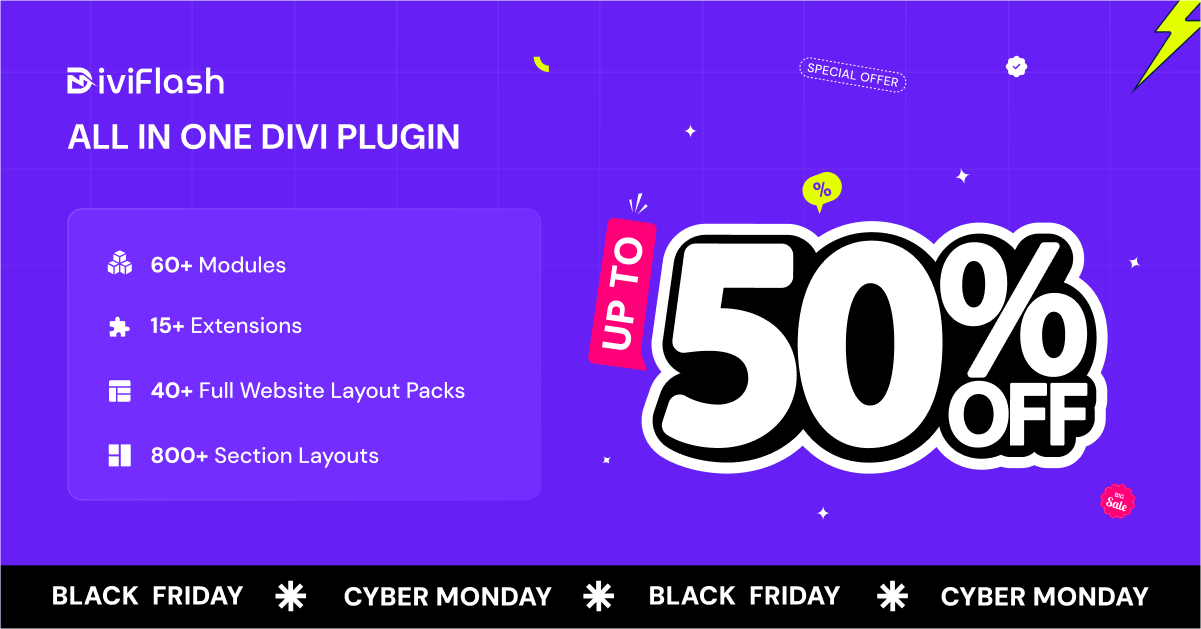
DiviFlash and DiviGear
If you build with Divi, this pair covers module packs, layout libraries, popup and mega-menu builders, and child themes. Divi users are a distinct audience — these offers are only relevant if Divi is already your platform.
Element Pack and Prime Slider
Element Pack adds a large widget library to Elementor; Prime Slider specialises in slider and hero-section widgets. Both are Elementor-dependent, so skip them if you build in the block editor.
Performance, media and utility plugins
These are the small purchases that rarely headline a sale page but often deliver the clearest return: faster pages, tidier media, and less manual admin.
ThumbPress
ThumbPress handles thumbnail generation, image compression and WebP conversion, which is the kind of housekeeping that directly affects page speed on an image-heavy site. A booking site with dozens of room or vehicle photos benefits from this more than a text blog does.
Radio Player
Radio Player streams live audio and podcasts through a customisable player, with support for common streaming formats and playlist management. It is a niche buy — useful for media sites and venues, irrelevant to most businesses.
Integrate Google Drive
Integrate Google Drive embeds and manages Drive files on WordPress without custom code, which suits sites that publish documents, price lists or downloadable media.
Dracula Dark Mode
Dracula Dark Mode adds a dark theme with a toggle, adapting colours across the site. It is a preference feature, not a conversion tool — buy it if your audience actually asks for it.
How to check a WordPress deal before you pay
Most Black Friday disappointments are avoidable with five quick checks at checkout.
- Confirm the discount applies to the licence you want. Lifetime and multi-site tiers are frequently excluded from the headline percentage.
- Read the renewal terms. A discounted first year with full-price renewal is a different product from a discounted lifetime licence.
- Check what is and is not in the bundle. Addons, support extensions and Pro upgrades are common exclusions.
- Verify the campaign end date on the vendor’s own page. Third-party roundups go stale within days.
- Test compatibility before activating. Confirm the plugin version works with your current WordPress and WooCommerce versions, and take a backup first.
If you are shopping for a seasonal event rather than software
Readers who arrive here around Halloween season often want the event-specific offers instead. Those are covered separately in our roundup of WordPress Halloween plugin deals — different products, different timing, same “verify before you buy” rule.
Where our own plugins do not fit
MagePeople sells booking plugins, so it would be convenient to say they suit everyone. They do not.
- Not for sites that need WooCommerce-independent commerce. Every booking product here assumes WooCommerce. If you use a different commerce layer, none of them will work without rebuilding your checkout.
- Not for very simple scheduling needs. If you only need a contact form with a date field, a general form or lightweight booking plugin is cheaper and simpler.
- Not for businesses that cannot configure anything. Route rules, fare zones, availability buffers and deposit logic all need setup. If nobody on your team can invest a working day, a fully hosted SaaS may serve you better.
- Not for enterprise multi-tenant platforms. These are WordPress plugins, not SaaS infrastructure — they scale with your hosting, not around it.
Bottom line
The best WordPress Black Friday and Cyber Monday deals are never the biggest percentage on the page — they are the purchases you had already decided to make, bought at a better price. Decide what your site needs first: a booking engine that replaces commissions, a lighter theme, a deposit option that lifts conversion, or an automation that removes admin. Then check the live price, confirm the licence tier, and buy in the window that actually applies.
If booking software is on your list, the most useful next step is a hands-on trial rather than more reading. Test the workflows your customers actually use, with your own routes, services or inventory, before the sale closes.
Ready to test before you buy? Start with WpTravelly for tour and travel bookings, WpEvently for events, WpBusTicketly for seat-based bus ticketing, eCab for taxi and chauffeur bookings, WpRently for rentals, WpBookingly for service appointments, or WpDepositly to add deposits and partial payments to an existing store.
Frequently asked questions
When do WordPress Black Friday deals usually start?
Most WordPress vendors open their campaigns in the week before Black Friday, then extend through Cyber Monday and sometimes into mid-December. Exact dates differ by vendor, so check the offer page you intend to buy from rather than relying on a roundup.
Are the coupon codes in last year’s roundups still valid?
Usually not. Codes are tied to a specific campaign, and once that campaign ends the code fails at checkout. Any code from a previous year — including the “BFCM2024” codes that appeared in earlier versions of this article — should be treated as expired until the vendor lists it again.
Is it better to buy a lifetime licence or an annual one during a sale?
It depends on how long you expect to use the product. A discount on a lifetime licence removes renewal costs permanently, which usually beats a deeper percentage off year one of an annual plan. If you are testing a plugin for a single project, an annual licence is the lower-risk choice.
Can I stack a vendor’s automatic discount with a coupon code from an article?
Rarely. Most campaigns auto-apply the discount at checkout and block additional codes. Applying a second code will typically either fail or override the automatic discount — check the order total before paying.
Do these deals apply to addons as well as the main plugin?
Sometimes. Addons, support renewals and Pro upgrades are common exclusions from headline percentages. Read the campaign terms for the specific addon you need — especially for booking plugins, where the addon may be the reason you are buying.
Should I buy a discounted plugin that is not compatible with my current setup?
No. A discount does not offset the cost of switching platforms. Confirm the plugin supports your current WordPress and WooCommerce versions and your page builder before purchase, and test on a staging copy rather than a live site.
