 Get Halloween 15% for Limited Time on Lifetime & Bundle Deal

A booking plugin is only as good as the awkward edge cases it survives. Free trials and sales pages look identical: both show a clean calendar and a Stripe button. The differences show up when two customers want the last slot, a booking crosses midnight, someone asks for a refund, or your season changes and prices move with it. This guide gives you a practical checklist to run against any WordPress booking plugin, free or paid, in a staging site, before it touches your live calendar.
- What a Booking Plugin Actually Has to Do
- Before You Test: Write Down Your Rules
- The Pre-Install Test Checklist
- Free, Freemium or Paid: What the Price Actually Buys
- WordPress-Specific Things to Check
- Scoring What You Test
- A Note on Specialised Plugins
- After You Install: The First Two Weeks
- Conclusion
What a Booking Plugin Actually Has to Do
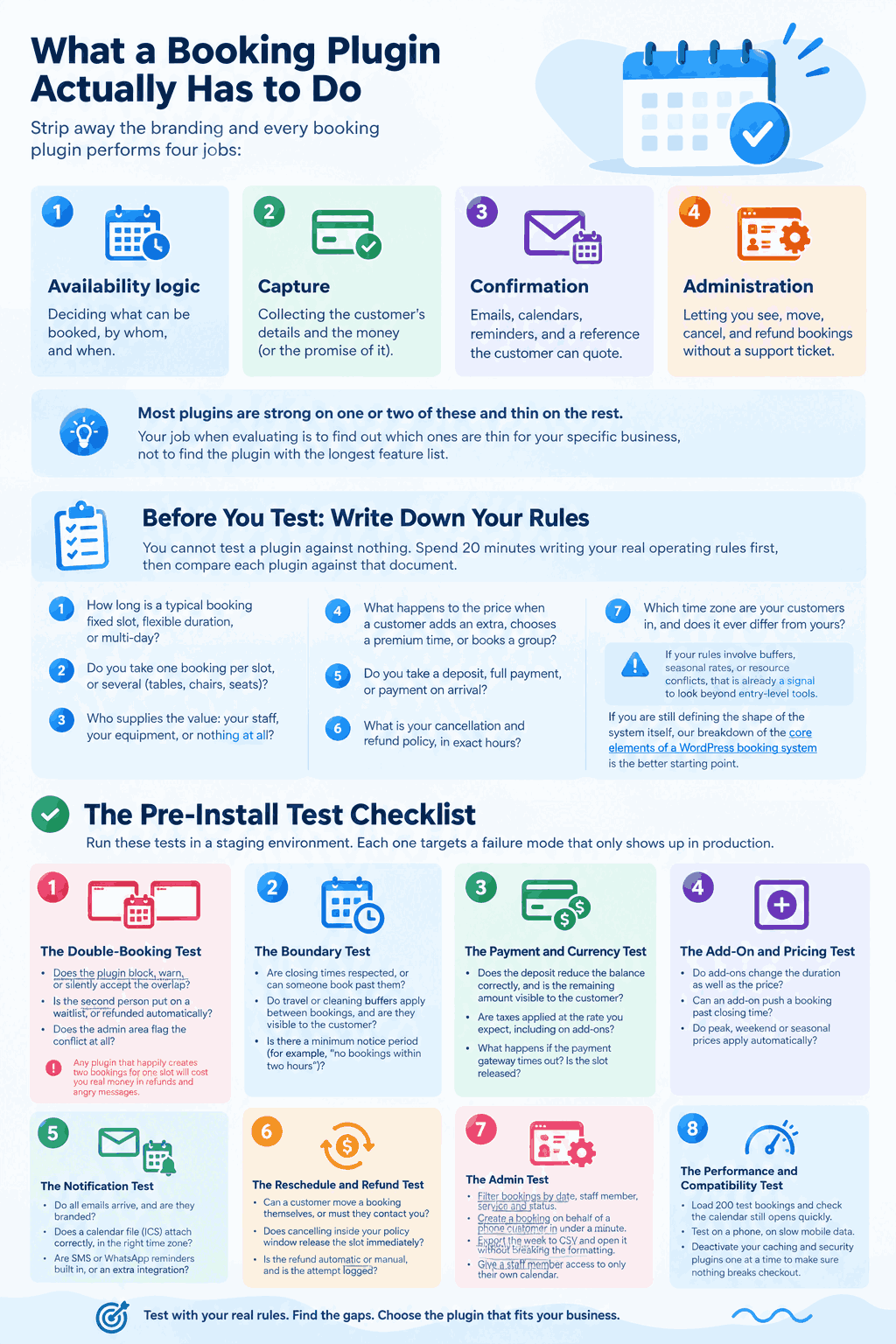
Strip away the branding and every booking plugin performs four jobs:
- Availability logic — deciding what can be booked, by whom, and when.
- Capture — collecting the customer’s details and the money (or the promise of it).
- Confirmation — emails, calendars, reminders, and a reference the customer can quote.
- Administration — letting you see, move, cancel, and refund bookings without a support ticket.
Most plugins are strong on one or two of these and thin on the rest. Your job when evaluating is to find out which ones are thin for your specific business, not to find the plugin with the longest feature list.
Before You Test: Write Down Your Rules
You cannot test a plugin against nothing. Spend 20 minutes writing your real operating rules first, then compare each plugin against that document.
- How long is a typical booking fixed slot, flexible duration, or multi-day?
- Do you take one booking per slot, or several (tables, chairs, seats)?
- Who supplies the value: your staff, your equipment, or nothing at all?
- What happens to the price when a customer adds an extra, chooses a premium time, or books a group?
- Do you take a deposit, full payment, or payment on arrival?
- What is your cancellation and refund policy, in exact hours?
- Which time zone are your customers in, and does it ever differ from yours?
If your rules involve buffers, seasonal rates, or resource conflicts, that is already a signal to look beyond entry-level tools. If you are still defining the shape of the system itself, our breakdown of the core elements of a WordPress booking system is the better starting point.
The Pre-Install Test Checklist
Run these tests in a staging environment. Each one targets a failure mode that only shows up in production.
1. The Double-Booking Test
Open the booking form in two browsers side by side. Hold the last available slot in the first browser and complete the purchase in the second. Then finish the first.
- Does the plugin block, warn, or silently accept the overlap?
- Is the second person put on a waitlist, or refunded automatically?
- Does the admin area flag the conflict at all?
Any plugin that happily creates two bookings for one slot will cost you real money in refunds and angry messages.
2. The Boundary Test
Book the first and last slot of the day, and a slot that ends exactly at closing time. Then try a booking that spans a date change.
- Are closing times respected, or can someone book past them?
- Do travel or cleaning buffers apply between bookings, and are they visible to the customer?
- Is there a minimum notice period (for example, “no bookings within two hours”)?
3. The Payment and Currency Test
Make one full-payment booking, one deposit booking, and one booking with a coupon.
- Does the deposit reduce the balance correctly, and is the remaining amount visible to the customer?
- Are taxes applied at the rate you expect, including on add-ons?
- What happens if the payment gateway times out? Is the slot released?
4. The Add-On and Pricing Test
Add every optional extra you plan to offer, in combinations, and watch the total.
- Do add-ons change the duration as well as the price?
- Can an add-on push a booking past closing time?
- Do peak, weekend or seasonal prices apply automatically?
Add-ons are where most pricing bugs hide, and there is a reason teams underinvest in them — see how add-ons extend a booking system once the basics are solid.
5. The Notification Test
Complete a booking, then cancel it, then reschedule it. Check every channel.
- Customer confirmation, admin alert, and reminder emails — do they all arrive, and are they branded?
- Does a calendar file (ICS) attach correctly, in the right time zone?
- Are SMS or WhatsApp reminders built in, or an extra integration?
6. The Reschedule and Refund Test
- Can a customer move a booking themselves, or must they contact you?
- Does cancelling inside your policy window release the slot immediately?
- Is the refund automatic or manual, and is the attempt logged?
7. The Admin Test
Do the whole day’s work as an administrator.
- Filter bookings by date, staff member, service and status.
- Create a booking on behalf of a phone customer in under a minute.
- Export the week to CSV and open it without breaking the formatting.
- Give a staff member access to only their own calendar.
8. The Performance and Compatibility Test
- Load 200 test bookings and check the calendar still opens quickly.
- Test on a phone, on slow mobile data.
- Deactivate your caching and security plugins one at a time to make sure nothing breaks checkout.
Free, Freemium or Paid: What the Price Actually Buys
Price rarely maps to features one-to-one. It maps to how much of the checklist above the plugin answers out of the box, and how much you build yourself.
| Type | Typical strength | Where it usually fails the checklist |
|---|---|---|
| Free plugin | Simple single-slot appointments, no payments needed | Resources, deposits, reminders, reporting |
| Freemium / lite | Getting a live form on the site quickly | Multi-resource logic, gateway choice, seasonal pricing |
| Paid single-purpose | One industry done deeply (tours, rentals, taxis, events) | Anything outside that industry |
| Paid general-purpose | Flexible rules, add-ons, integrations | Needs configuration time; heavier on the admin side |
Always confirm what is included before you commit: check current pricing on the vendor’s site, and check whether reminders, extra staff accounts, or extra locations sit in a higher tier.
WordPress-Specific Things to Check
A clever booking engine bolted onto a badly matched stack is still a broken store. Confirm these before you commit:
- Data ownership. Are bookings stored in your database, or only on a remote service? Export matters if you ever migrate.
- WooCommerce or standalone. If you already sell products and want one checkout, one tax rule set and one refund flow, bookable products need to live inside WooCommerce.
- Multiple locations and staff. Check how the plugin models them — as separate calendars, or as a filter on one.
- Multilingual and currency. Does the calendar translate, and do dates format correctly for your customers?
- Uninstall behaviour. Some plugins leave tables and options behind. Test an uninstall on staging.
Scoring What You Test
Give each plugin a score out of five on the following, then weight them for your business. A tour operator should weight availability logic and payments heavily; a repair service should weight admin speed and reminders.
- Every checklist test above passed without a workaround.
- Support response time during your pre-sale questions — that is the best proxy you will get.
- Documentation quality and clarity of the changelog.
- Update frequency and WordPress version compatibility.
- Migration path out, if the relationship ends.
If you are at the stage of comparing products rather than testing them, our guide on how to choose the right appointment booking plugin walks through the buying decision in more detail — this article assumes you have already shortlisted and want to verify.
A Note on Specialised Plugins
Industry-specific plugins exist because generic rules break down in specific businesses. Taxi and cab operators need distance or zone pricing. Tour operators need departure dates and per-person capacity. Rental businesses need date ranges, damage deposits and check-in/check-out times. Event organisers need seat or ticket tiers. Repair services need technician routing and on-site visit windows.
If your rules match one of those patterns, a general booking plugin will need add-ons and custom work that a specialised one ships with. Test the specialised plugin against the same checklist — a narrower plugin often passes the core tests faster, but check its integrations and export options carefully, because smaller ecosystems can lock you in.
After You Install: The First Two Weeks
- Run bookings in parallel with your old process, if you have one.
- Watch the first 20 bookings manually against the confirmation emails.
- Ask three real customers whether the form was clear on a phone.
- Review the refund and cancellation flow once, deliberately, before you need it in a hurry.
Then re-run the double-booking test on live. Load and concurrent users behave differently from staging, and that is the test most likely to surprise you.
Conclusion
Choosing a booking plugin is a testing exercise, not a browsing exercise. Write your rules down, run the eight checks above in staging, confirm what the licence price actually includes, and score the result against your own priorities. Twenty minutes of deliberate testing before installation is far cheaper than rebuilding a live calendar in the middle of your busiest month.