 Get BlackFriday 25% for Limited Time on Lifetime & 35% for Bundle Deal


If you are looking for the best WordPress AI plugins, the honest starting point is this: AI plugins do three very different jobs, and no single plugin does all of them well. Content tools write drafts, SEO tools turn those drafts into structured pages with schema and internal links, and marketing tools put the copy in front of people through email, chat and personalised offers. Buying one plugin expecting all three is the most common mistake we see.
This guide separates 10 options by job, shows what each one actually automates, flags where they fall short, and explains how to wire them together so the output stays accurate and on-brand. Prices change often, so treat every figure here as a starting point and check current pricing on each vendor’s site before you buy.
- What WordPress AI plugins actually automate
- The 10 best WordPress AI plugins, grouped by job
- Comparison table: pricing, features and compatibility
- How to choose without over-buying
- A practical automation stack for a small business site
- MagePeople's position: honest fit and honest limits
- Frequently asked questions
- The short version
What WordPress AI plugins actually automate
Before comparing products, it helps to be clear about what “AI plugin” means in the WordPress ecosystem. Most of these plugins are not AI models themselves. They are connectors: they send a prompt and your site context to a provider such as OpenAI, Anthropic, Google or an image service, receive a response, and write it into WordPress fields post content, meta tags, alt text, product descriptions, email copy.
That shapes three practical realities:
- You usually pay twice — once for the plugin licence and once, directly or indirectly, for the AI provider’s usage. Some plugins bundle a fixed AI credit allowance; others require your own API key.
- Data leaves your site — content you generate is sent to a third-party API. If you handle customer data, check the vendor’s data-handling terms and your own privacy policy obligations.
- Output is a draft, not a fact — AI models invent details. Any plugin that writes something you do not review is a liability, not an automation win.
With that framing, here is how the field splits up.
The 10 best WordPress AI plugins, grouped by job
Content generation and writing
These plugins write or rewrite text inside the WordPress editor or in bulk across existing posts.
1. AI Engine

AI Engine is the most configurable option in this category. It adds a chat interface to your site, a content-generation panel in the editor, AI-powered search, and importantly an extensible API that developers can build on. It supports multiple providers rather than locking you to one. The trade-off is configuration effort: it is closer to a toolkit than a one-click generator, so expect a setup session rather than a five-minute activation.
2. Jetpack AI Assistant

Jetpack AI Assistant ships as part of the Jetpack suite, so sites already running Jetpack get an editor-side assistant with prompt-based content generation, tone adjustment, spell and grammar correction, and translation. The convenience is real, but usage limits apply on the bundled plan, and the feature set is oriented toward writing help rather than deep site-wide automation.
3. Rank Math Content AI
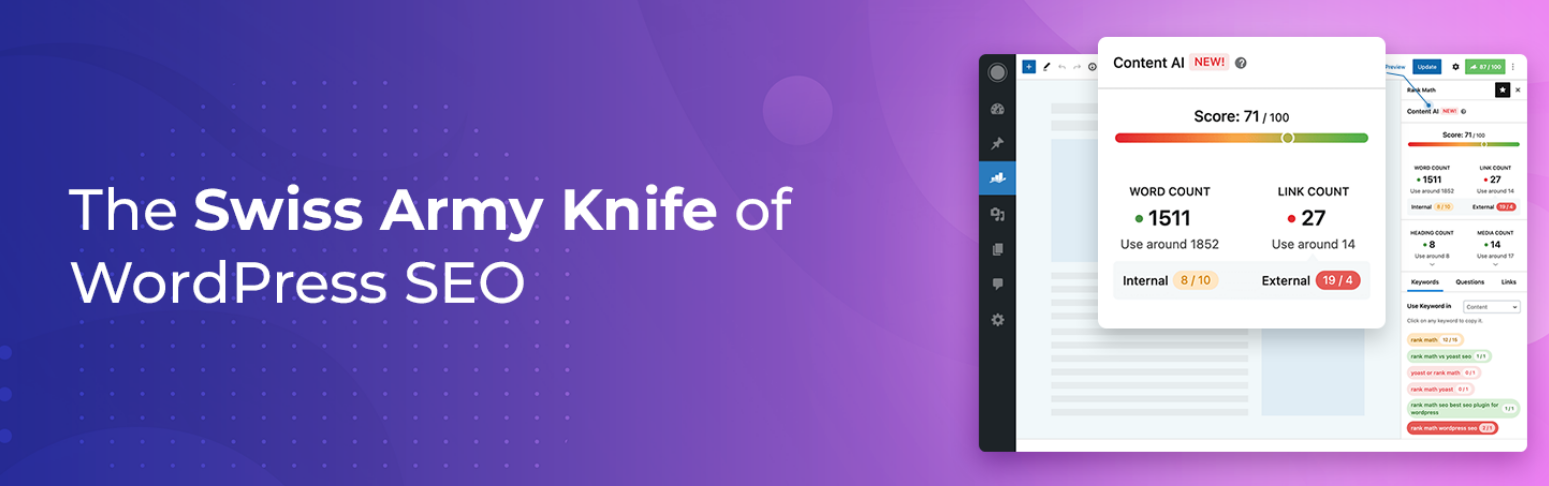
Rank Math Content AI is bundled with a popular SEO plugin rather than sold separately, which makes it attractive if you already use Rank Math. It generates outlines, adds sections to existing drafts, and suggests internal links and related keywords. Because it sits inside an SEO plugin, its output is aimed at search structure rather than long-form brand copy.
SEO and site-wide optimisation
4. Yoast SEO
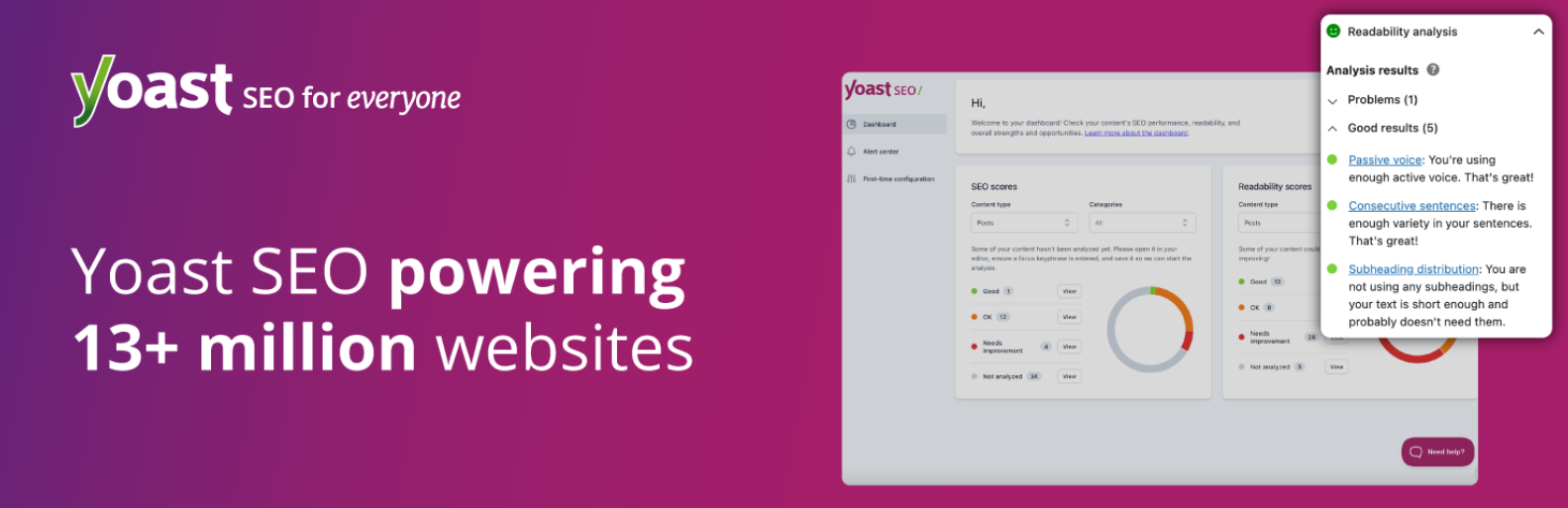
Yoast SEO is not an AI-native product, but the free plugin already uses automated analysis and suggestions to guide titles, meta descriptions and readability, and it has been adding generative help for metadata in newer releases. Its real strength is a consistent, well-documented on-page framework across hundreds of posts. Check the current feature set on the vendor site this is a product that changes between releases.
5. AIOSEO
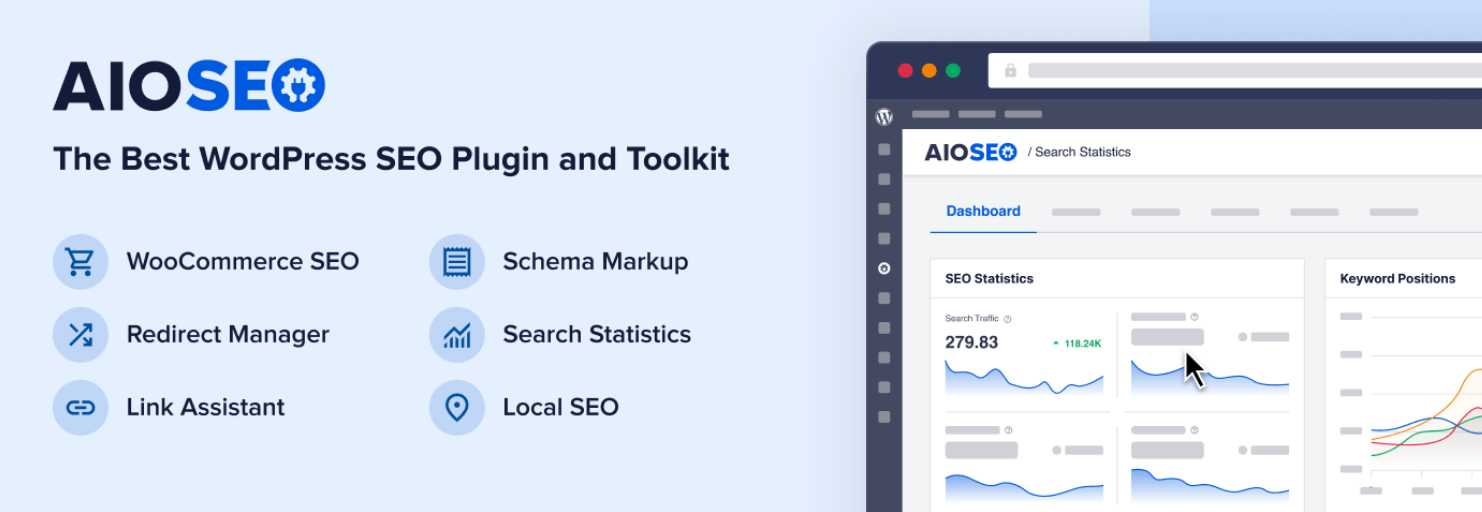
AIOSEO covers the same on-page fundamentals from a different angle: schema generation, sitemap management, and a link-assistant module that suggests internal links from your own content. Its AI add-ons have been positioned around writing meta descriptions and generating content suggestions. If you already use All in One SEO, the add-ons integrate without introducing a second dashboard.
6. Bulk AI content tools
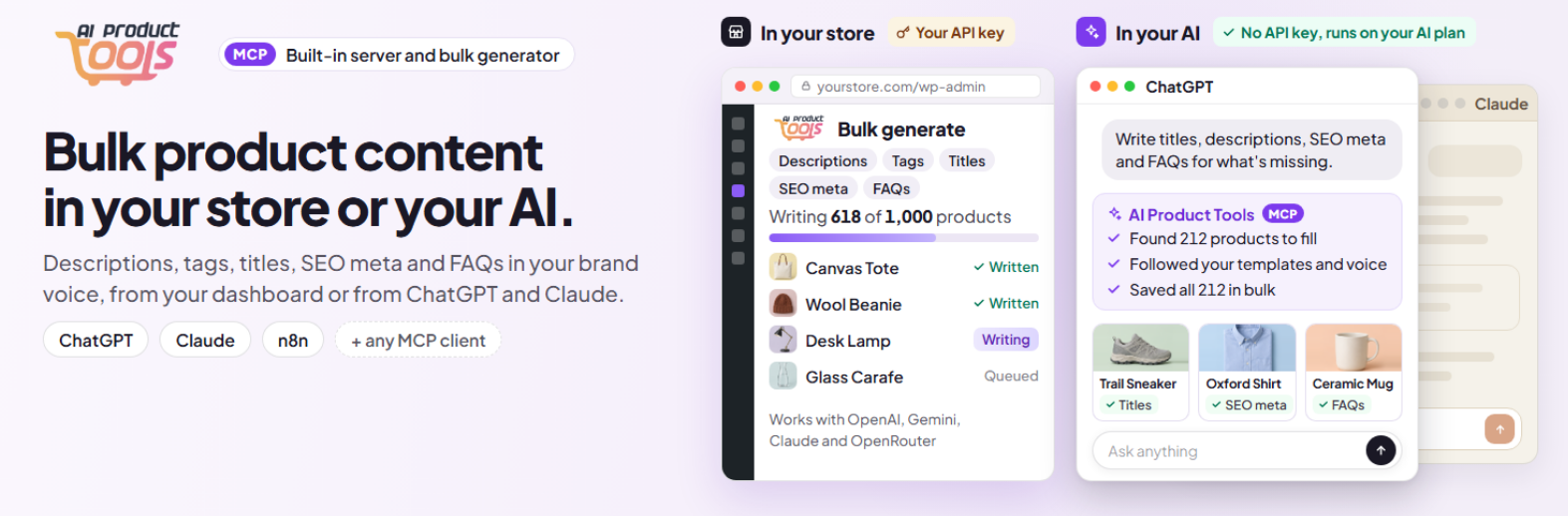
Bulk AI content tools are the underrated category. A handful of plugins generate meta titles and descriptions, alt text and image captions in bulk across existing posts and the media library. On a 400-post site, retrofitting metadata by hand takes weeks; bulk generation takes an afternoon and a review pass. Painful reviews of these tools usually trace back to skipped review passes, not to bad models.
Marketing, email and conversational automation
7. FunnelKit Automations
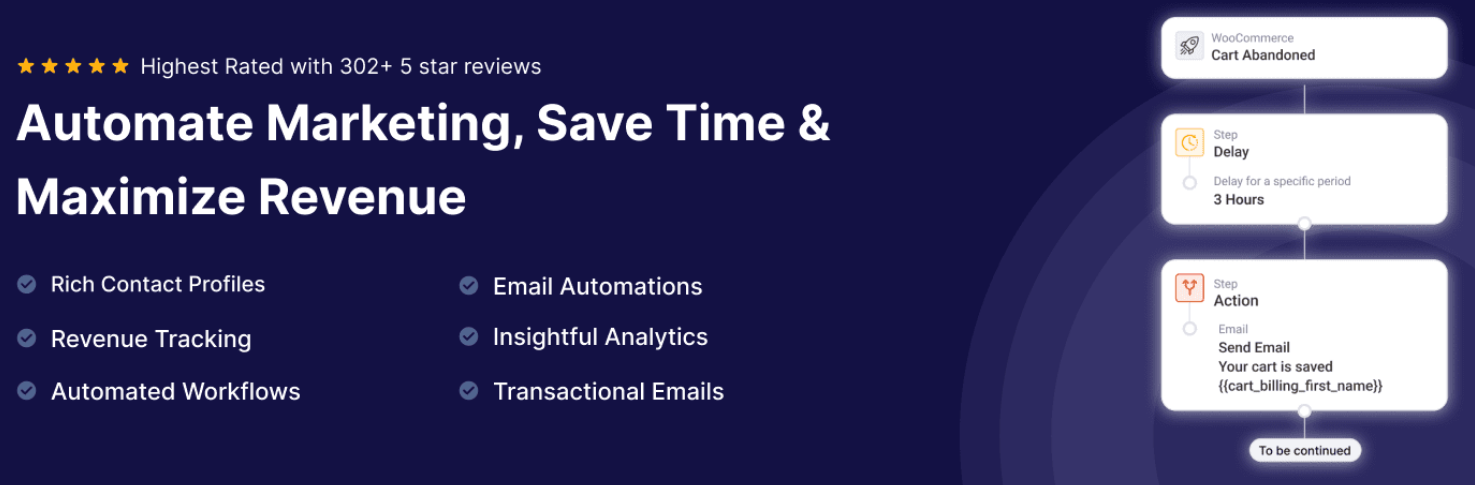
FunnelKit Automations handles the marketing side: it triggers email and SMS sequences from WooCommerce and WordPress events abandoned carts, first purchases, review requests, customer anniversaries. It is not an AI generator; its value is that it gives every AI-written message somewhere to live and a trigger that sends it. That combination is what most people mean by “AI marketing automation”.
8. Uncanny Automator

Uncanny Automator is the connective tissue. It links WordPress actions (a form submission, a completed booking, a new order) to other plugins and to external apps, with AI actions available in higher tiers. If you want a booking confirmation to trigger an AI-drafted follow-up email three days later, this is the class of tool that does it without custom code.
10. Tidio
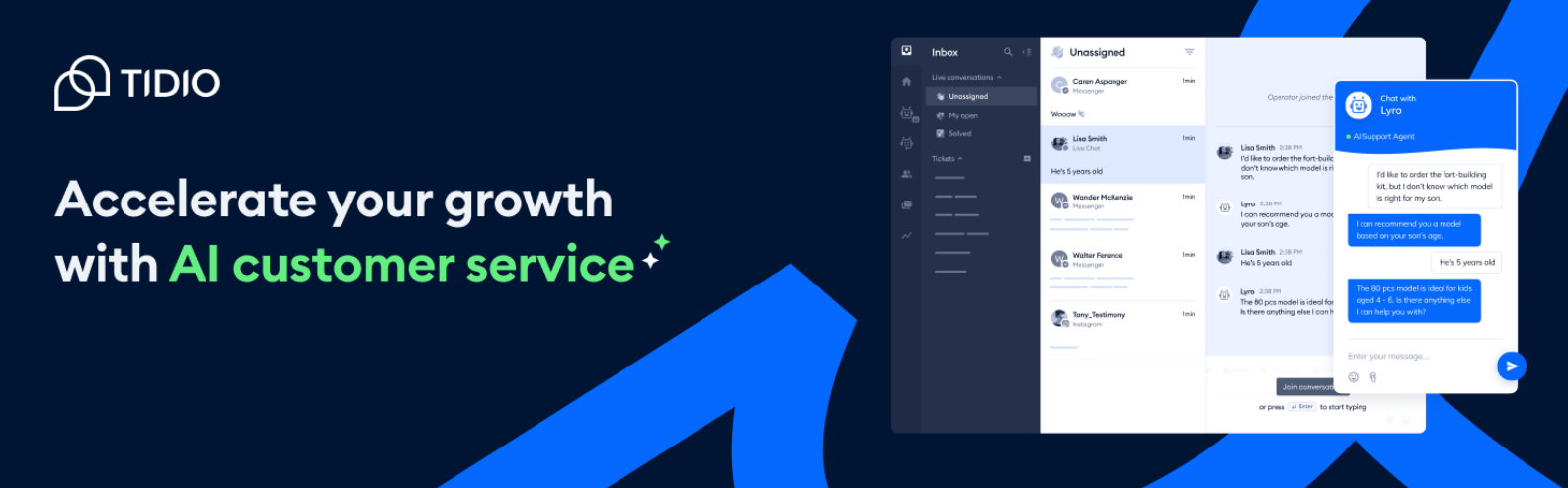
Tidio adds an AI-assisted live chat and chatbot layer, with conversation flows and automated answers trained on your site content. Good for support deflection and capturing enquiries. Not a content or SEO tool.
10. Chat with AI-style assistants and widgets
Chat with AI-style assistants and widgets is a growing category that embeds a chat widget trained on your pages so visitors can ask questions and get answers drawn from your content. Useful for booking sites with hundreds of tour pages, where customers ask the same “does this include pickup?” question on every listing. Accuracy depends entirely on how well your content is written, so fix the source material first.
If your existing booking plugin already handles search, filters and enquiries well, you may not need a chat layer at all — a booking plugin test checklist will tell you where the actual gaps are before you buy another subscription.
Comparison table: pricing, features and compatibility
Figures below are indicative starting points only. Vendors change tiers and credit allowances frequently, so confirm on each site.
| Plugin | Primary job | Indicative price | Key AI features | Compatibility notes |
|---|---|---|---|---|
| AI Engine | Content + chat + dev toolkit | Free tier; check current pricing for Pro | Editor generation, AI chat, AI search, multi-provider | WooCommerce, popular form and SEO plugins; own API key usually needed |
| Bertha AI | In-editor copywriting | Check current pricing | Copy templates, image generation | Gutenberg and page builders; no bulk retrofitting |
| Jetpack AI Assistant | Writing assistant | Bundled with Jetpack plan | Drafting, tone, grammar, translation | Requires Jetpack; usage limits apply |
| Rank Math Content AI | SEO-focused drafting | Bundled with Rank Math plans | Outlines, sections, internal link suggestions | Requires Rank Math; best when the SEO plugin is already in use |
| Yoast SEO | On-page SEO framework | Free core; Premium available | Automated analysis, metadata guidance | Broad theme and builder compatibility |
| AIOSEO | On-page SEO + schema | Free core; add-ons paid | Schema, link assistant, metadata generation | Requires AIOSEO; do not run alongside Yoast or Rank Math |
| Bulk metadata tools | Bulk meta, alt text, captions | Check current pricing | Site-wide generation in batches | Needs API access; review pass essential |
| FunnelKit Automations | Email/SMS automation | Free core; Pro paid | Trigger-based sequences; AI-assisted copy | Built around WooCommerce events |
| Uncanny Automator | Cross-plugin automation | Free tier; paid tiers | Recipe-based triggers, AI actions in higher tiers | Wide integration list; verify your stack is supported |
| Tidio | Chat and support bots | Free tier; paid plans | AI chatbot, automated replies, flows | Works with most themes; external service |
| Chat-with-your-content widgets | On-site Q&A | Varies by vendor | Answers drawn from published pages | Quality depends on your existing content |
How to choose without over-buying
Four questions cut most of the list away.
- Is the bottleneck writing, structure, or follow-up? Writing gaps need a content tool. Thin or inconsistent pages need an SEO tool. Leads that go cold need automation. Pick the category, then the product.
- Do you already own a plugin in that category? Rank Math and AIOSEO users rarely need a separate AI writer; Jetpack users already have one. Adding a fourth dashboard buys nothing.
- Will you review output? If the answer is no, skip site-wide generation entirely and use in-editor assistance only, where a human sees every paragraph before publishing.
- Does it fit your PHP and WordPress versions? Check the plugin’s compatibility notice and recent update history. An abandoned AI plugin is a security risk, not a bargain.
Note also that running Yoast, Rank Math and AIOSEO together is a common cause of duplicate metadata and conflicting schema. Choose one SEO framework and keep it.
Where AI content goes wrong
Most failures are process failures, not model failures:
- Invented specifics. Models generate plausible prices, dates and statistics. Never let AI write a figure you have not verified.
- Generic, interchangeable pages. If ten competitors prompt the same topic the same way, the output sounds the same. Your expertise — real operational detail, real constraints — is the differentiator, and it has to be added by a person.
- Unreviewed bulk edits. Mass metadata generation across a large site without sampling is how sites end up with 300 near-identical meta descriptions.
- Skipped disclosure. If AI assisted your content, follow your own editorial policy on disclosure and keep the human review step documented.
A practical automation stack for a small business site
Here is a workable combination that avoids paying three vendors for overlapping work:
- One SEO framework (Yoast, Rank Math or AIOSEO) for structure, schema and metadata.
- One content assistant for drafting — ideally the one already bundled with your SEO plugin.
- One bulk tool for retrofitting alt text and meta descriptions on legacy posts.
- One automation layer (FunnelKit or Uncanny Automator) to turn site events into emails and follow-ups.
That is three or four subscriptions, not ten, and each one has a single owner inside the team.
Connecting AI to bookings and enquiries
For service businesses, the highest-value automation is not content at all — it is the follow-up. A completed booking should trigger a confirmation, a reminder, and a review request without anyone opening a dashboard. Our own walkthrough of automating event confirmation emails and reminders in WordPress covers the trigger design. The same pattern applies to appointments, rentals and tours.
Once the follow-up exists, AI copy inside those emails becomes genuinely useful, because a human writes the sequence once and the model only varies the wording.
MagePeople’s position: honest fit and honest limits
Disclosure: WpEvently is our own product. We build booking and event plugins, not AI writing tools.
If you landed here hoping a single plugin would write your blog posts, optimise your SEO and run your marketing, none of our plugins is that product. WpEvently exists to handle the operational layer — event listings, tickets, seat plans, recurring schedules, addons, backend orders and the confirmation and reminder emails that surround them — so that when an AI tool writes a promotion for an event, there is a real booking record underneath it. Where it is not the right fit: if your site has no events, no ticketing and no attendance to manage, you do not need it, and the AI plugin list above stands on its own.
If you do run events, the honest value is in connecting the machine-readable side of the event — dates, availability, pricing, capacity — to the marketing copy automatically, rather than retyping it. You can see the plugin in action and request a demo of WpEvently to check whether that connection fits your setup.
Frequently asked questions
Do I need an API key to use AI plugins in WordPress?
Often, yes. Plugins such as AI Engine typically ask you to connect your own provider account and pay the AI provider for usage. Others, including Jetpack AI Assistant and plugins bundled with SEO suites, include a set allowance in their plan. Check before buying whether the price includes AI usage or only the plugin.
Will AI-generated content hurt my search rankings?
There is no ranking penalty attached to AI having helped produce content. The risk is quality: content that is generic, inaccurate or written purely to game search results performs badly regardless of how it was made. Pages that add genuine first-hand detail and are properly reviewed do not have a problem, whatever tool produced the first draft.
Can a WordPress AI plugin write SEO meta descriptions in bulk?
Yes. Bulk metadata tools generate titles, descriptions, alt text and captions across existing posts and the media library. Use them, but review a sample before publishing and spot-check anything that references numbers, prices or product names, since those are the details models most often get wrong.
Can I use two SEO plugins together with AI features?
You should not. Running Yoast, Rank Math and AIOSEO simultaneously typically produces duplicate meta tags and conflicting schema output, which makes debugging harder. Pick one SEO framework, then add a separate content or automation plugin if you need more capability.
Which AI plugin is best for marketing automation rather than content?
Look at automation layers rather than writers. FunnelKit Automations is built around WooCommerce triggers with email and SMS sequences; Uncanny Automator connects WordPress events to other plugins and external apps. For chat and enquiry handling, Tidio and content-trained chat widgets serve a different purpose. Which is “best” depends on whether your gap is follow-up email, lead capture or support.
Do AI plugins slow down a WordPress site?
Generation happens server-side or in the editor, so it does not normally affect front-end speed. What can slow a site is a chat widget, a floating assistant or an AI search layer that loads scripts on every page. Test your Core Web Vitals after adding any on-site assistant, and load it only on the pages where it earns its place.
The short version
Buy by job, not by feature list. One SEO framework, one content assistant preferably the one already bundled with it one bulk metadata tool if you have a large backlog, and one automation layer for follow-ups. Review everything that goes near a price, a date or a factual claim. Then connect the marketing copy to a real operational system, so that the automation ends in a booking rather than in interesting text.
Ready to see how events, tickets and reminders fit the picture? Explore WpEvently and book a demo.