 Get BlackFriday 25% for Limited Time on Lifetime & 35% for Bundle Deal


The best tour booking plugin for WordPress is the one that matches how you actually sell tours: fixed-departure group trips, private date requests, or multi-day packages with seasonal pricing. This guide compares seven tour and travel booking plugins side by side on price positioning, tour-specific features and compatibility, then walks through a buying checklist and the questions tour operators ask most. Every plugin listed here was built for tours and travel rather than adapted from a general appointment scheduler, so you are comparing like with like.
One warning before you start: licence prices, plan limits and feature bundles change several times a year. Treat every price column below as a positioning guide, not a quote, and confirm the current figure on the vendor’s own pricing page on the day you buy. A wrong price is the easiest mistake to inherit from any comparison article, including this one.
- What a Tour Booking Plugin Needs to Do
- The 7 Best Tour Booking Plugins for WordPress Compared
- WpTravelly: Built for Tour and Travel Packages
- WP Travel Engine: Deepest Add-On Ecosystem
- WP Travel: The Lighter, Budget-Friendly Option
- Tourfic: Tours Plus Hotels and Apartments
- Yatra: Travel-First Inventory Without WooCommerce
- Tour Master: Premium-Only, Polished Front End
- WooTour: A Simple Tour Layer for WooCommerce Stores
- A Note on General Booking Plugins
- How to Choose a Tour Booking Plugin
- Setup and Support Expectations
- Frequently Asked Questions
- Next Steps
What a Tour Booking Plugin Needs to Do
Tour operators have requirements a general scheduler does not cover. Before comparing names, know what you are shopping for:
- Departure dates and time slots. A tour is usually sold per departure, not per generic slot. You need recurring schedules, cut-off times and a visible availability calendar.
- Traveller counts and pricing tiers. Adult, child and infant rates, plus minimum and maximum group size per departure.
- Extra services and add-ons. Airport pickup, guide language, meal upgrades, equipment rental — charged per person or per booking.
- Deposits and balance payments. Partial payment at booking with the remainder due before departure is standard in travel.
- Seasonal and date-based pricing. Peak season, weekend and holiday surcharges set once, not edited by hand every month.
- Pickup location and meeting point. A field for hotel pickup or a meeting point, ideally captured during checkout.
- Enquiries that are not instant bookings. Private or custom itineraries often start as a request, not a paid order.
- WooCommerce compatibility, if you want your existing payment gateways, tax rules, coupons and email flows to keep working.
If your calendar is built around fixed class times rather than departures, a class scheduler is a better fit. Our guide to setting up a yoga class booking system solves a different scheduling problem, and reading it alongside this one makes the difference obvious in about five minutes.
Learn how to create a tour and travel website in WordPress.
The 7 Best Tour Booking Plugins for WordPress Compared
The table below summarises price positioning, tour features and compatibility. Confirm every figure on the vendor’s pricing page before you commit budget.
| Plugin | Price | Key tour features | Compatibility | Best for |
|---|---|---|---|---|
| WpTravelly | Free core plus paid Pro (check current pricing) | Tour and travel packages, adult/child/group pricing, extra services, passenger details, PDF tickets and guest lists, hotel-based packages | WordPress, WooCommerce | Operators selling packages on WooCommerce |
| WP Travel Engine | Free core plus paid plans (check current pricing) | Multiple tour packages, group discounts, extra services, inquiry forms, trip reviews, weather forecast | WordPress | Agencies that want depth and a large add-on ecosystem |
| WP Travel | Free core plus paid Pro (check current pricing) | Unlimited tour packages, multiple pricing options, coupons, search and booking, partial payment schedules in Pro | WordPress; WooCommerce and Zapier integration | Small operators and content-rich tour pages |
| Tourfic | Free core plus paid plans (check current pricing) | Tours, hotels and apartments in one plugin, person-type and group pricing, extras, frontend dashboard, multi-vendor support | WordPress; WooCommerce | Tours combined with accommodation |
| Yatra | Free core plus paid Pro (check current pricing) | Departures, capacity, traveller types, itineraries, own checkout; OTA channel manager in Pro | WordPress (self-hosted) | Operators who want travel-first inventory without WooCommerce |
| Tour Master | Paid licence only (check current pricing) | Frontend booking status, wishlist, coupons, tour search, per-person ticket price editing, operator-defined refund policies | WordPress | Operators who want a polished, premium-only plugin |
| WooTour | Free core plus paid Pro (check current pricing) | Child, adult and infant pricing, daily, weekly or monthly periods, booking history on the customer profile | WordPress; WooCommerce required | Stores already running WooCommerce |
WpTravelly: Built for Tour and Travel Packages

WpTravelly is the plugin we build and sell, so read this section with that disclosure in mind. It is a WooCommerce-native tour and travel booking manager aimed at operators who sell packages rather than single time slots. Because it runs on WooCommerce, every payment method your store already accepts works for tours, and orders, customers and reports stay in one place.
What it covers:
- Flexible pricing. Separate ticket types with their own price and quantity, adult and child rates, and group discounts.
- Extra services. Optional add-ons with their own price and quantity, charged per person or per booking.
- Passenger details. Collect names, contact information and dietary requirements from each traveller.
- Tickets and guest lists. Generate PDF tickets, manage guest lists and track check-ins.
- Hotel-based packages. Bundle tours with accommodation and sync tour dates with room availability.
- Reporting and integrations. Google Maps for locations, CSV export of guest data, booking reports, multilingual support and Zapier.
- Add-ons. QR code check-in, a tour duplicator and related-tour display.
Where WpTravelly is not the right fit. If you sell one-hour classroom sessions, chair rentals or cleaning appointments, a tour-package structure is more machinery than you need, and a simpler scheduler will be faster to launch and easier for your team to manage. If you would rather not run WooCommerce at all, pick a plugin with its own checkout such as Yatra — WpTravelly assumes WooCommerce for payments and will feel like unnecessary overhead if you have deliberately avoided it. Solo guides who sell fewer than a handful of departures a month will also find the setup work heavier than the volume justifies.
You can compare the plugin’s travel workflow in depth in our WpTravelly travel booking guide to judge whether the tour model matches yours.
Try it: see the plugin, screenshots and live demo before deciding — running one real package booking yourself is the only reliable test.
WP Travel Engine: Deepest Add-On Ecosystem
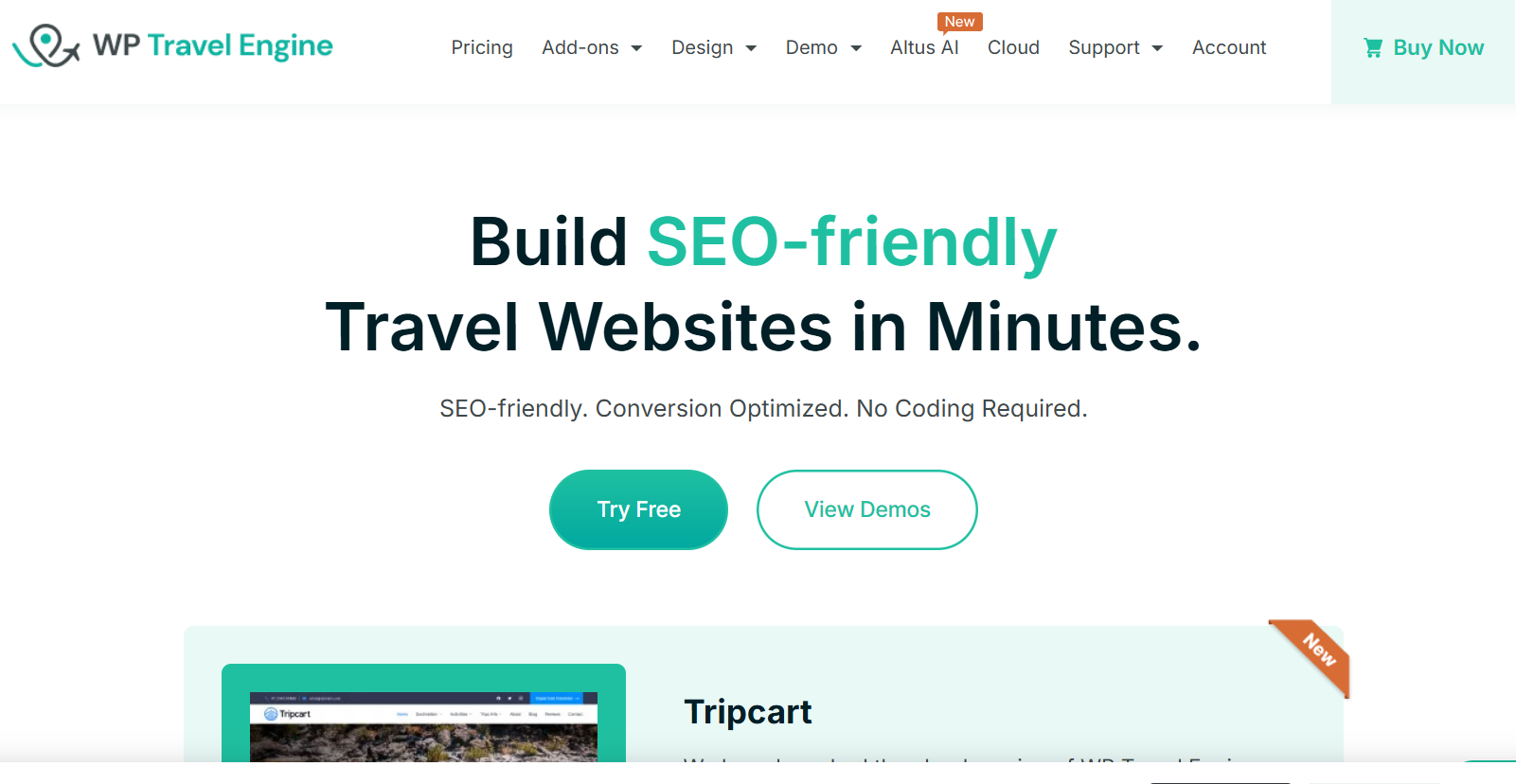
WP Travel Engine has been on WordPress.org since 2017 and is one of the most installed tour booking plugins, with a free core and paid plans that unlock more tour-specific features. It handles multiple tour packages, group discounts for adults and children, extra services, inquiry forms and trip reviews. Its paid tiers add capabilities such as fixed departure dates and partial payments, which is the main reason operators upgrade. The trade-off is the same as any large ecosystem: the features you need may sit in separate paid add-ons, so price out your actual requirements rather than the entry plan.
WP Travel: The Lighter, Budget-Friendly Option
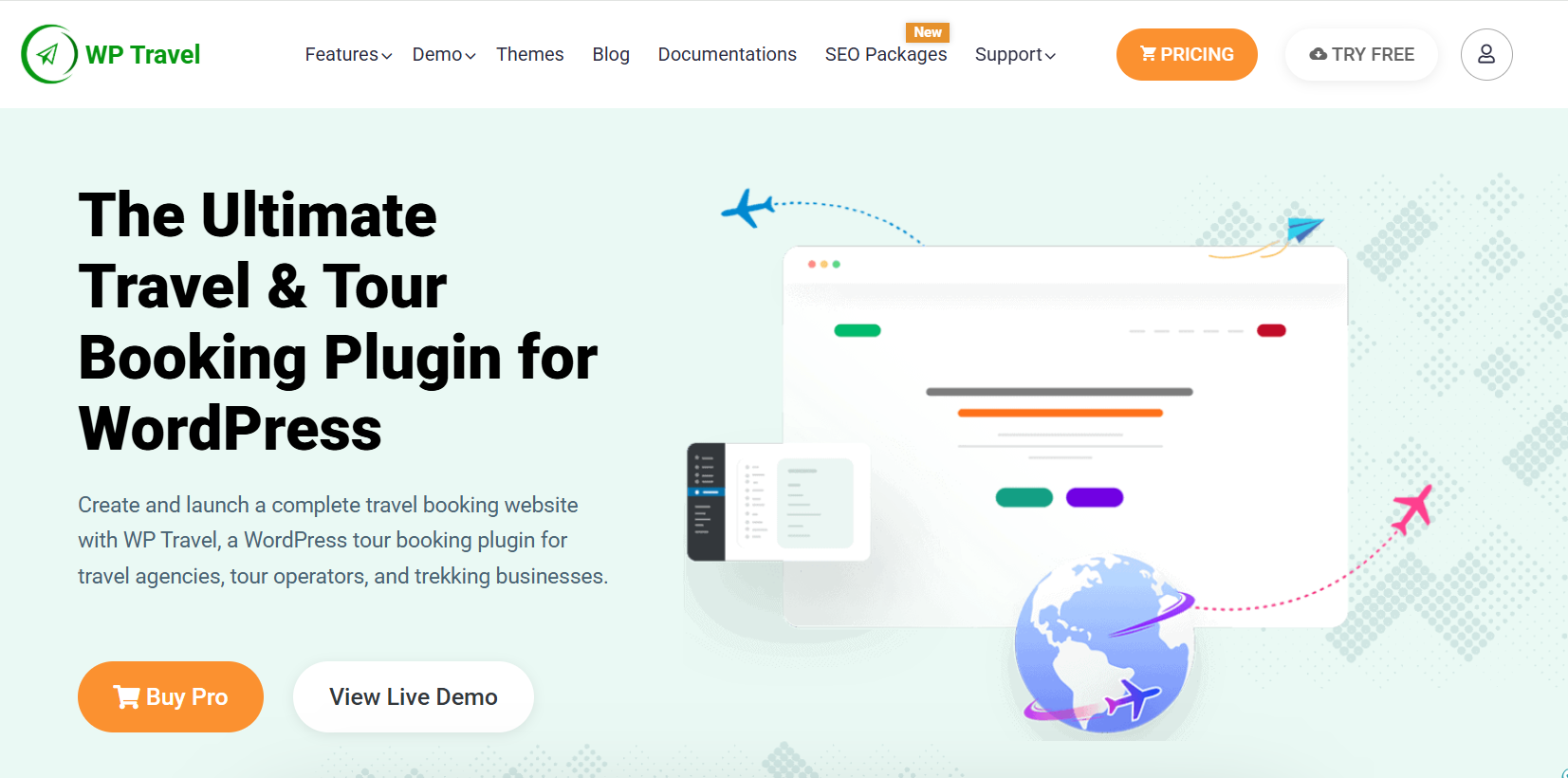
WP Travel comes from the same vendor family as WP Travel Engine but leans towards simpler, content-rich tour pages. The free version lets you create unlimited tour packages with multiple pricing options and payment gateways, and customers can search for tours, apply coupons and book online. The Pro version adds automated partial payment schedules, and the plugin integrates with WooCommerce and Zapier. It suits small operators and solo guides who want affordable bookings without a long learning curve.
Tourfic: Tours Plus Hotels and Apartments
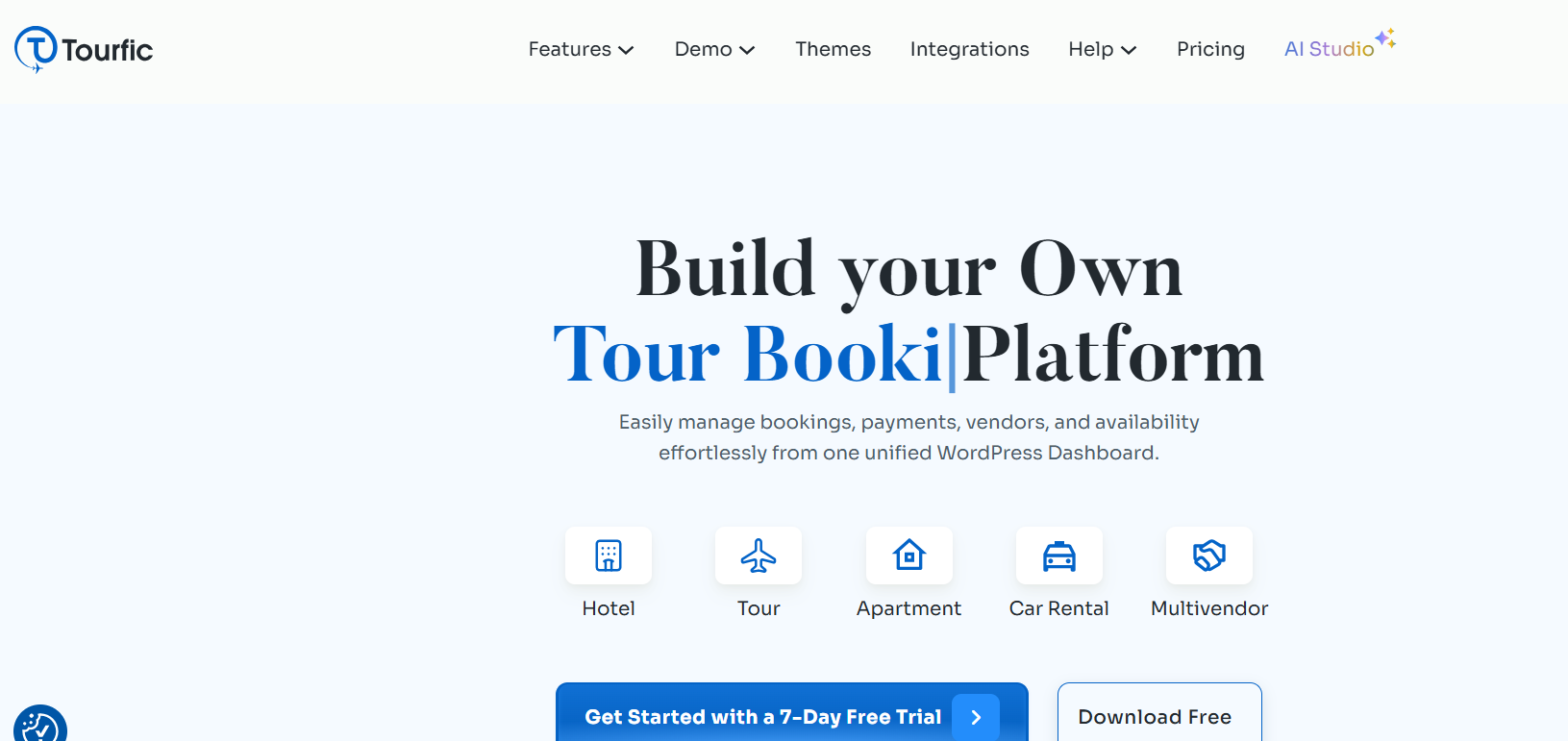
Tourfic, from Themefic, is not tour-only: it manages tours, hotels and apartments in one plugin on top of WooCommerce. For tours it supports pricing by person type (adult, child, infant) and group size, per-person or per-group rates, extras such as airport pickups or guide fees, and a calendar-based availability system. A frontend dashboard, booking history and multi-vendor support make it a good fit for agencies that sell accommodation alongside tours, or that host several operators on one site.
Yatra: Travel-First Inventory Without WooCommerce
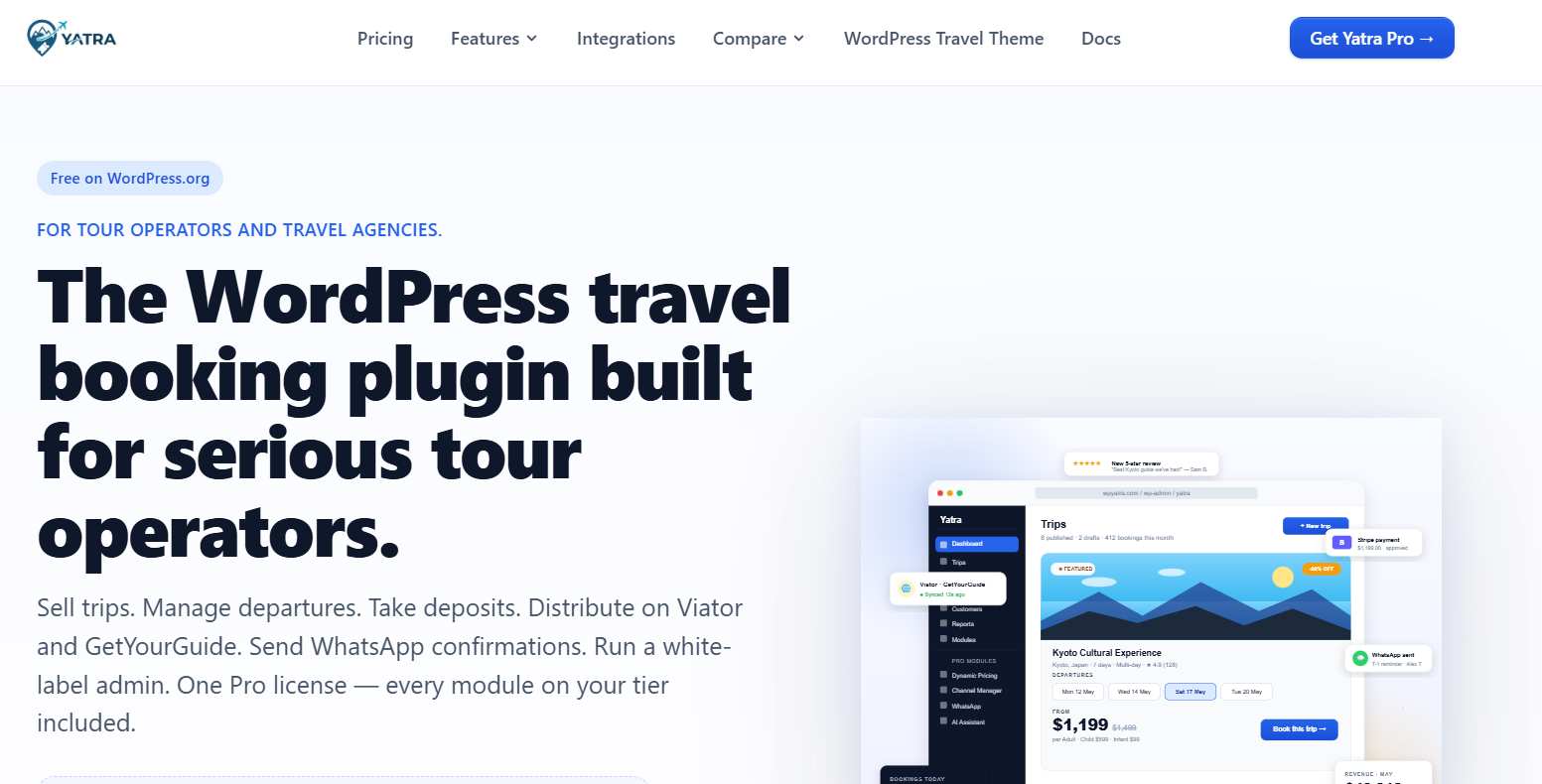
Yatra is built around trip inventory rather than a shop: departures, capacity, traveller types and itineraries are the core data model. The free version includes availability, checkout, customer records, transactional emails and a customer account area, and covers PayPal and Pay Later. Card gateways and advanced modules sit in Pro, including a channel manager for Viator and GetYourGuide. It runs its own checkout, which makes it worth a look if you do not want WooCommerce in the stack. It has a smaller install base than WP Travel Engine, so check the demo and support responsiveness before you commit.
Tour Master: Premium-Only, Polished Front End

Tour Master is a paid plugin with no free tier. Customers can check booking status, save tours to a wishlist and search by keyword, while your team can create coupons and change the ticket price for a specific person type from the backend. It also supports operator-defined refund policies. If you prefer paying once for a finished product over assembling add-ons, it is a reasonable shortlist candidate, though you cannot try a free core first.
WooTour: A Simple Tour Layer for WooCommerce Stores
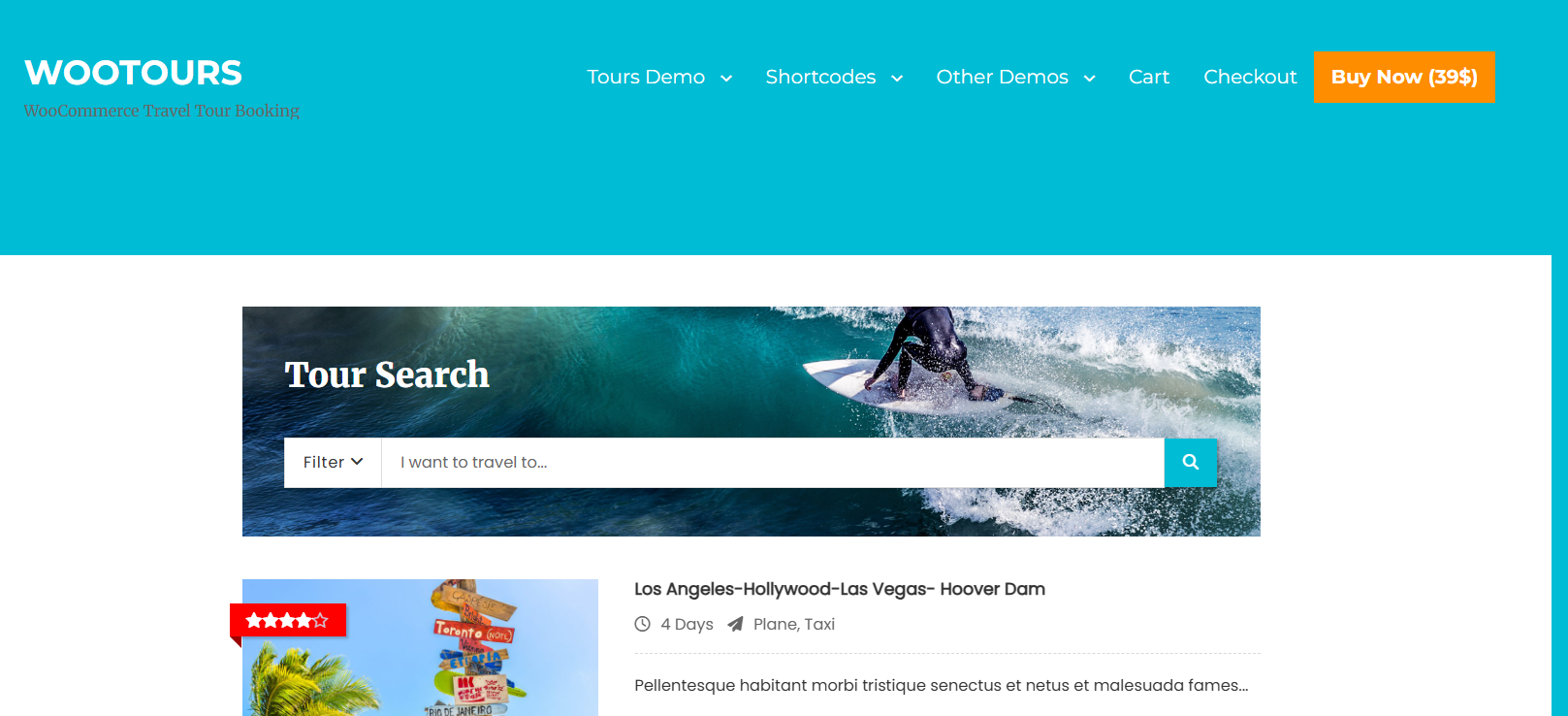
WooTour turns WooCommerce products into tours, events or appointments, with booking periods that can be daily, weekly, monthly or a single day. It supports child, adult and infant pricing, sends email notifications after payment, and shows booking history on the customer’s profile. It is a lightweight choice for stores already built on WooCommerce that only need a few tours, rather than a full travel-agency platform.
A Note on General Booking Plugins
Appointment schedulers, event ticket plugins and generic WooCommerce booking extensions can be pushed into tour duty, but none of them were designed around departures, traveller types and itineraries, so they appear here only as a caution. They work for a single day tour with a hard capacity, and they strain with anything repeatable or multi-day. If you are weighing generalist platforms rather than tour-specific fit, see the broader tour booking plugin comparison, which takes that angle; this article is about tour-native tools and how they behave with real packages.
If you also rent out gear such as bikes or vehicles alongside your tours, a rental manager like WpRently can handle that inventory and availability separately, which avoids double-booking the same asset.
How to Choose a Tour Booking Plugin
- List your three most common bookings. Write down what a typical traveller actually buys. If two of the three involve a departure date and a group size, prioritise tour-native plugins.
- Test the checkout path. Run a real booking on the demo, including a child rate and an add-on. Many plugins look fine until a second price tier appears.
- Check deposit support. If you take a percentage up front, confirm the plugin handles it natively instead of through a workaround.
- Confirm what happens at capacity. A tour with a maximum of 12 should stop selling at 12, automatically, on every date.
- Ask about seasonal pricing. Peak-season surcharges should be a setting, not a monthly manual edit.
- Plan for enquiries. Private itinerary requests often need an enquiry form that feeds your inbox, not an instant payment.
- Check compatibility before you migrate. Verify your theme, page builder and payment gateway against the plugin’s stated requirements.
Setup and Support Expectations
Budget for configuration time as well as licence cost. A tour-native plugin with departure schedules, pricing tiers and enquiry handling typically takes a few days to configure properly for a real tour list, plus migration time if you are moving existing bookings. When you evaluate vendors, ask three things: is there a live demo, is documentation public, and what is the response time on support tickets. That last question matters most in the middle of peak season, when a broken checkout costs real revenue.
Frequently Asked Questions
What is the best tour booking plugin for WordPress?
There is no single best plugin — the right one depends on your booking model. WpTravelly suits operators selling tour and travel packages on WooCommerce. WP Travel Engine and WP Travel are established options with free cores and paid upgrades. Tourfic fits tours combined with hotels or apartments, and Yatra suits operators who want travel-first inventory without WooCommerce. Match the plugin to your three most common bookings before comparing feature lists.
Can I sell tour packages with WooCommerce?
Yes. WpTravelly, WooTour and Tourfic all run on WooCommerce, which lets you keep your existing payment gateways, coupons and tax rules while the plugin handles tour dates, traveller counts and availability. WP Travel also offers WooCommerce integration. If you would rather avoid WooCommerce, Yatra runs its own checkout.
Do tour booking plugins support child and adult pricing?
Tour-native plugins generally do. WpTravelly supports adult and child rates with group discounts, Tourfic prices by person type and group size, WooTour has child, adult and infant categories, and WP Travel Engine supports adult and child group discounts. Test that specific flow on the demo before buying, especially if you also need infant rates.
How do I take deposits for tours instead of full payment?
Look for native deposit or partial-payment support with an automatic balance-due reminder before departure. WP Travel’s Pro version lists automated partial payment schedules, and WP Travel Engine’s paid plans add partial payments. If a plugin only supports full payment at checkout, you will need a manual invoicing workaround, which does not scale during peak season.
Can a tour booking plugin stop overbooking a departure?
Good ones can. Set a maximum traveller count per departure and the calendar should close that date automatically once it is full. Verify this on the demo with a small capacity number, because some plugins only warn rather than block.
Is a free tour booking plugin enough for a small tour business?
Often, yes. WpTravelly, WP Travel Engine, WP Travel, Tourfic and Yatra all have free cores you can install from WordPress.org, so you can build a working tour catalogue and take bookings before paying anything. As soon as you need advanced features such as partial payments, channel managers or extra add-ons, compare the paid tiers against the admin time they save.
Next Steps
Shortlist two plugins, run a real booking on both demos with a child rate and an add-on, then check deposit handling and capacity limits. If your business sells packaged tours, start with the WpTravelly demo and compare it against one other tour-native plugin from this list — that side-by-side test will tell you more than any feature list. If you need per-package setup detail after shortlisting, our dedicated WpTravelly setup guide covers the build; if you are still deciding on platform rather than tour fit, start with the general tour booking plugin overview.