


The best WordPress event booking plugin matches how your events actually run. If your site already uses WooCommerce, WpEvently (Event Booking Manager for WooCommerce) is the strongest pick. It sells tickets through your existing WooCommerce checkout, so every gateway you already accept works on day one. The Events Calendar is better if you want a public calendar first and tickets second, Amelia suits appointment-style sessions, and Event Espresso fits complex conference registration.
What a WordPress Event Booking Plugin Should Do
An event booking plugin is not a contact form with a date field. It has to carry an event through its whole lifecycle: publish it, take the reservation, collect the money, and get the attendee through the door.
At a minimum, look for:
- Event creation and calendars — single, multi-day, and recurring events, shown as a list, grid, or calendar.
- Booking forms — custom fields, attendee details, capacity limits and waitlists.
- Payments — Stripe, PayPal, offline transfer, plus coupons, taxes and refunds.
- Tickets — PDF or QR tickets, check-in tools, and seat selection where it matters.
- Automated emails — confirmations, reminders, and cancellation notices.
- Reporting — attendee lists, revenue tracking and CSV export.
A cheap plugin stops being cheap the moment three of those six sit behind separate add-ons. Price the workflow, not the plugin. If you want a wider shortlist that goes beyond booking alone, see our roundup of the 8 best WordPress plugins for events.
Quick Comparison Table
| Plugin | Best for | Free version | Payments | Check-in |
|---|---|---|---|---|
| WpEvently (Event Booking Manager for WooCommerce) | WooCommerce sites that want tickets, RSVPs and recurring events in one plugin | ✅ Generous | All WooCommerce gateways | QR add-on |
| The Events Calendar + Event Tickets | Public event calendars with ticketing added later | ✅ | WooCommerce / built-in (paid tiers) | Paid tier |
| Amelia | Appointments, classes and coaching sessions | Limited | Stripe, PayPal (paid) | ❌ |
| Event Espresso | Conferences with complex registration rules | ❌ | Multiple gateways | Companion app |
| Modern Events Calendar | Design-led calendars that must match a brand | Lite | WooCommerce (pro) | Add-on |
| WooCommerce Bookings | Time-slot and resource booking inside an existing store | ❌ | WooCommerce gateways | ❌ |
| Events Manager | Community sites on a zero budget | ✅ Generous | Stripe / PayPal (pro) | Basic |
| FooEvents | Door check-in at concerts, festivals and paid workshops | ❌ | WooCommerce gateways | Mobile app |
Feature availability and pricing change often — confirm on each vendor’s site before you buy.
How We Compared These Plugins
We looked at official documentation, plugin listings, and pricing pages, then judged each tool on:
- What ticketing you actually get in the free version
- Which payment gateways work without an extra purchase
- Recurring, multi-date, undated, and hybrid event support
- Attendee data: custom fields, editing, exports, and emails
- Check-in: PDF tickets, QR codes, seating
- Reporting and analytics
- How many add-ons it takes to reach a working setup
The 8 Best WordPress Event Booking Plugins
1. WpEvently — Event Booking Manager for WooCommerce (Best Overall)
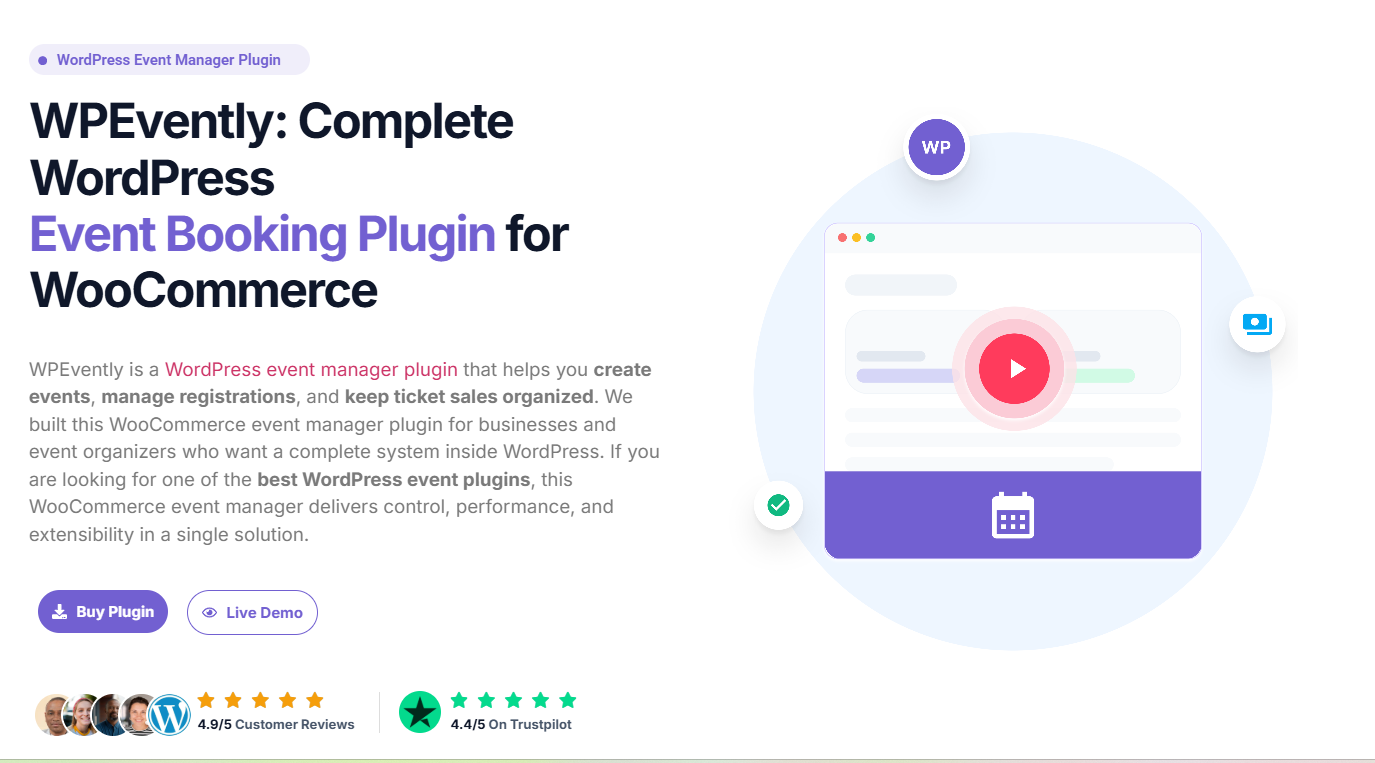
WpEvently turns WooCommerce into a full event booking system. You create events, sell tickets, and manage attendees inside the store; checkout and payment gateways you already run there’s no second payment system to configure and no locked-down checkout to work around.
That one architectural decision solves the problem most of this list creates. Because tickets are WooCommerce products, every WooCommerce gateway works for free: Stripe, PayPal, Klarna, bank transfer, cash on delivery, and 100+ local gateways. For teams in markets where local payment methods matter, that’s usually the deciding factor.
What stands out:
- Every event shape you’ll actually need. Recurring schedules (daily, weekly, or custom), multiple fixed dates on a single event so buyers pick their preferred slot, undated events for “coming soon” listings, and online, offline, or hybrid modes.
- Announcement Mode. Publish an event as a notice with an enquiry form instead of a ticket box, then search, filter, and export those enquiries to CSV for free. It’s the cleanest way to test demand before committing to a date.
- Free RSVP events. Turn any event into a no-payment RSVP, capture attendee details, filter responses by event or status, and export to CSV.
- Dynamic registration forms. Conditional logic means a “school name” field can appear only when the ticket type is “Child”.
- Automatic event schema markup. Evently generates structured Event data (name, dates, status, attendance mode) so your listings are eligible for rich results in Google Search a real SEO advantage most ticketing plugins leave to a separate plugin.
- Built-in analytics. Sales over time, tickets sold by event, ticket-type distribution, sales by day of week and occupancy rates, with date-range filtering and CSV export.
- Revenue tooling. Early-bird pricing that ends on a date or after a set number of orders, paid extra services (meals, merch, upgrades) attached at checkout, and low-stock “Limited Availability” badges.
- Presentation control. Six event list layouts, an interactive frontend calendar, image sliders and carousels, brand colour and icon customisation, template override support, and a REST API for headless setups.
In the Pro version: PDF tickets (per attendee or one per order), per-attendee custom registration forms, automated confirmation emails with the ticket attached, an attendee dashboard with bulk editing, CSV export with extra-service fields, bulk email updates to attendees, event-wise sales reports, backend order creation, and a waitlist form for sold-out events.
Add-ons available: QR code check-in with scan history, enhanced event calendar, advanced per-event coupons, event duplicator, membership pricing, min/max quantity limits, global quantity, seat plans with per-seat pricing, frontend event submission, category-based ticket types and a branded login page designer.
Read more: we break the case down feature by feature in why WpEvently is the best event manager plugin.
Best for: WooCommerce store owners, conference and workshop organisers, training providers, tour operators, and anyone running events in a market where local payment gateways matter.
Watch out for: WooCommerce is required. If your site has no store and never will, that’s an extra plugin to maintain; though for most event sites, the checkout you inherit is worth far more than it costs.
2. The Events Calendar (with Event Tickets)
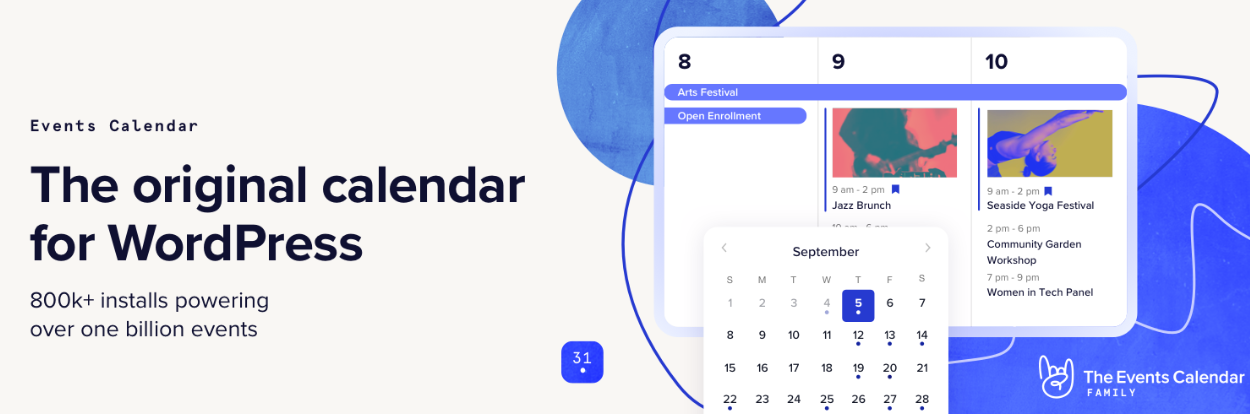
The most widely used event solution on WordPress and a sensible default for content-led sites. The free core delivers polished calendar views, venue and organiser profiles, and solid SEO markup. The free Event Tickets plugin adds RSVPs; Event Tickets Plus unlocks paid tickets via WooCommerce, attendee fields and QR check-in.
Best for: publishers, universities and venues that want a beautiful public calendar first and ticketing second.
Watch out for: costs stack fast once you need multiple premium add-ons.
3. Amelia
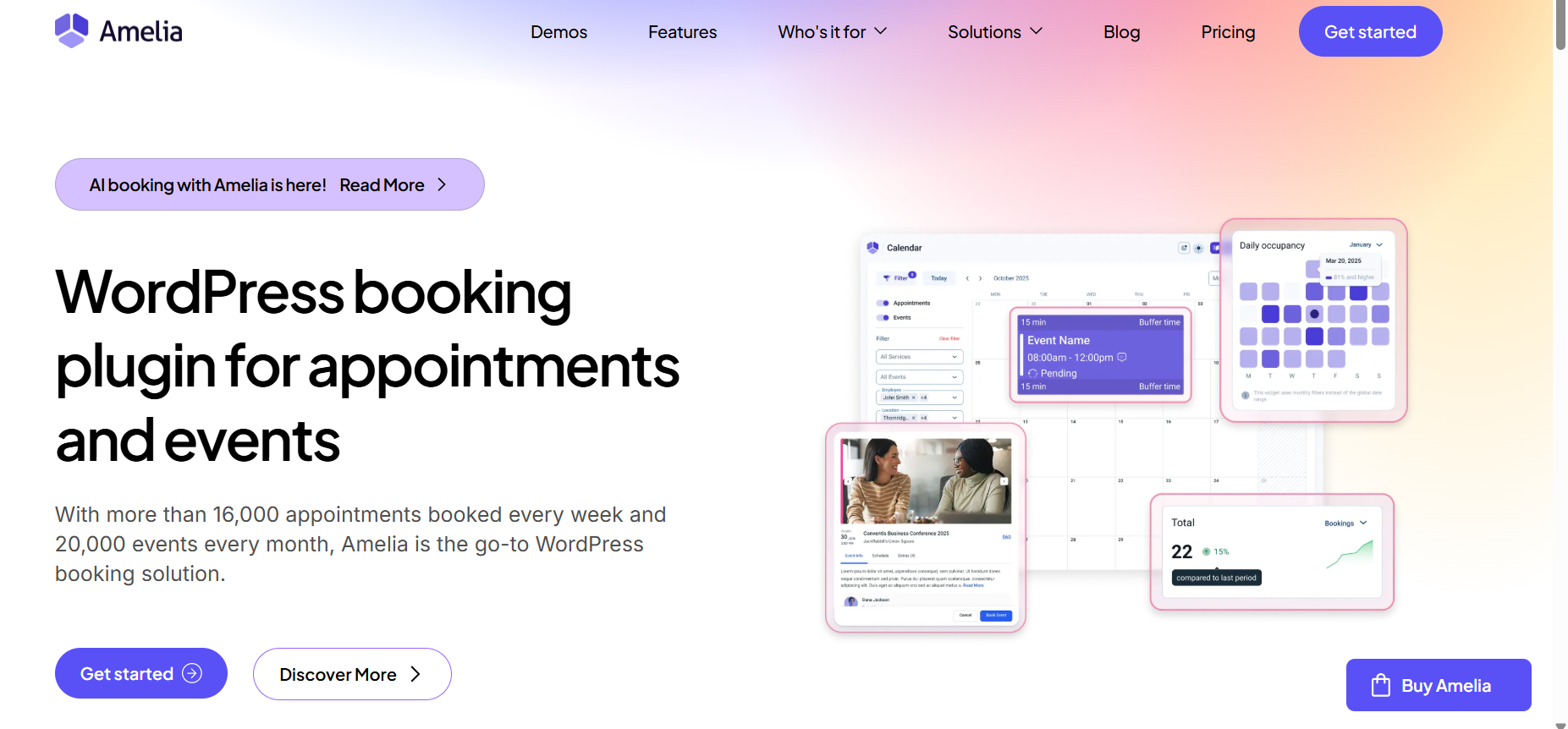
Amelia blends appointment scheduling with event booking, which makes it a strong pick for service businesses that also run classes. You get employee and service management, Google/Outlook calendar sync, Zoom and Google Meet integration, and a step-by-step booking wizard.
Best for: studios, clinics, tutors and trainers running recurring sessions.
Watch out for: the free tier is thin; most of the useful features sit behind the premium licence.
4. Event Espresso
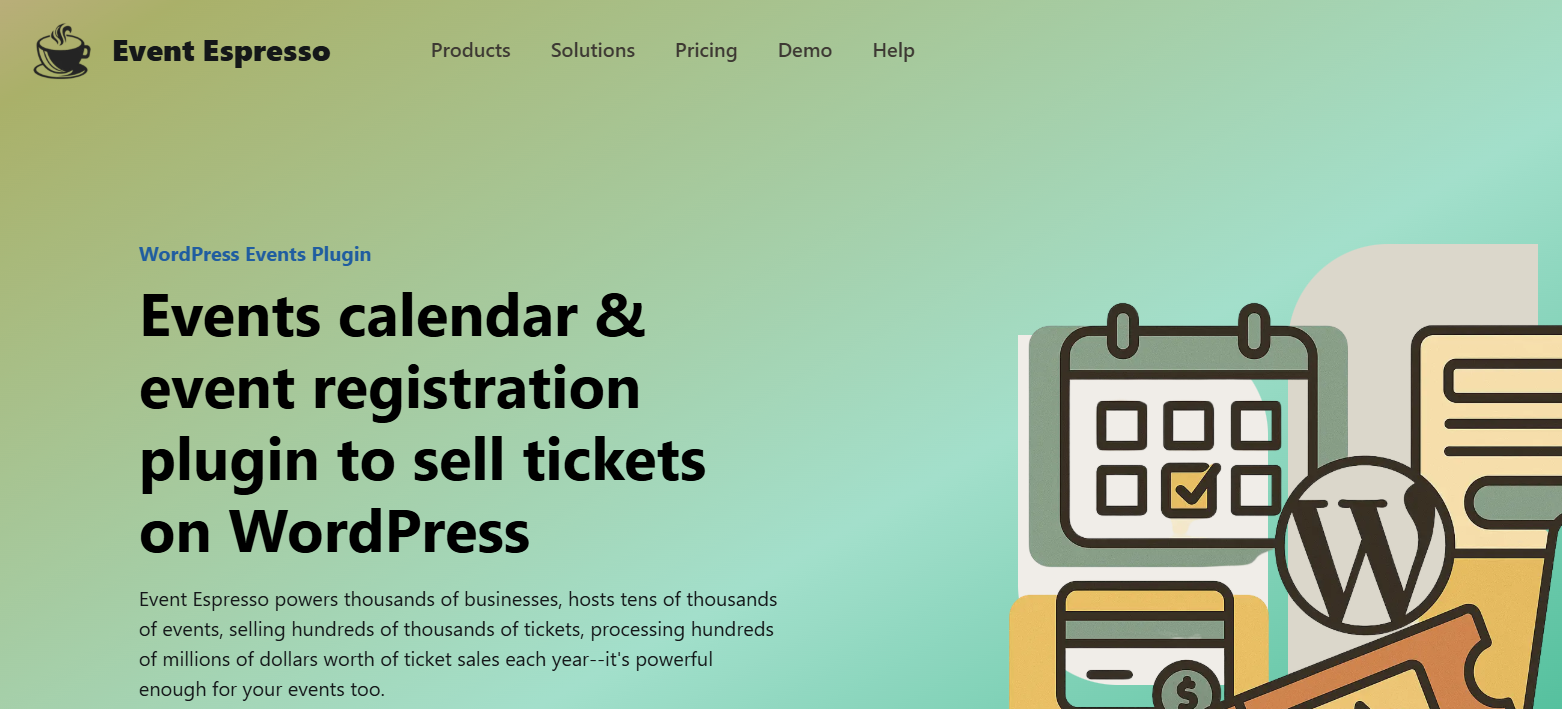
A veteran registration platform built for organisations that need detailed attendee data: multiple ticket types, custom registration forms per ticket, waiting lists, group registration and on-site check-in through a companion app.
Best for: conferences, non-profits and training providers with complex registration rules.
Watch out for: the interface feels dated, and the learning curve is steeper than most rivals.
5. Modern Events Calendar (MEC)
MEC is the most design-flexible option here, with dozens of calendar skins, countdown timers, booking forms and a page-builder-friendly architecture. The pro version adds paid bookings, coupons, recurring events, and booking reminders.
Best for: agencies and designers who need the calendar to match a specific brand look.
Watch out for: the volume of settings overwhelms first-time users.
6. WooCommerce Bookings
The official WooCommerce extension turns any product into a bookable resource with time slots, buffer periods, availability rules, and deposit payments. You inherit the whole WooCommerce ecosystem: gateways, subscriptions, tax handling and reporting.
Best for: stores that want bookings to live inside the existing checkout and order flow.
Watch out for: it’s a scheduling engine, not an event plugin; public event listings need real extra work.
7. Events Manager

A long-standing free plugin with an unusually generous feature set: recurring events, locations, bookings, custom attendee forms and multisite support. Pro adds Stripe and PayPal, discount codes and advanced form fields.
Best for: budget-conscious sites and community organisations that want core booking free of charge.
Watch out for: the default templates need styling to look modern.
8. FooEvents
Built entirely on WooCommerce, FooEvents specialises in ticketing: branded PDF tickets, barcode scanning via mobile app, seating charts, multi-day events and bookable calendars through add-ons. One-time pricing instead of an annual subscription appeals to a lot of buyers.
Best for: ticketed concerts, festivals and paid workshops where door check-in matters.
Watch out for: WooCommerce is mandatory, and there’s no free core version, so entry cost is high.
Which Plugin Fits Your Situation?
| Your situation | Best fit | Why |
|---|---|---|
| You already run WooCommerce | WpEvently | Tickets, RSVPs, recurring dates and analytics inside your existing checkout |
| You need local payment gateways | WpEvently | Every WooCommerce gateway works free — no gateway add-on to buy |
| You want free RSVPs before selling tickets | WpEvently | RSVP events and Announcement Mode enquiries are both in the free version |
| Public calendar is the main event | The Events Calendar | Strongest calendar views and SEO markup out of the box |
| Appointments plus classes | Amelia | Built around scheduling, staff and service management |
| Complex conference registration | Event Espresso | Per-ticket forms, group registration, waiting lists |
| Brand-specific calendar design | Modern Events Calendar | Dozens of skins and page-builder support |
| Time-slot resource rental | WooCommerce Bookings | Availability rules, buffers and deposits |
| Door scanning at large events | FooEvents | Mature mobile scanning app and seating charts |
| Zero budget | Events Manager | Broad free feature set |
WordPress Plugin vs SaaS Ticketing Platform
| WordPress event booking plugin | SaaS ticketing platform | |
|---|---|---|
| Where tickets sell | Your own site | The platform’s hosted page |
| Per-ticket commission | None (only gateway fees) | Service or ticket fees on most plans |
| Branding | Full control of pages and checkout | Limited to the platform’s layout |
| Payment options | Any gateway your store supports | Only what the platform supports |
| Attendee data | Stays in your database | Lives in their system |
| Best for | Businesses that want control and margin | Anyone who doesn’t want to run a website |
If you already have a WordPress site, keeping ticket sales on it protects both your margin and your customer list.
How to Choose: A 6-Point Checklist
If you want the long version of this process, read our full guide on how to choose the best WordPress event management plugin.
- Define your booking model. Fixed-date events, time-slot appointments, and multi-day passes need different engines. Pick the plugin built for your dominant model.
- Check payment requirements. Confirm your gateway, currency, tax rules, and refund policy are supported natively, not through a third add-on.
- Estimate real costs. Compare renewal pricing, site limits, and add-on bundles, not just the headline first-year price.
- Test performance. Calendar plugins load scripts site-wide. Measure page speed before and after on a staging site.
- Verify compatibility. Check your theme, page builder, caching layer, and multilingual setup.
- Review support quality. Look at update frequency in the WordPress repository and read recent support-forum threads.
Frequently Asked Questions
What is the best WordPress event booking plugin?
For WooCommerce sites, WpEvently (Event Booking Manager for WooCommerce) is the best all-round option; it handles paid tickets, free RSVPs, recurring and multi-date events, and analytics without a separate payment system. If your priority is a public calendar rather than ticketing, The Events Calendar is the stronger choice.
Can I sell event tickets on WordPress without WooCommerce?
Yes. The Events Calendar (with Event Tickets Plus), Event Espresso and Events Manager Pro all include their own checkout. But if you already run WooCommerce, using it means fewer moving parts and access to every gateway you’ve already configured.
Is there a free WordPress event booking plugin?
Yes. Evently, Events Manager and The Events Calendar all have free versions. Evently’s free tier is unusually complete: all WooCommerce payment gateways, RSVP events, recurring and multi-date events, the frontend calendar, analytics, and schema markup are included.
Can I take free RSVPs instead of selling tickets?
Yes. Evently lets you convert any event into an RSVP, collect attendee details, filter responses and export them to CSV in the free version. Event Tickets also supports free RSVPs.
Do event booking plugins help with SEO?
Only if they output structured data. Evently automatically generates Event schema (name, dates, status, attendance mode), which makes your events eligible for rich results in Google Search. Other plugins often need a separate SEO plugin to do the same.
How do I check attendees in at the door?
You need QR or barcode tickets plus a scanner. Evently’s QR Code add-on prints QR codes on PDF tickets and logs check-in and check-out history. FooEvents and Event Tickets Plus offer similar mobile scanning.
Final Thoughts
There’s no single best WordPress event booking plugin for every site, only the best fit for your event type, budget, and technical setup.
If you’re already on WooCommerce, start with WpEvently: the free version covers enough to run real events, and you won’t rebuild a checkout you already have. If your site is content-first, The Events Calendar is the safer default.
Whichever two you shortlist, install them on a staging site with a realistic test event and run one booking end-to-end: checkout, confirmation email, ticket delivery. Fifteen minutes of that beats any feature-list comparison.
