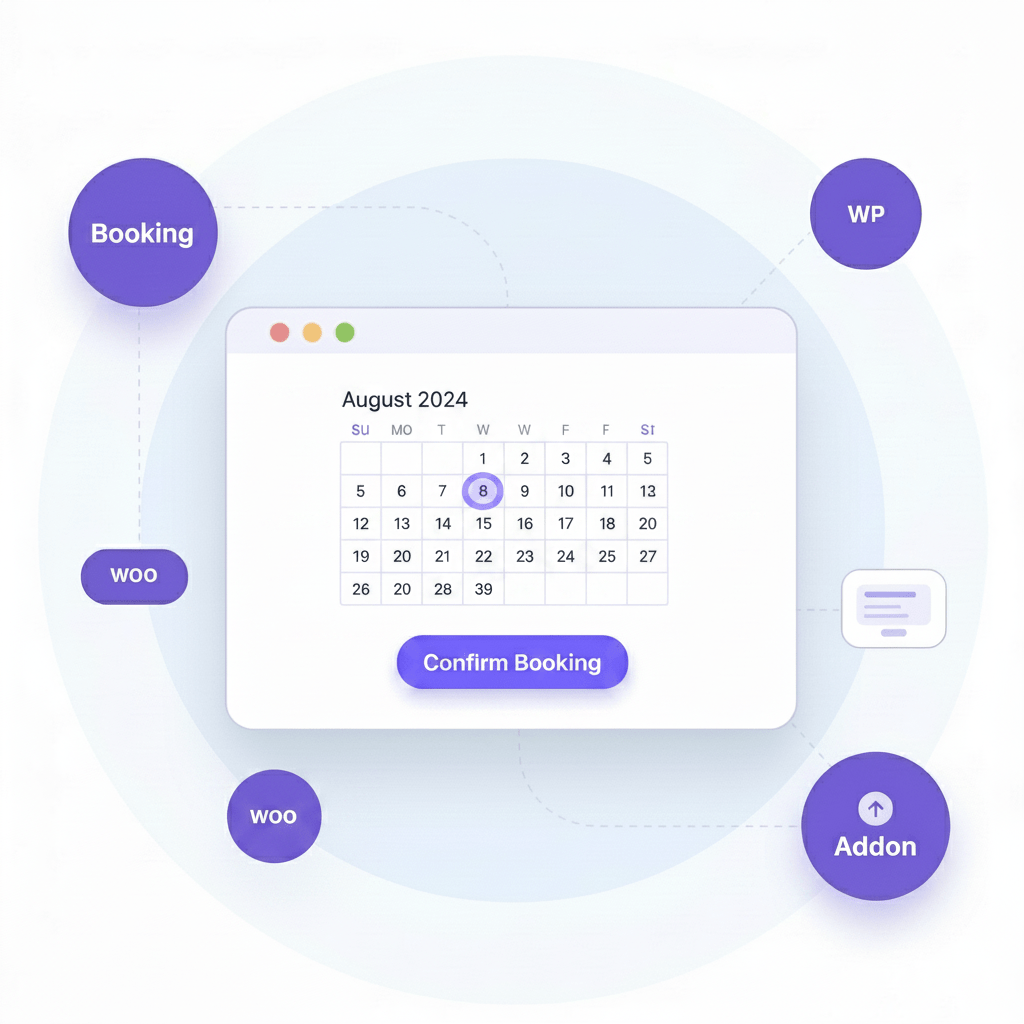
Event Calendar Addon
Event Calendar addon for WooCommerce is a great solution to Showcase events into an awesome calendar. It has different option like display event with images and all upcoming event and it has option to display all expire event also in calender and customer can book any ticket bu click on calender.
Explore Event Calendar features
Event Manage Calendar addon has both options to display event with an image or without images by changing settings.
if you have event calender installed then just need to use this shortcode
[mep-event-calendar] |
and need to show only event for specific category then this shortcode can be used
|
Here 44 is category ID as an example. and you have to change this category for your own category ID
Event calendar addon has 2 Style. One is the default that is discussed above and another style is light. with light style event can showcase on event as simple like display on screenshot. you can display this style using shortcode
|
Here is light is the style name.
these event calender is translatable in any language that we don’t have in free version.
The WordPress Event Booking plugin is easy to use and user-friendly.

All events will display on the calendar date-wise so that in a look, it can be understandable with dates has events.

The event will also display on an event with images so that it is easy to understand the event.

We have lots of pro settings that you can use for the styling event calendars.

The image on the event calendar can enable or disable based on settings.

Weekly start date can be assigned support some countries may have start day monday and some sunday.

We have two types of email functions in the pro version. Admin can set up email confirmation that will be sent at order complete, and pdf email after payment is made successfully.

We keep our pricing flexible, so you only pay for what you need. Start small or choose a plan for multiple sites, depending on how you run your events.
Go beyond the basics with extra features and premium support.
7-Day Money Back Guarantee
Risk-free trial. Fare refund policy.
We build world-class WordPress plugins that empower millions of users to scale their digital presence with confidence and security.
Average 4.9/5 rating across WordPress.org, Envato, and Trustpilot.
A big thank you to the MagePeople support team for their quick and highly professional assistance with the Event Manager Add-In!
I was truly impressed by how promptly and efficiently my issue was handled. The problem was identified immediately and resolved without delay – everything is now working perfectly again.
The entire support experience was smooth, friendly, and solution-oriented. In today’s world, such responsive and competent support is rare – and all the more appreciated.
I’m completely satisfied and can highly recommend MagePeople without hesitation. Thank you again!
WpEvently is incredibly easy to use! When I ran into a small issue, their support team quickly came to the rescue. Excellent product and outstanding customer service – highly recommend!
We’re using the plugin for a customer project and everything works well. The documentation is great and I had some questions that I asked the support and everything was answered very fast. So 5 Stars from me, really great plugin.
No. You must have the free WooCommerce Event Manager plugin installed. Events Calendar Pro is an add-on plugin that works alongside the free version and extends its functionality with additional features.
No. The plugin will continue to function normally after your license expires. However, you will no longer receive updates, new features, or support unless you renew your license.
No. Upgrading to Pro will not affect your existing events, settings, or data. The Pro version simply adds extra features on top of the free plugin.
Yes. You can use the plugin on your client's website as long as you have a valid license that covers the installation.
The renewal price remains the same each year. In addition, you'll receive access to new features, improvements, and updates released during your active license period.
Yes. The plugin is fully open source. You are free to modify the code as needed. We do not encrypt any code or functionality.
Yes. You can renew your license at any time, even after it has expired. Once renewed, you'll immediately regain access to the latest updates and support.
If you discover a bug, we'll work to fix it as quickly as possible. We'll also help troubleshoot the issue, identify the root cause, and provide guidance whenever possible. We recommend trying the free version first—if it works on your site, the Pro version should work as well.
Once your payment is completed, you'll receive immediate access to download the Events Calendar Pro add-on.
No. Due to the nature of digital products, we do not offer refunds. If you have any questions or concerns, please contact us before purchasing.
Still have questions?