Get BlackFriday 25% for Limited Time on Lifetime & 35% for Bundle DealGet BlackFriday 25% for Limited Time on Lifetime & 35% for Bundle DealGet BlackFriday 25% for Limited Time on Lifetime & 35% for Bundle Deal
Wprently Booking Addon
Simplify your booking and Rental business by setting a minimum and maximum number of days for bookings and rental purposes. With this plugin with this powerful addon, you can easily manage how long your customers can book or rent your products without having to manually calculate each booking date!






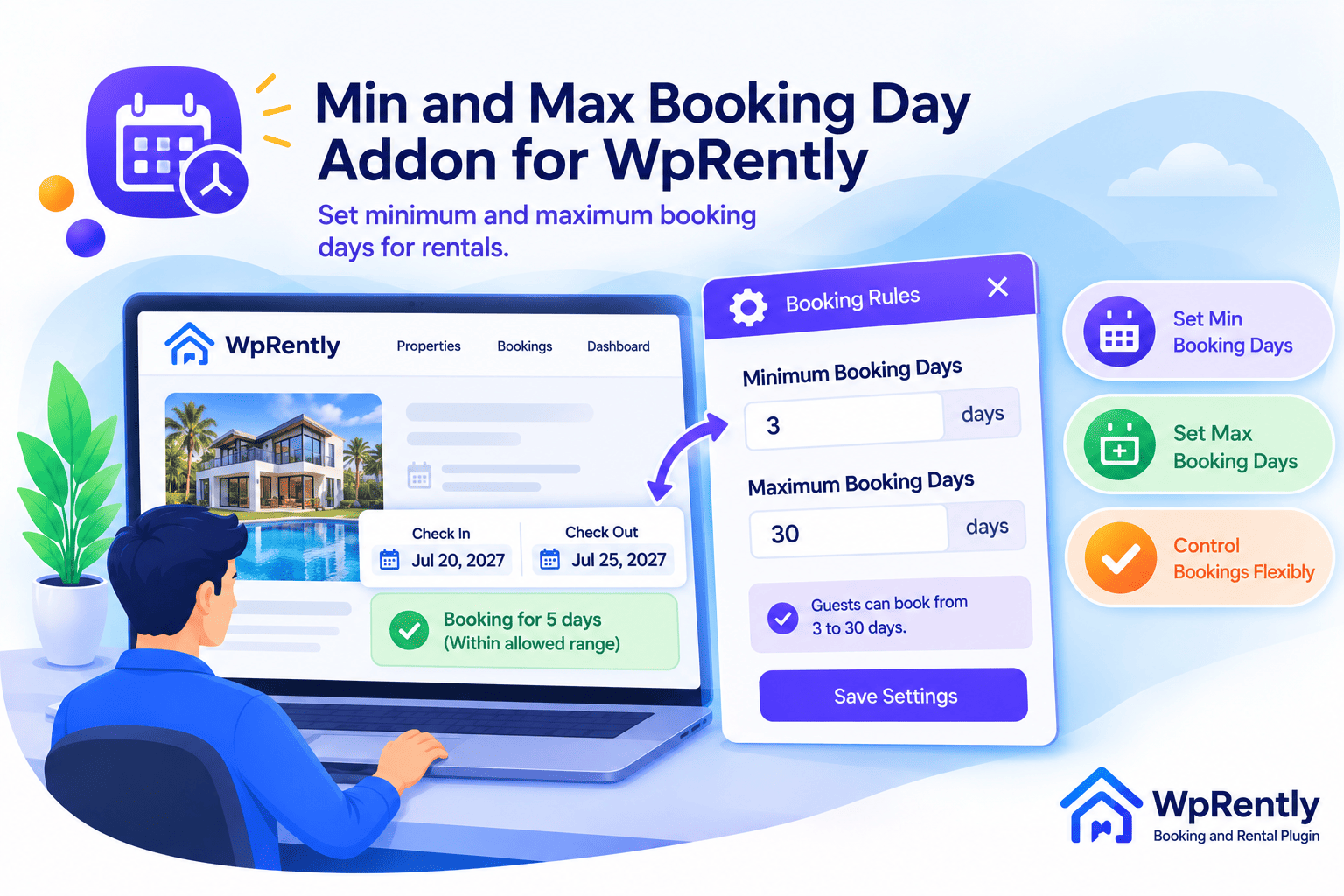
Used by lots of customers and it is easy to use and user friendly.
Limiting Rental day minimum and maximum day
The shortest stay allowed (e.g., 1 day)
The longest stay allowed (e.g., 30 days)
Set Min/Max per date range. When a check-in date falls in a range, that range is used; otherwise the global values above apply. Leave disabled to always use global.
Which Min/Max wins?
The limits are chosen by the customer's PICK-UP date. The first rule whose range covers that date is used:
Only the first matching range applies — overlapping ranges do not stack. A maximum of 0 means no cap.
| Start date | End date | Min days | Max days |
|---|
Limits the rental length in hours. Applies only when hourly booking (time selection) is enabled for this item.
The shortest rental allowed (e.g., 4 hours)
The longest rental allowed (e.g., 48 hours). Leave 0 for no cap.
Day limits: Customer koyto din rent nite parbe tar shobcheye kom ar shobcheye beshi limit set koro. Max 0 dile kono limit thake na. Chaile date-wise range diye alada shomoyer jonno alada min/max dite paro, ar pick-up date je range e porbe seta apply hobe. Kono range na mille upor er global value use hoy.
Hour limits: Hourly booking on thakle customer koyto ghonta rent nite parbe tar shobcheye kom ar shobcheye beshi limit set koro. Max 0 dile kono limit thake na.
Eta HTML e bosiye dibo?
We keep our pricing flexible, so you only pay for what you need. Start small or choose a plan lifetime
Get started with the core calendar features.
Free Forever
(No credit card required)
Go beyond the basics with extra features and premium support.
Get started with the core calendar features.
Free Forever
(No credit card required)
Go beyond the basics with extra features and premium support.
7-Day Money Back Guarantee
Conditions apply, see refund policy.
No ! You will always need to have Booking and Rental Manager for WooCommerce. Max-Min is an add-on which is installed as a separate plugin, but enhances the functionality of Booking and Rental Manager for WooCommerce plugin.
No never, We will never stopped plugin functions but you will not get update version if you don’t renew.
No It will not delete or update any previous data that you have in free version, pro version is extra features that will be added to free version
Yes you can use it to your client site if you have any valid license.
The price will remain the same each year. but we will add more feature and you will get those pro feature automatically to new version.
Yes Everything open source, you can modify as needed. we never encrypt any code or functions.
Yes you can renew anytime of this plugin even after expire also. once you renew you’ll have immediate access to the latest updates and support.
If you find a bug in our plugin, we’ll fix it right away. In all cases, we’ll help you troubleshoot and find the root of the problem, and in most cases we can provide guidance on how to fix it. We strongly suggest you try out the free plugin first because if that works on your site Pro certainly will.
Once payment has been made, you’ll get immediate access to download Taxi peak Hour Pricing addon.
Yes, in eligible cases. Please review our Refund Policy for details.
Still have questions?